
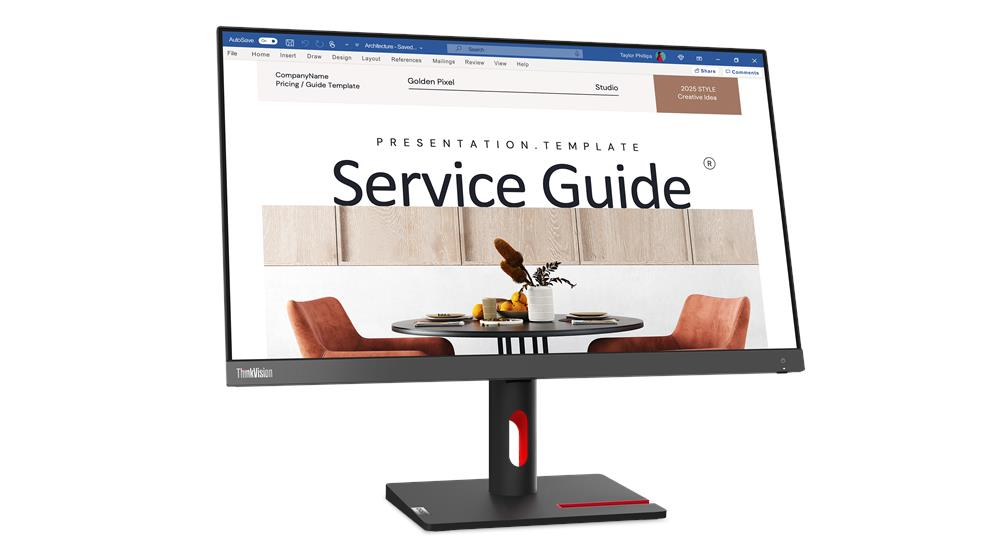

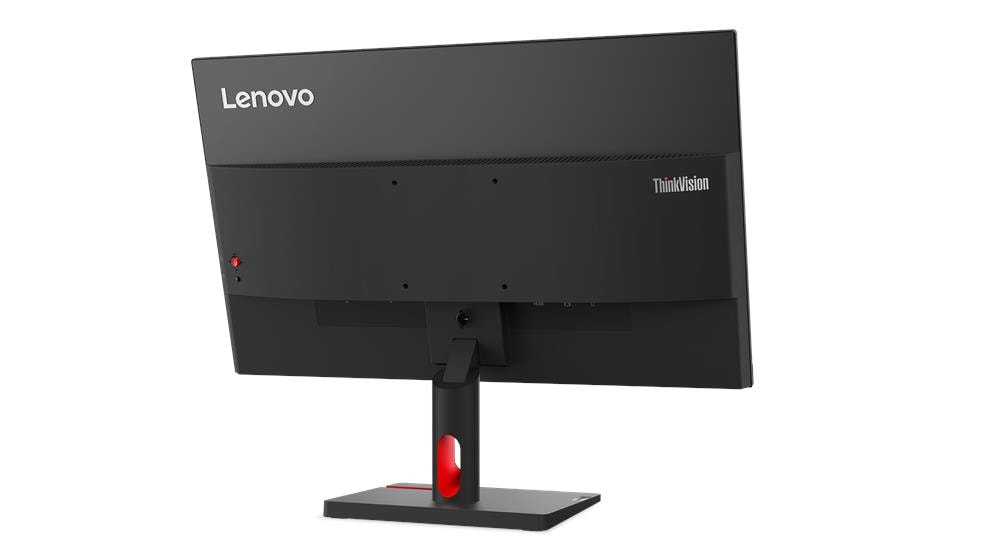
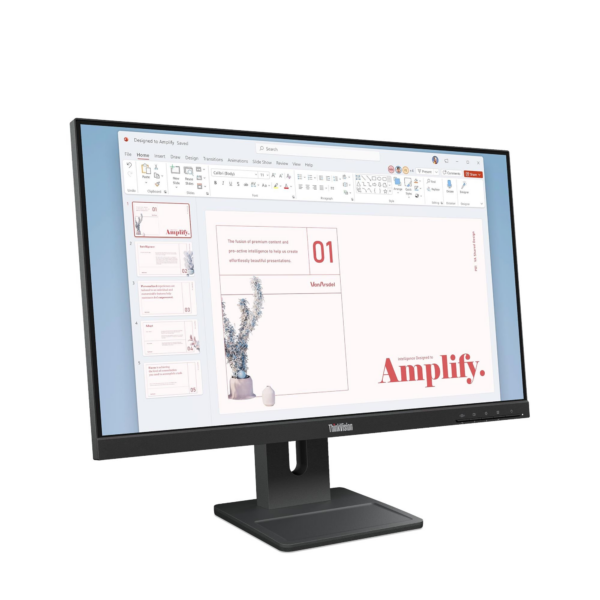
Lenovo ThinkVision S24i-30 23.8″ FHD IPS Monitor — Model 63DEKAT3UK
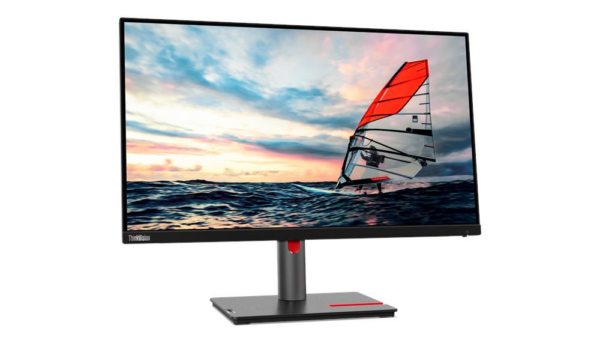
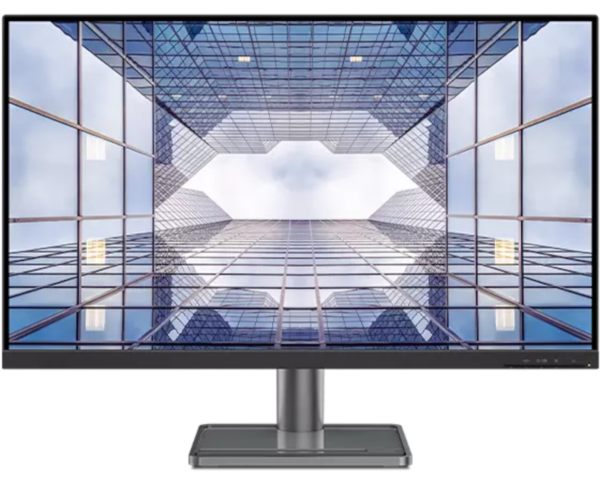
The Lenovo ThinkVision S24i-30 is a 23.8-inch Full HD IPS monitor designed for professional office environments and home working setups. Specifically, it combines a 100Hz refresh rate, 99% sRGB colour accuracy, and hardware-level blue light reduction in a slim, NearEdgeless design. As a result, this monitor suits office workers, administrators, and students who need a reliable, eye-friendly display for full working days.
Technical Specifications
Display
| Specification | Detail |
|---|---|
| Screen Size | 23.8 inches |
| Panel Type | 3-Side NearEdgeless In-Plane Switching (IPS) |
| Resolution | 1920 × 1080 (Full HD) |
| Aspect Ratio | 16:9 |
| Refresh Rate | 100Hz |
| Response Time | 4ms (Extreme Mode) / 6ms (Normal Mode) |
| Brightness | 250 cd/m² (typical) |
| Contrast Ratio | 1300:1 |
| Colour Gamut | 99% sRGB |
| Colour Support | 16.7 million colours |
| Colour Depth | 8-bit (6-bit + FRC) |
| Viewing Angles | 178° horizontal / 178° vertical |
| Screen Surface | Anti-glare |
| Backlight | WLED |
| Pixel Pitch | 0.275 × 0.275 mm |
| Pixel Density | 93 dpi |
| Panel Profile | Flat |
Connectivity
| Port | Detail |
|---|---|
| HDMI | 1× HDMI 1.4 — supports 1920×1080 @ 100Hz |
| VGA | 1× VGA (rear) |
| Audio Out | 1× 3.5mm headphone jack |
| Security | Kensington® Security Slot™ (2.5mm × 6mm) |
Design & Ergonomics
| Specification | Detail |
|---|---|
| Colour | Raven Black |
| Stand Adjustment | Tilt: -5° to +22° |
| VESA Mount | 100mm × 100mm |
| Side Bezel Width | 2.0mm |
| Top Bezel Width | 2.0mm |
| Bottom Bezel | 22mm |
| Dimensions (with stand) | 539.4 × 183.0 × 434.0 mm |
| Dimensions (head only) | 539.4 × 43.0 × 326.2 mm |
| Slimmest Point (head) | 6.9mm |
| Weight (with stand) | 3.8 kg |
| Weight (head only) | 3.0 kg |
| Cable Management | Supported |
Power
| Specification | Detail |
|---|---|
| Typical Consumption | 13.5W |
| Maximum Consumption | 20.5W |
| Sleep / Off Mode | <0.5W |
| Switch-Off Mode | <0.3W |
| Power Supply | Internal (integrated adapter) |
| Voltage | AC 100–240V, 50–60Hz |
Compatibility
| Specification | Detail |
|---|---|
| Operating System | Windows 10, Windows 11 |
| ThinkCentre Support | ThinkCentre M Series Tiny and Nano (mount kits sold separately) |
Certifications
| Category | Certifications |
|---|---|
| Environmental | ENERGY STAR®, EPEAT™ Gold, EU Energy Label (E-class), RoHS, TCO Certified 9.0, TCO Edge 2.0, VOC |
| Eye Care | TÜV Rheinland® Low Blue Light (hardware), TÜV Rheinland® Eye Comfort, Eyesafe® 2.0 |
In the Box
- Monitor with stand
- 1× HDMI cable (1.8m)
- 1× Power cable (1.8m)
- Quick setup guide
Warranty
3-year limited warranty
Use Cases
Everyday Office Productivity
The ThinkVision S24i-30 handles the full range of office tasks — email, document editing, spreadsheets, and video calls — without requiring any specialist configuration. In particular, the 178°/178° wide viewing angle means colleagues viewing the screen from the side still see accurate, undistorted colour. Additionally, the integrated cable management channel keeps desk routing tidy in shared workspaces.
Multi-Monitor Setups
The 3-side NearEdgeless design makes the S24i-30 a natural choice for side-by-side dual-monitor configurations. Specifically, the 2.0mm side bezels create a minimal gap between screens, so the visual break between panels feels far less intrusive than on thicker-bezel alternatives. Moreover, the VESA 100mm mount compatibility means both screens can sit on a single monitor arm for a cleaner desk.
ThinkCentre Tiny and Nano Integration
The S24i-30 supports physical attachment of Lenovo ThinkCentre M Series Tiny and Nano desktop units directly to the monitor stand. As a result, the combined unit occupies far less desk space than a conventional tower-and-monitor arrangement. However, the mounting kits for Tiny and Nano integration are sold separately and must be ordered alongside the monitor.
Shared and Secure Office Environments
For offices where equipment security matters — open-plan workspaces, shared desks, or co-working environments — the Kensington® Security Slot™ provides a straightforward physical locking option. Furthermore, the low typical power draw of 13.5W makes the S24i-30 a practical choice for organisations managing energy consumption across a large fleet of monitors.
Considerations
Single HDMI port only. Unlike some monitors in this class that include two HDMI ports, the S24i-30 provides one HDMI 1.4 and one VGA. Therefore, users who need simultaneous connection to two HDMI sources will need an HDMI switch or a different model.
Tilt adjustment only. The stand adjusts between -5° and +22° tilt, but offers no height, swivel, or pivot movement. As a result, users who require precise ergonomic positioning — particularly those using the monitor for extended periods — should budget for a VESA-compatible monitor arm separately.
Brightness is 250 cd/m², not 300 cd/m². This is slightly lower than some competing monitors at this size. Consequently, in very brightly lit rooms or near windows, screen visibility may be reduced compared to higher-brightness alternatives.
No built-in speakers. The S24i-30 includes a 3.5mm audio-out jack but no integrated speakers. Users who need audio output will therefore require either headphones or external speakers.
No USB hub. The monitor does not include USB-A or USB-C ports. Peripheral connections route entirely through the connected PC or laptop.
VGA cable not included. The box contains one HDMI cable and one power cable. If you plan to use the VGA port as the primary connection, you will need to source a VGA cable separately.
Frequently Asked Questions
Does the ThinkVision S24i-30 support 100Hz over HDMI? Yes. The single HDMI 1.4 port supports 1920×1080 at 100Hz, provided the connected device outputs at that refresh rate. VGA, however, is limited to lower refresh rates by the interface standard.
Is the S24i-30 compatible with Mac? Yes, via HDMI. The monitor functions as a standard external display on macOS. However, Lenovo’s display management software is optimised for Windows 10 and 11, so some software-controlled features may not be available on Mac.
Can I mount the S24i-30 on a VESA arm? Yes. The monitor supports 100mm × 100mm VESA mounting. Remove the bundled stand before attaching to an arm or wall bracket.
Does the S24i-30 work with ThinkCentre Tiny desktops? Yes, with ThinkCentre M Series Tiny and Nano units. However, you will need to purchase the appropriate mount kit separately, as it is not included in the box.
What is the difference between Extreme Mode and Normal Mode response times? Extreme Mode reduces response time to 4ms by applying overdrive to the panel. Normal Mode runs at 6ms with no overdrive. For most office use, Normal Mode is sufficient. Extreme Mode benefits fast-scrolling content or occasional gaming use.
For compatible Lenovo monitor arms, mount kits, and ThinkCentre accessories, see our Lenovo ThinkVision monitor accessories.
For full technical documentation and regional availability, visit the Lenovo ThinkVision S24i-30 official product page.
Reviews
There are no reviews yet.