


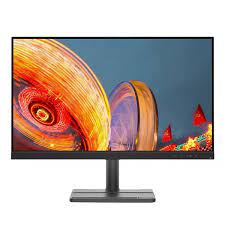
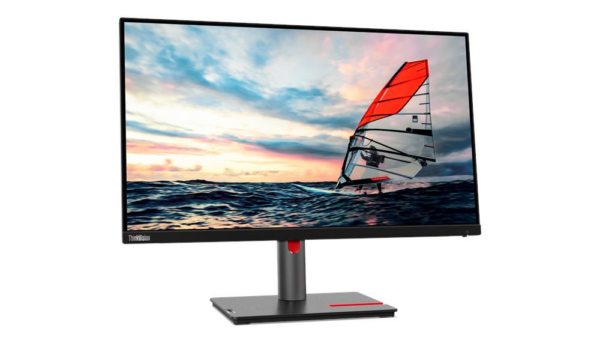
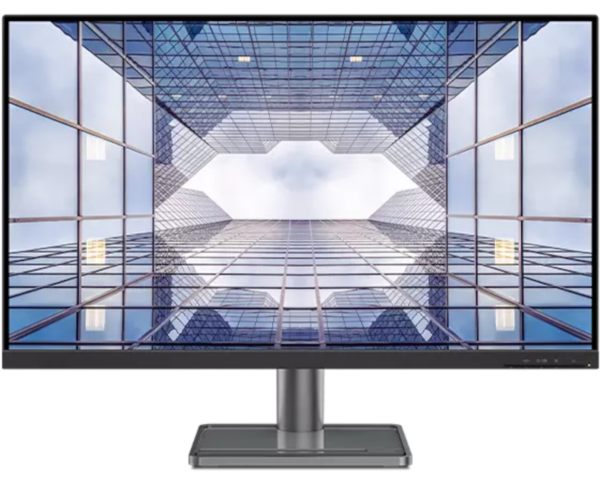
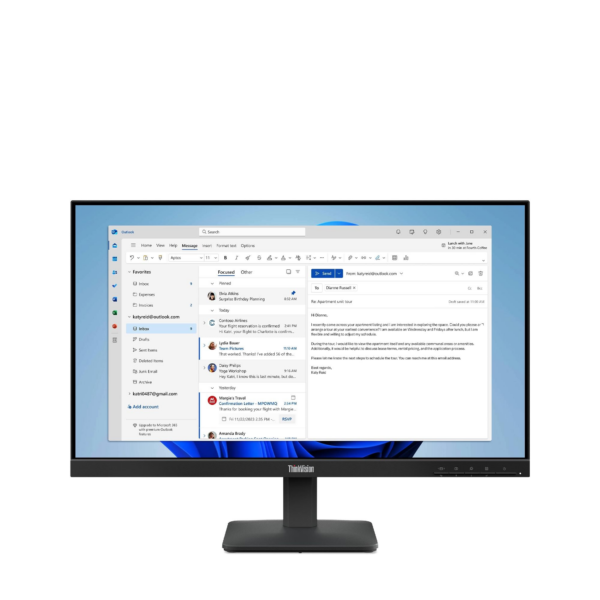
Lenovo D19-10 18.5″ HD Monitor — Model 61E0KCT6EU
The Lenovo D19-10 is an 18.5-inch HD monitor designed for small offices, home desks, and entry-level business environments. Specifically, it delivers straightforward 1366×768 HD visuals with HDMI and VGA connectivity, so it connects to both modern and legacy systems without adapters. As a result, this monitor suits small business users, reception desks, secondary workstations, and home users who need a compact, no-fuss display at an accessible price point.
Technical Specifications
Display
| Specification | Detail |
|---|---|
| Screen Size | 18.5 inches |
| Panel Type | Twisted Nematic (TN) |
| Resolution | 1366 × 768 (HD) |
| Aspect Ratio | 16:9 |
| Refresh Rate | 60Hz |
| Response Time | 5ms |
| Brightness | 200 cd/m² (typical) |
| Contrast Ratio | 600:1 |
| Colour Gamut | 72% NTSC |
| Colour Support | 16.7 million colours |
| Viewing Angles | 90° horizontal / 65° vertical |
| Screen Surface | Anti-glare |
| Backlight | WLED |
| Pixel Pitch | 0.300 × 0.300 mm |
| Pixel Density | 85 dpi |
Connectivity
| Port | Detail |
|---|---|
| HDMI | 1× HDMI 1.4 (rear) |
| VGA | 1× VGA (rear) |
| Power | 1× Power connector (rear) |
| Security | Kensington® Security Slot™ |
Design & Ergonomics
| Specification | Detail |
|---|---|
| Colour | Black |
| Stand Adjustment | Tilt: -5° to +22° |
| VESA Mount | 100mm × 100mm |
| Bezel Width (sides) | 18.52mm |
| Dimensions (with stand) | 448.4 × 179.88 × 344.66 mm |
| Dimensions (head only) | 448.4 × 48.5 × 274.5 mm |
| Weight (with stand) | 2.36 kg |
| Weight (head only) | 2.04 kg |
| Cable Management | Supported |
Power
| Specification | Detail |
|---|---|
| Typical Consumption | 9W |
| Maximum Consumption | 12W |
| Sleep / Off Mode | <0.3W |
| Switch-Off Mode | <0.3W |
| Voltage | AC 100–240V, 50–60Hz |
Compatibility
| Specification | Detail |
|---|---|
| Operating System | Windows 7, Windows 10, Windows 11 |
Certifications
| Category | Certifications |
|---|---|
| Environmental | ENERGY STAR® 7.1, EPEAT™ Bronze, RoHS |
| Eye Care | TÜV Rheinland® Low Blue Light |
In the Box
- Monitor with stand
- 1× VGA cable (1.8m) — EMEA region
- 1× Power cable
- Quick setup guide
Warranty
- 1-year courier or carry-in service
- 3-year limited warranty
Use Cases
Small Office and Reception Environments
The D19-10 suits any workspace where a compact, functional display takes priority over screen size or resolution. In particular, reception desks, point-of-sale positions, and secondary office monitors benefit from the 18.5-inch footprint, which occupies far less desk space than a 24-inch panel. Additionally, the dual HDMI and VGA ports mean IT teams can deploy the monitor across mixed hardware estates without sourcing additional adapters.
Home Office and Student Desks
For home users and students who carry out everyday tasks — web browsing, document editing, video calls, and light media consumption — the D19-10 delivers a reliable HD image at a low running cost of just 9W typical. Moreover, the tilt-adjustable stand covers -5° to +22°, so users can set a comfortable viewing angle on a fixed desk without additional equipment. Furthermore, the compact dimensions make it a practical fit for smaller rooms where desk space is at a premium.
Legacy System Connectivity
The VGA port makes the D19-10 one of the few current monitors that connects directly to older desktops, industrial PCs, and legacy workstations without a converter. Consequently, organisations that run older hardware alongside modern systems can standardise on a single monitor model across the estate. In addition, the HDMI 1.4 port ensures full compatibility with current devices simultaneously.
Secondary and Dual-Monitor Setups
The VESA 100mm mount and compact weight of 2.04 kg (head only) make the D19-10 easy to position on a monitor arm alongside a primary display. As a result, users who need a secondary screen for reference documents, chat applications, or monitoring dashboards can add the D19-10 without significant desk disruption. However, the 90°/65° viewing angles mean the secondary screen should sit relatively close to the user’s direct sightline for best results.
Considerations
Panel Type and Viewing Angles
The D19-10 uses a TN panel rather than IPS. Consequently, viewing angles are narrower — 90° horizontal and 65° vertical — compared to the 178°/178° angles that IPS monitors in this range typically offer. Colours shift noticeably when viewing from the side or from above, so the D19-10 works best as a single-user display viewed head-on. For shared screens or collaborative environments, an IPS alternative delivers more consistent results.
Resolution and Colour Gamut
At 1366×768 and 72% NTSC colour coverage, the D19-10 targets basic productivity rather than colour-accurate creative work. Therefore, users who work with photography, video editing, or design should choose a monitor with Full HD resolution and 99% sRGB coverage instead. For document editing, web browsing, and standard office applications, however, the HD resolution performs reliably at this screen size.
Brightness and Contrast
At 200 cd/m² brightness and a 600:1 contrast ratio, the D19-10 suits standard indoor lighting conditions. However, brightly lit offices or positions near windows may reduce screen legibility compared to higher-brightness alternatives. Additionally, the lower contrast ratio means shadow detail in images and video appears less defined than on monitors with 1000:1 or higher contrast ratios.
Stand and Audio Limitations
The stand supports tilt adjustment only — it offers no height, swivel, or pivot range. Therefore, users who need precise ergonomic positioning should consider a VESA-compatible monitor arm, which the 100mm mount accepts readily. In addition, the D19-10 carries no audio-out port and no built-in speakers, so audio routes entirely through the connected device.
Frequently Asked Questions
Does the Lenovo D19-10 Support HDMI and VGA Simultaneously?
No. The D19-10 provides one HDMI 1.4 port and one VGA port, but connects to one active source at a time. However, users can switch the input signal between sources using the monitor’s on-screen display controls, which makes it practical for desks that connect to two separate devices.
What Cable Ships in the Box for EMEA Region Units?
Lenovo includes a VGA cable (1.8m) and a power cable in the box for EMEA region units, including the 61E0KCT6EU model. Therefore, HDMI users will need to supply their own HDMI cable, as Lenovo does not include one in EMEA configurations.
Can I Mount the D19-10 on a VESA Arm?
Yes. The monitor accepts standard VESA 100mm × 100mm mounting. Remove the bundled stand before attaching it to an arm or wall bracket.
Is the D19-10 Compatible with Windows 11?
Yes. Lenovo confirms Windows 11 and Windows 10 compatibility. Furthermore, the spec sheet also lists Windows 7 support, which makes the D19-10 one of the few current monitors suited to legacy operating system environments.
How Does the D19-10 Compare to the ThinkVision S24i-30?
The ThinkVision S24i-30 delivers a larger 23.8-inch IPS panel, 1920×1080 Full HD resolution, 99% sRGB colour coverage, and a 100Hz refresh rate. By contrast, the D19-10 offers an 18.5-inch TN panel at 1366×768 and 60Hz. Consequently, the D19-10 suits budget-conscious or space-constrained deployments, while the S24i-30 targets users who need greater colour accuracy, resolution, and screen real estate.
Does the D19-10 Have Built-In Speakers?
No. The D19-10 carries no built-in speakers and no audio-out port. As a result, audio routes through the connected device’s own outputs or through a separate USB or Bluetooth audio solution.
For compatible monitor arms, HDMI cables, and Lenovo display accessories, see our Lenovo monitor accessories and stands.
For full technical documentation, visit the Lenovo D19-10 official product page.
Reviews
There are no reviews yet.