

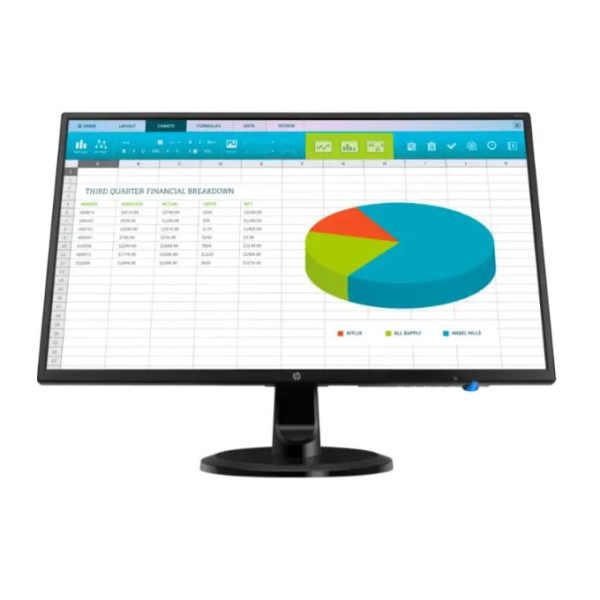
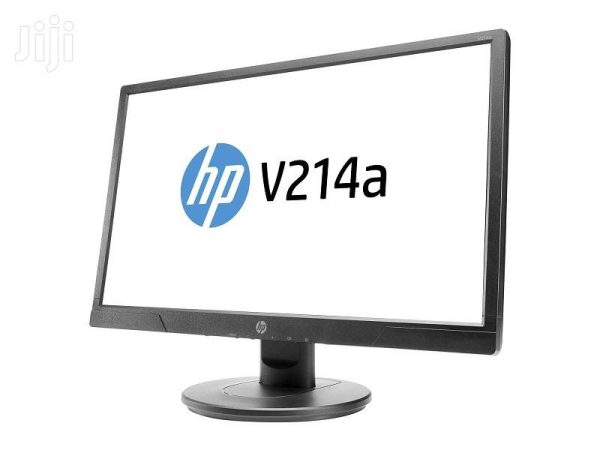
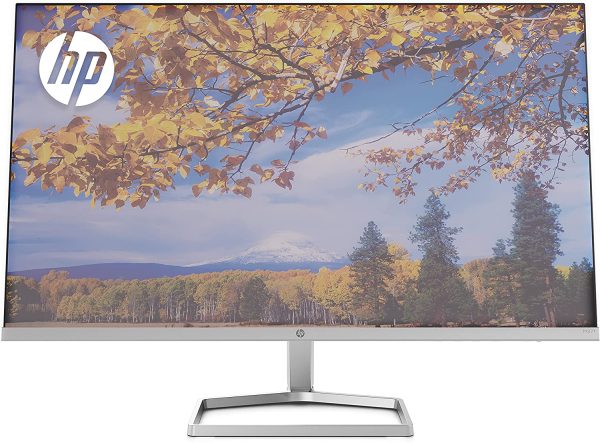
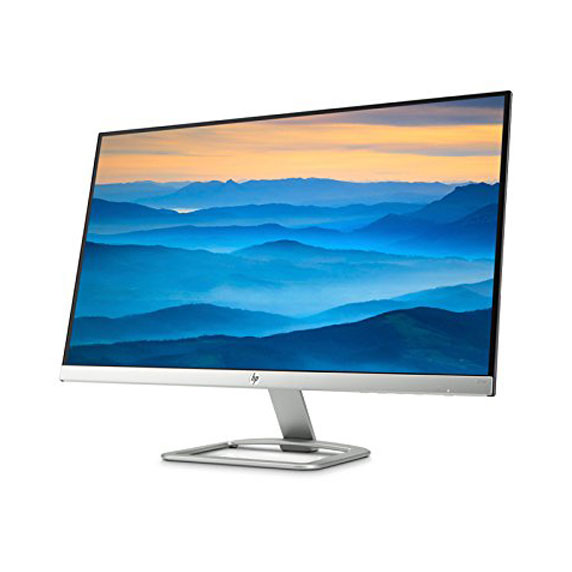
HP Series 5 Pro 23.8″ FHD Monitor with Speakers – 524da (B11W5AS)
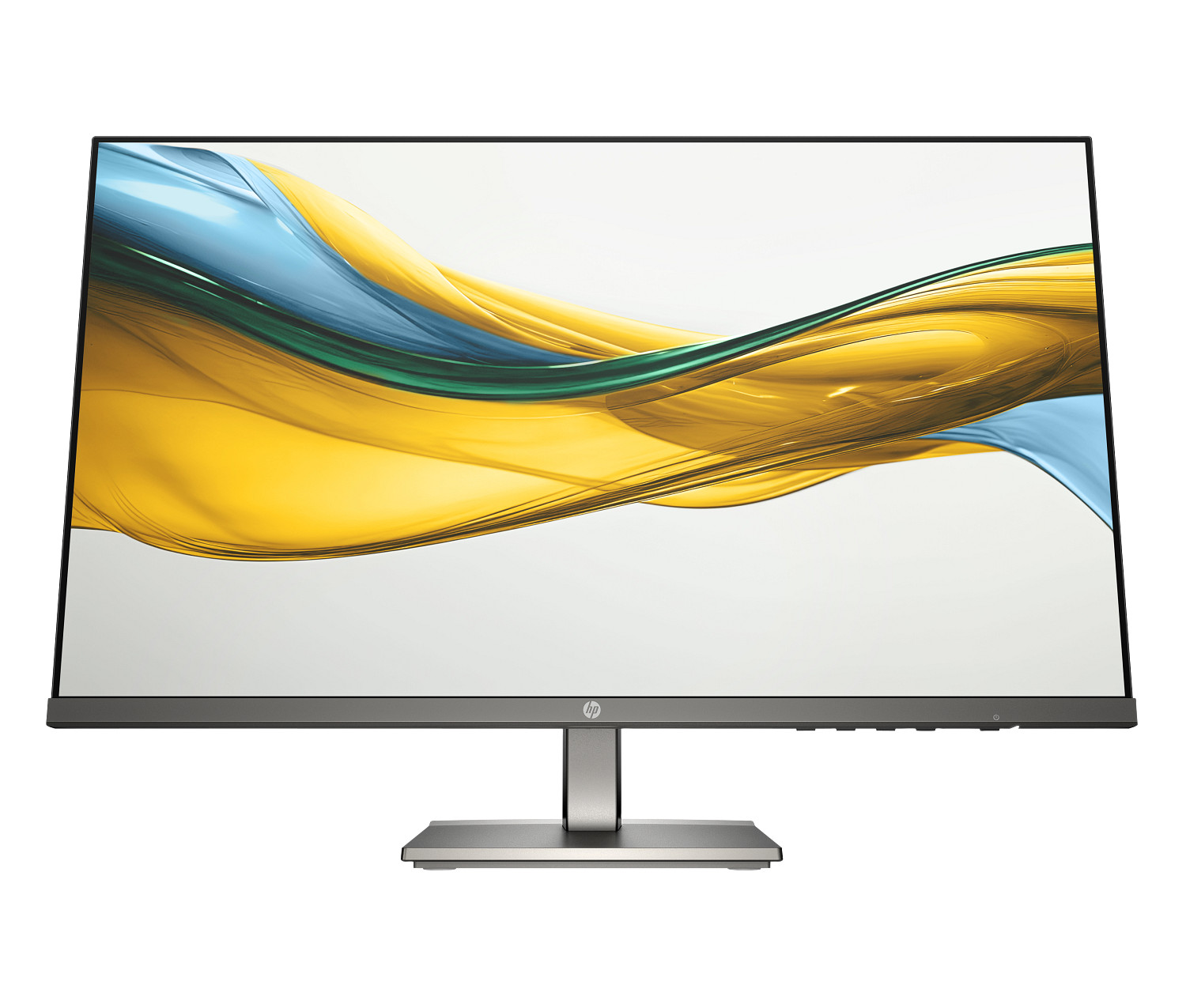
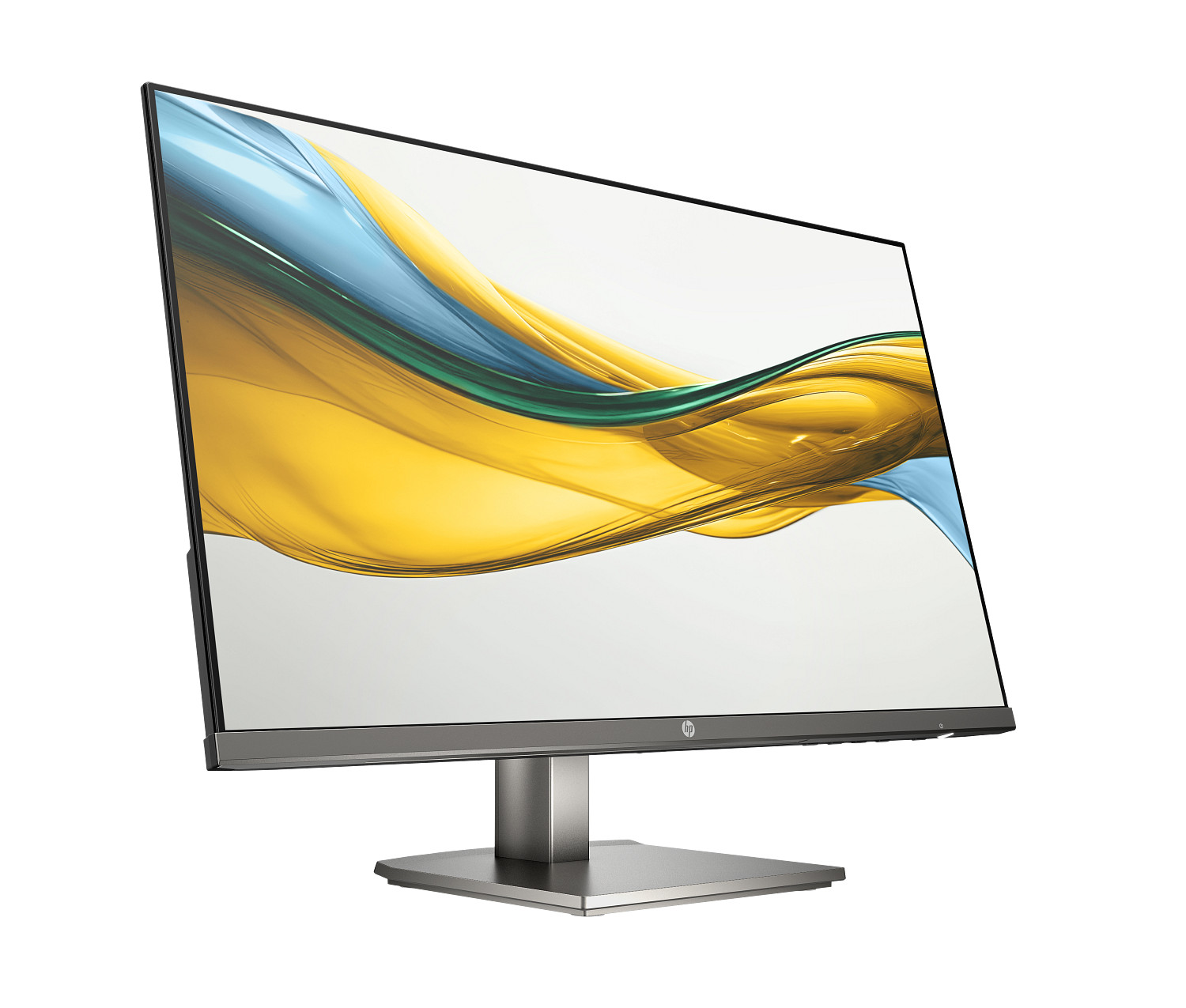
The HP Series 5 Pro 524da is a 23.8-inch Full HD IPS display built for professional office environments where ergonomic flexibility, built-in audio, and all-day eye comfort matter as much as display quality. It shares the same 99% sRGB colour gamut, 1500:1 contrast ratio, and 100 Hz refresh rate as the consumer-oriented HP Series 5 524sa — and goes further with a 100 mm height-adjustable stand, a tilt range of −5° to +25°, a metal-grey professional finish, and a more refined audio layout featuring dual backfiring 2W speakers alongside both 3.5 mm audio-in and audio-out ports. For users who spend a full workday at their desk, the 524da’s ergonomic stand and eye comfort features reduce the cumulative physical toll of extended screen time more effectively than tilt-only alternatives.
Technical Specifications
Display
| Specification | Detail |
|---|---|
| Screen Size | 60.5 cm (23.8″) diagonal |
| Display Type | IPS; LCD, Edge-lit |
| Native Resolution | FHD (1920 × 1080) |
| Maximum Resolution | 1920 × 1080 @ 100 Hz |
| Aspect Ratio | 16:9 |
| Pixel Pitch | 0.28 × 0.28 mm |
| Brightness | 300 nits (typical) |
| Contrast Ratio | 1500:1 (static); 8,000,000:1 (dynamic) |
| Response Time | 5ms GtG (with overdrive) |
| Colour Gamut | 99% sRGB |
| Colour Support | Up to 16.7 million colours (6-bit + A-FRC) |
| Viewing Angles | 178° horizontal / 178° vertical |
| Scan Frequency (Vertical) | 48–100 Hz |
| Maximum Pixel Clock | 300 MHz |
| User Programmable Modes | 20 |
| Flicker-Free | Yes (TÜV certified) |
| Low Blue Light | Yes — HP Eye Ease (Eyesafe® certified, always-on hardware filter) |
| Anti-Glare | Yes |
| Bezel Type | 3-sided micro-edge |
| Camera | None |
Supported Resolutions
640 × 480 @ 60 Hz · 720 × 400 @ 70 Hz · 800 × 600 @ 60 Hz · 1024 × 768 @ 60 Hz · 1280 × 720 @ 60 Hz · 1280 × 800 @ 60 Hz · 1280 × 1024 @ 60 Hz · 1440 × 900 @ 60 Hz · 1600 × 900 @ 60 Hz · 1680 × 1050 @ 60 Hz · 1920 × 1080 @ 60/75/100 Hz
Connectivity
| Port | Detail |
|---|---|
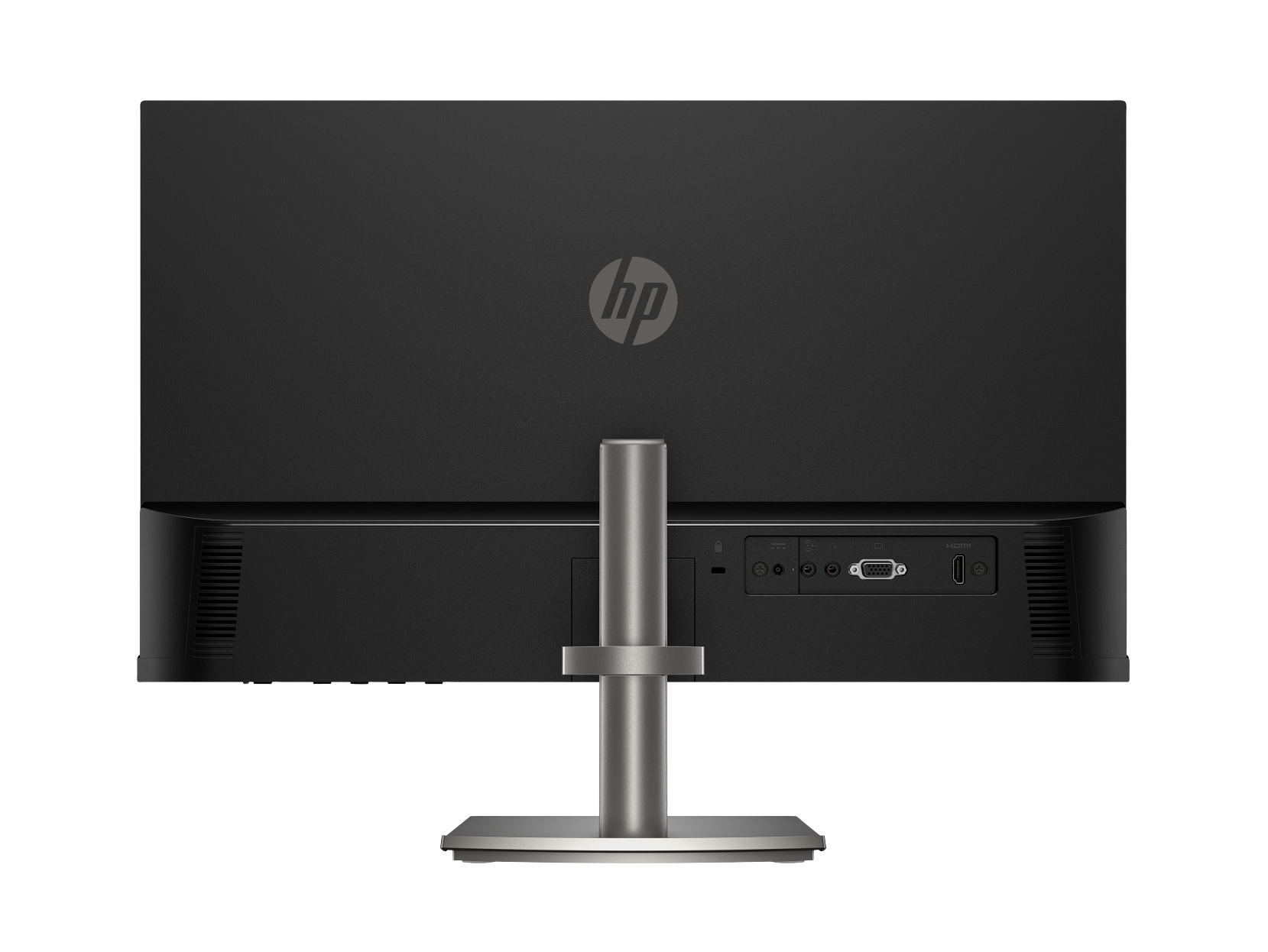
| HDMI | 1 × HDMI 1.4 (supports up to 100 Hz) |
| VGA | 1 × VGA (supports up to 60 Hz) |
| HDCP | Yes (via HDMI) |
| Audio Out | 1 × 3.5 mm audio jack |
| Audio In | 1 × 3.5 mm audio jack |
| USB | None |
Audio
| Specification | Detail |
|---|---|
| Speakers | Dual backfiring 2W integrated speakers |
| Audio In | 3.5 mm jack |
| Audio Out | 3.5 mm jack (headphone / external speakers) |
OSD Controls
| Feature | Detail |
|---|---|
| Physical Controls | Menu/OK · Minus (−) / Brightness · Plus (+) / Volume · Next Active Input · Power |
| User-Assignable Function Buttons | 3 buttons, 7 configurable options |
| On-Screen Menu | Brightness+, Colour, Image, Input, Power, Menu, Management, Information, Exit |
| User Presets | 20 |
| OSD Languages | 11 (English, Spanish, German, French, Italian, Dutch, Portuguese, Japanese, Traditional Chinese, Simplified Chinese, Russian) |
Ergonomics & Physical
| Specification | Detail |
|---|---|
| Height Adjustment | 100 mm range |
| Tilt Adjustment | −5° to +25° |
| Stand | Height- and tilt-adjustable (proprietary HP mount; not standard VESA compatible) |
| Security | Standard security lock slot |
| Dimensions (with stand) | 53.58 × 20.23 × 45.98 cm approx. (W × D × H at max height) |
| Dimensions (without stand) | 53.58 × 3.40 × 31.56 cm (W × D × H) |
| Weight (with stand) | 3.52 kg (7.76 lb) |
| Weight (without stand) | 2.22 kg (4.89 lb) |
| Colour | Black / Metal Grey |
Power
| Specification | Detail |
|---|---|
| Power Supply | External power adapter |
| Input Voltage | 100–240 VAC, 50/60 Hz |
| Typical Power Consumption | ~16–20 W (verify against full QuickSpecs PDF) |
| Standby Power | 0.5 W |
| Operating Temperature | 5°C to 35°C |
| Operating Humidity | 20%–80% RH (non-condensing) |
Management Software
| Feature | Detail |
|---|---|
| Software | HP Display Centre (Ergonomic Setup Guide included; requires Windows 10 or later) |
| Compatible OS | Windows 10/11, macOS |
Environmental & Certifications
| Certification | Status |
|---|---|
| ENERGY STAR® | Certified |
| EPEAT® | Registered (status varies by country) |
| Eyesafe® | Certified (HP Eye Ease hardware filter) |
| TÜV Rheinland Flicker-Free | Certified |
| Works with Chromebook | Certified |
| Microsoft WHQL | Certified (Windows 10 and 11) |
| Recycled Plastic | 90% post-consumer recycled plastic (85% ITE + 5% ocean-bound) |
| Recycled Metal (stand) | 10% recycled metal |
| Recycled Glass (panel) | 20% recycled glass |
| Ocean-Bound Plastic | 5% (all plastic parts) |
| Low Halogen | Yes |
| Packaging | 100% sustainably sourced and recyclable; fibre cushions from recycled wood fibre |
| Other Compliance | CE, FCC, CCC, BSMI, EAC, KC/KCC, VCCI, ISO 9241-307, ErP, CEL, cTUVus, ICES, BIS, NOM, UAE ECAS, UAE RoHS, Vietnam MEPS, South Africa Energy, NRCS of South Africa, and others |
In the Box
- Monitor (black / metal grey)
- HDMI cable
- Power adapter
- AC power cord
- Document kit
Warranty
3 years limited (verify local Africa-region terms before publishing)
Use Cases
Full-Day Professional Office Work
The 524da’s 100 mm height-adjustable stand is its clearest advantage over entry-level monitors at this screen size. Users who sit at their desk for six to eight hours benefit from the ability to set the display at true eye level, reducing neck strain and forward head posture that accumulates when a monitor sits too low. The tilt range of −5° to +25° adds fine-tuning on top of the height adjustment. For instance, a user who alternates between sitting and standing at a height-adjustable desk can reposition the 524da to match each working posture without an external arm.
Video Calls and Conferencing
The dual backfiring 2W speakers provide clear audio for calls and video meetings without requiring a separate speaker on the desk. The 3.5 mm audio-in jack additionally allows connection of an external microphone or a headset’s audio-out — useful in open-plan offices where speaker audio on calls would disturb colleagues. The wide 178° IPS viewing angles mean that a colleague briefly sharing the screen from the side will see consistent colour and clarity throughout.
Dual-Monitor Professional Setups
The 3-sided micro-edge bezel minimises the visual gap when two 524da units sit side by side. Height adjustment on both panels means they can be aligned precisely at the same elevation — something that tilt-only monitors cannot guarantee without shimming or repositioning the stand base. The 20 user-assignable presets and 3 function buttons on the OSD additionally allow fast switching between configured display modes across a dual-screen workflow.
Sustainability-Led Procurement
The 524da’s 90% recycled plastic content (85% ITE-derived + 5% ocean-bound) and 20% recycled glass in the panel represent verified recycled content claims under the IEEE 1680.1-2018 EPEAT® standard. Combined with ENERGY STAR® certification and EPEAT® registration, the 524da satisfies common green procurement requirements for corporate, government, and institutional buyers who specify minimum recycled content thresholds.
Considerations
Proprietary Stand Mount — No Standard VESA Compatibility
The 524da uses HP’s proprietary stand attachment mechanism, which is not compatible with standard 100 × 100 mm VESA monitor arms or wall brackets. A CDW customer review explicitly flags this change from earlier HP monitor generations. Users who rely on third-party arms for ergonomic positioning or multi-monitor arms for clean cable management should note this limitation before purchasing. The 524da’s built-in 100 mm height adjustment partially compensates, but it does not replicate the full flexibility of an arm-based setup, particularly for portrait rotation or wall mounting.
External Power Adapter
Like the Series 5 consumer monitors, the 524da uses an external power adapter rather than an internal supply. The adapter adds a small brick to the desk or floor setup. However, this design supports the monitor’s slim 3.4 cm panel depth.
Connectivity Scope
The 524da provides one HDMI 1.4 and one VGA port, with no DisplayPort or USB-C. The 100 Hz refresh rate requires HDMI — VGA is limited to 60 Hz. There is no USB hub or KVM switch built in, so users connecting multiple computers must manage cable switching manually or via an external device. Buyers who need USB-C or a richer port layout should consider the HP Series 5 Pro 527pq 34″ USB-C QHD Curved Monitor.
Colour Profile Context
The 99% sRGB coverage is well suited to professional office work, content review, and general productivity. However, the 524da does not carry a factory colour calibration report and is not suited to colour-critical professional workflows such as commercial print production, retouching, or DCI-P3 cinema colour work, which require wider-gamut panels and certified calibration.
Frequently Asked Questions
Does the HP 524da support standard VESA monitor arms?
No. The 524da uses HP’s proprietary stand attachment, which is not compatible with standard 100 × 100 mm VESA arms or wall mounts. The built-in stand provides 100 mm of height adjustment and −5° to +25° tilt, which covers most desk-based ergonomic requirements. However, users specifically needing arm mounting should select an alternative model with VESA support.
How does the 524da differ from the 524sa?
Both monitors share the same 23.8-inch IPS panel, 99% sRGB gamut, 1500:1 contrast, 300 nits brightness, 100 Hz refresh rate, Eyesafe® certified HP Eye Ease, and dual 2W speakers with audio-in and audio-out jacks. The key differences are: the 524da adds 100 mm height adjustment (the 524sa is tilt-only); the 524da is finished in black/metal grey (the 524sa is white); the 524da includes 20% recycled glass in the panel and 10% recycled metal in the stand, bringing total recycled content to 90% plastic and going beyond the 524sa’s 85% + 5% figure; and the 524da carries a longer three-year warranty versus the 524sa’s one-year base warranty.
Can I use the 524da with a Mac?
Yes. The 524da connects via HDMI 1.4 to any Mac with HDMI output, or via a USB-C to HDMI adapter for newer MacBook models. HP explicitly notes this model is verified to work with Mac and PC devices. HP Display Centre is available for macOS for software-based management and ergonomic guidance.
What do the user-assignable function buttons do?
The 524da includes three physical OSD buttons that can each be assigned to one of seven available functions, allowing fast access to frequently changed settings — for instance, switching input, adjusting brightness, or changing colour preset — without navigating the full OSD menu. Additionally, 20 user presets can be stored for quick recall of complete display configurations.
Is the 100 Hz refresh rate available over VGA?
No. The 100 Hz maximum refresh rate requires HDMI 1.4. VGA is limited to 60 Hz due to bandwidth constraints of the analogue signal. Use the included HDMI cable for full 100 Hz performance.
Does the HP 524da work with Chromebooks?
Yes. The 524da is Works with Chromebook certified, confirming compatibility with Chrome OS devices at the Google compatibility standard. It connects via HDMI 1.4, which is available on most Chromebooks directly or via a USB-C to HDMI adapter.
Reviews
There are no reviews yet.