
HP P34hc G4 — 34-Inch WQHD USB-C Curved Monitor | 3440×1440 | KVM | Model 21Y56AS
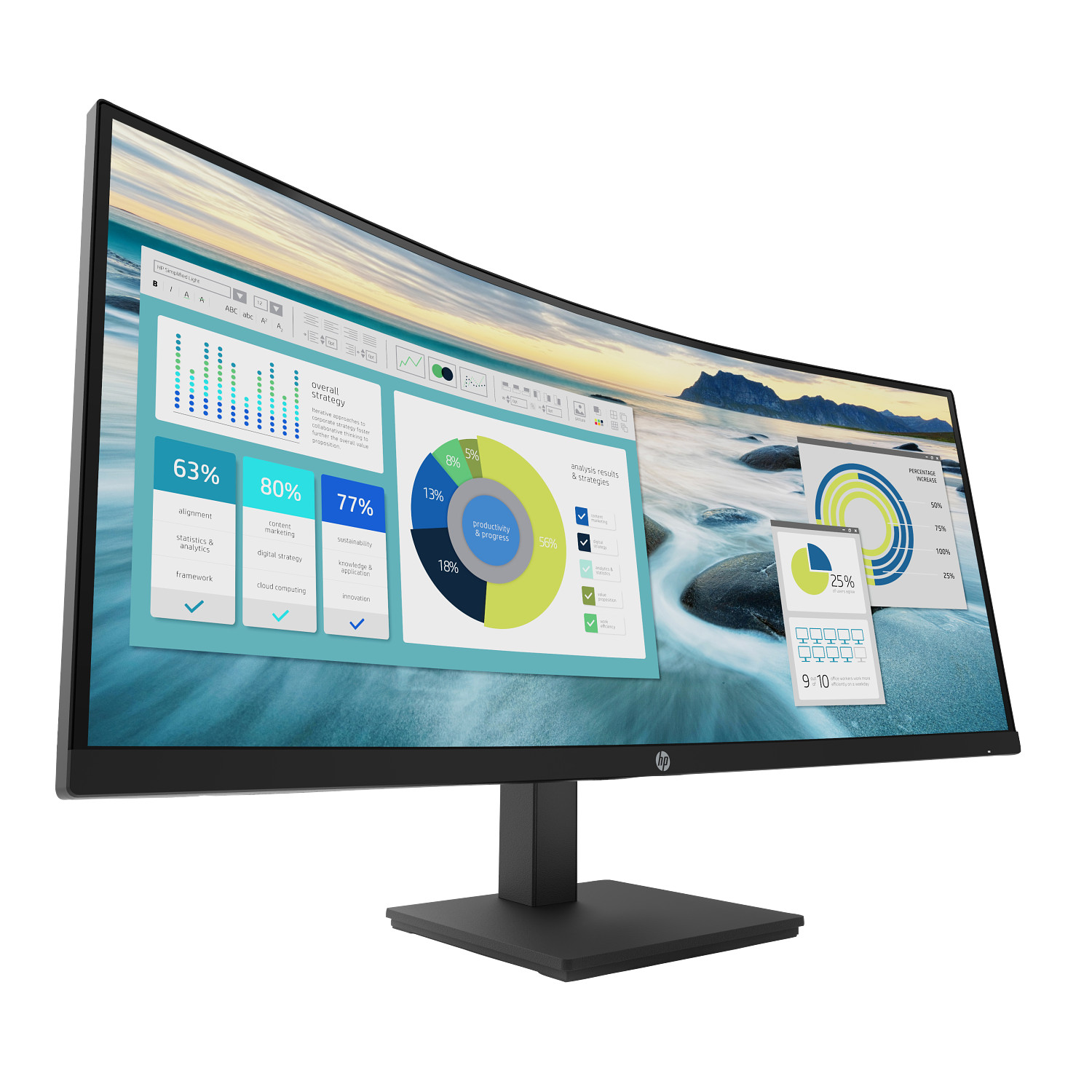
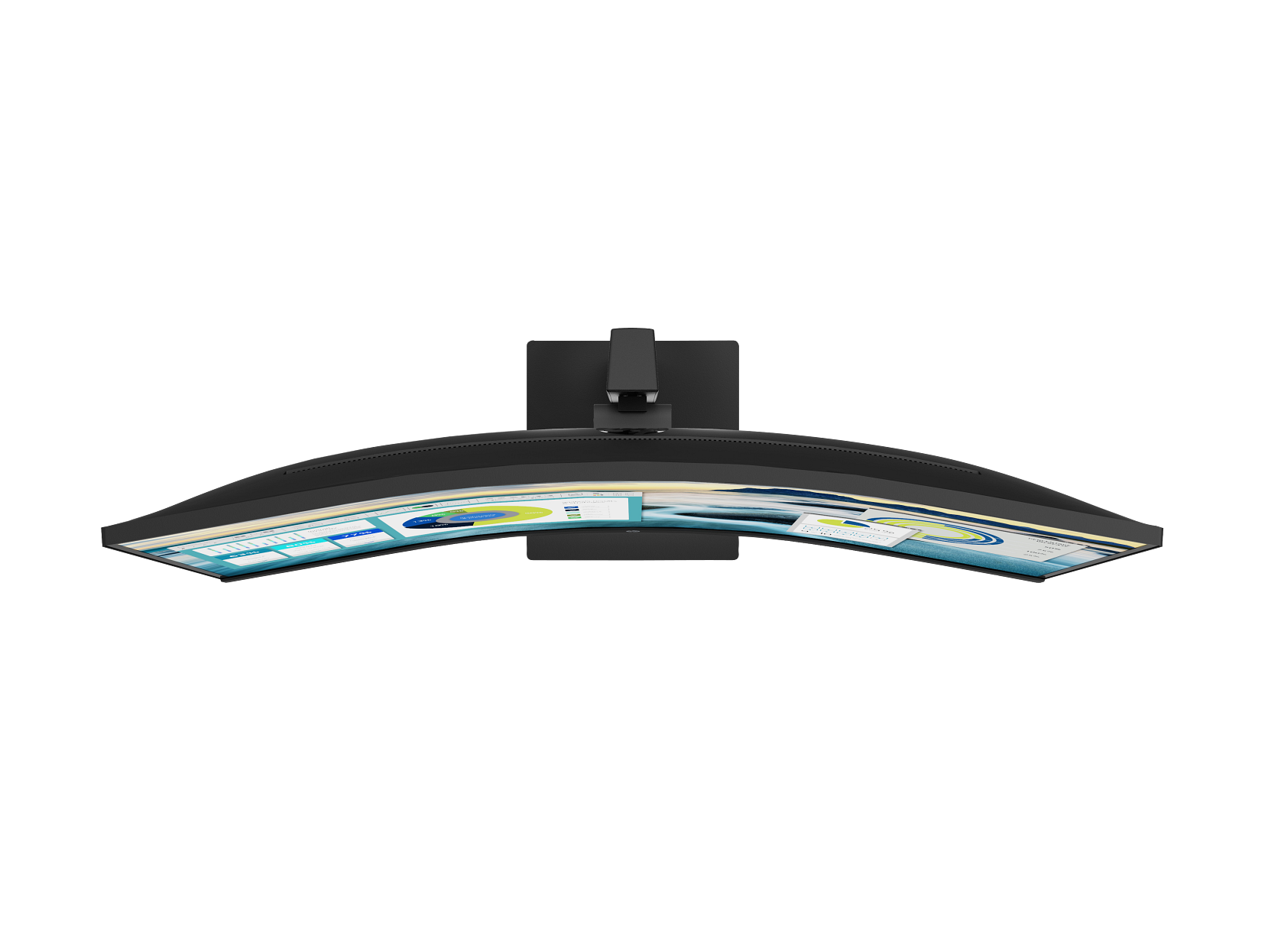
The HP P34hc G4 (21Y56AS) is a 34-inch ultrawide WQHD curved business monitor built for professionals who manage multiple applications, data sets, or computers simultaneously from a single desk. Its 3440 × 1440 VA panel wraps at a gentle curve, a single USB-C cable carries video, data, and up to 65W of laptop charging at once, and a built-in KVM switch allows one keyboard and mouse to control two connected computers without any additional hardware. Consequently, the P34hc G4 addresses three common workspace pain points — screen real estate, cable clutter, and multi-PC switching — within a single display.
HP P34hc G4 WQHD Curved Monitor — Technical Specifications
Curved VA Panel
| Specification | Detail |
|---|---|
| Screen Size | 34 inches (diagonal) |
| Panel Technology | VA (Vertical Alignment) |
| Curved Panel | Yes |
| Native Resolution | 3440 × 1440 (WQHD) |
| Maximum Resolution | 3440 × 1440 @ 99.982 Hz |
| Aspect Ratio | 21:9 |
| Refresh Rate | 48–100 Hz |
| Response Time | 5ms GtG (with overdrive) |
| Brightness (Typical) | 250 cd/m² |
| Static Contrast Ratio | 3,500:1 |
| Dynamic Contrast Ratio | 5,000,000:1 |
| Panel Bit Depth | 8-bit |
| Colour Gamut | 85% NTSC |
| Colour Subsampling | RGB 4:4:4, YCbCr 4:4:4, YCbCr 4:2:2 |
| Default Colour Temperature | 6500K |
| Pixel Pitch | 0.231 × 0.231 mm |
| Pixels Per Inch | 110 PPI |
| Viewing Angles (H/V) | 178° / 178° |
| Screen Treatment | Anti-glare (Haze AG 25%) |
| Panel Hardness | 3H |
| Backlight Type | Edge-lit W-LED |
| Backlight Life (to half brightness) | 30,000 hours |
| Flicker-Free | Yes |
| Low Blue Light | Yes (TÜV certified) |
| Active Panel Area (W × H) | 797.22 × 333.72 mm |
Connectivity
| Specification | Detail |
|---|---|
| USB-C (Video + Power) | 1 × USB-C (DisplayPort 1.2 Alt Mode, up to 65W Power Delivery) |
| DisplayPort | 1 × DisplayPort 1.2 |
| HDMI | 1 × HDMI 2.0 (with HDCP support) |
| USB-A (Downstream) | 4 × USB-A 3.2 Gen 1 |
| USB-B (Hub Enablement) | 1 × USB-B |
| Audio Output | 1 × 3.5mm line output |
| HDCP Support | Yes (DisplayPort, HDMI, USB-C) |
| KVM Keyboard Port | Yes |
Display Features
| Specification | Detail |
|---|---|
| Picture-in-Picture (PIP) | Yes |
| Picture-by-Picture (PBP) | Yes |
| KVM Switch | Yes (integrated) |
| Integrated Speakers | 2 × 3W |
| Bezel Style | 3-sided micro-edge |
| User-Assignable Function Buttons | 3 (with 8 options) |
| OSD Languages | 10 (including English, French, German, Spanish, Italian) |
| Display Software | HP Display Center |
| User Presets | Yes |
Ergonomics and Physical Design
| Specification | Detail |
|---|---|
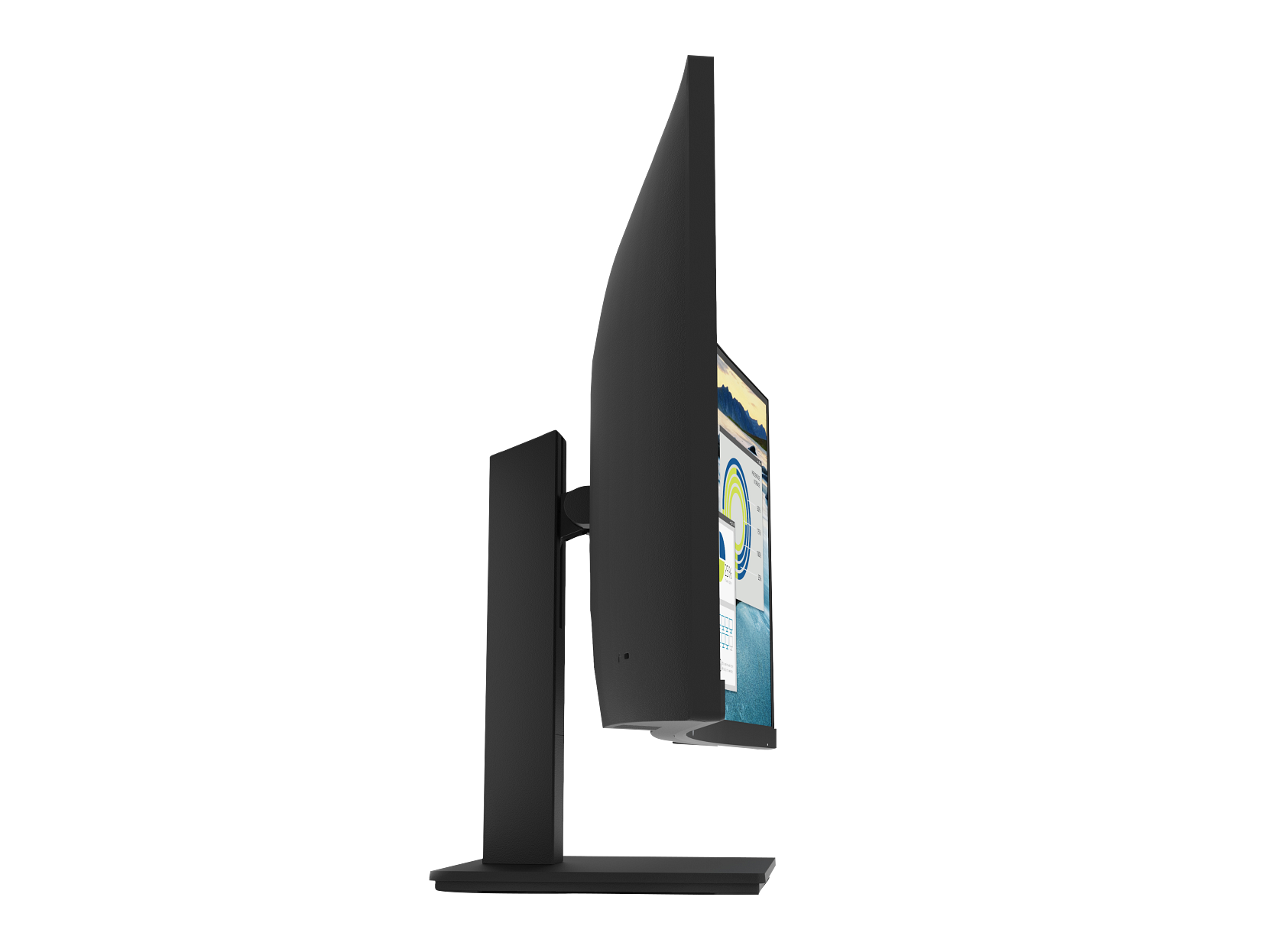
| Tilt | −5° to +21° |
| Height Adjustment | 100 mm |
| VESA Mount Compatibility | 100 × 100 mm |
| Detachable Stand | Yes |
| Security Lock Slot | Yes (standard) |
| Colour | Black |
Dimensions and Weight
| Specification | Detail |
|---|---|
| With Stand (W × D × H) | 809.4 × 234.9 × 518.0 mm |
| Without Stand (W × D × H) | 809.4 × 112.1 × 366.9 mm |
| Base Footprint (W × D) | 166.88 × 228.9 mm |
| Weight (with stand) | 10.51 kg |
| Weight (head only) | 7.85 kg |
| Bezel Width (top/sides/bottom) | 19.22 mm / 14.35 mm / 19.25 mm |
Power
| Specification | Detail |
|---|---|
| Power Supply | Internal |
| Power Input | 100–240V AC, 50/60 Hz |
| Typical Power Consumption | 48W |
| Maximum Power Consumption | 190W |
| Standby Power | 0.5W |
| ENERGY STAR Operational (230V) | 34W |
Environmental Conditions
| Specification | Detail |
|---|---|
| Operating Temperature | 5°C to 35°C |
| Operating Humidity | 20%–80% (non-condensing) |
| Storage Temperature | −20°C to 60°C |
| Operating Altitude | 0–5,000 m |
Supported Resolutions
640×480, 800×600, 1024×768, 1280×720, 1280×800, 1280×1024, 1440×900, 1600×900, 1680×1050, 1920×1080, 1920×1200, 3440×1440 @ 60Hz, 3440×1440 @ 100Hz.
Environmental Certifications
ENERGY STAR certified, EPEAT registered, TCO Certified, TÜV Low Blue Light certified, Microsoft WHQL certified, Blue Angel compliant, arsenic-free display glass, mercury-free LED backlighting, low halogen, contains 85% recycled plastics.
Warranty
3 years limited.
In the Box
HP P34hc G4 monitor; AC power cord (1.83m); USB-C to USB-C cable (1.8m); DisplayPort cable (1.8m); HDMI cable (1.8m); Quick Setup Poster; warranty card.
Who Is the HP P34hc G4 Curved WQHD Monitor For?
Professionals Managing Multiple Applications
An ultrawide 3440 × 1440 display provides the horizontal screen space to keep a spreadsheet, email client, and reference document open side by side without the gap and bezel interruption of a dual-monitor arrangement. For analysts, project managers, and finance professionals, this format additionally reduces window switching and the cognitive overhead that comes with it.
Dual-Computer Workstations with a Single KVM
The P34hc G4’s integrated KVM switch is particularly useful for IT administrators, developers, and anyone who regularly works across a personal laptop and a work desktop. Rather than investing in a separate KVM switch unit and additional cabling, both machines connect to the monitor and share one keyboard and mouse — with PBP mode displaying both screens simultaneously on the single 34-inch panel.
Laptop Users Seeking a Single-Cable Dock Alternative
For laptop users whose machines support USB-C with DisplayPort Alt Mode, the P34hc G4 functions as a partial docking solution. One USB-C cable delivers WQHD video output, charges the laptop at up to 65W, and connects to the monitor’s four USB-A downstream ports for peripherals. Consequently, the desk setup reduces to a single cable connection rather than a tangle of separate display, power, and USB cables.
Ergonomics-Focused Office Environments
The height-adjustable stand (100 mm range) and full tilt range (−5° to +21°) make the P34hc G4 suitable for hot-desking environments where multiple users of different heights and seating preferences share the same workstation. The 100 × 100 mm VESA mount additionally supports aftermarket monitor arms where desk space is at a premium.
HP P34hc G4 Monitor — Considerations Before Buying
250 nits Brightness Is Modest for Bright Environments
The panel’s 250 cd/m² typical brightness is adequate for standard office lighting conditions. However, desks positioned near windows or under strong overhead lighting may find the image washes out at peak ambient brightness levels. Users in very bright environments should consider a higher-nit display before purchasing.
No Swivel Rotation on the Stand
The stand supports height adjustment and tilt but does not include swivel (left/right rotation). Users who share the monitor between adjacent colleagues or frequently reposition the screen will need to rotate the entire monitor base manually, or use a VESA-compatible arm with swivel capability.
USB-C Power Delivery at 65W May Not Fully Charge All Laptops
The USB-C port delivers up to 65W of power, which charges most business ultrabooks and mid-range laptops at full speed. However, high-performance laptops with dedicated GPUs — such as workstation-class or gaming machines — typically require 90W to 140W to charge at full speed. For those devices, the monitor will deliver partial charging rather than topping up the battery under load.
DisplayPort 1.2 and HDMI 2.0 — Not DisplayPort 1.4 or HDMI 2.1
The monitor’s video inputs use DisplayPort 1.2 and HDMI 2.0. Both support the native 3440 × 1440 resolution at up to 100 Hz via DisplayPort and 60 Hz via HDMI. However, buyers expecting DisplayPort 1.4 bandwidth for HDR or future high-refresh displays should note the hardware ceiling before purchasing.
No Pivot (Portrait Mode)
The stand does not support pivot rotation to portrait orientation. This is typical for ultrawide curved monitors — the aspect ratio and curve radius make portrait mode impractical — however buyers who work extensively with tall documents or code columns should note this limitation.
HP P34hc G4 34-Inch Curved Monitor — Frequently Asked Questions
What is the native resolution of the HP P34hc G4?
The native resolution is 3440 × 1440 (WQHD), with a 21:9 aspect ratio. The maximum refresh rate at native resolution is 100 Hz.
How much power does the USB-C port deliver on the P34hc G4?
The USB-C port delivers up to 65W of Power Delivery, sufficient to charge most business laptops and ultrabooks at full speed simultaneously with video output.
Does the HP P34hc G4 work with two computers at once?
Yes. The monitor includes a built-in KVM switch and supports Picture-by-Picture (PBP) mode, allowing two computers to connect simultaneously — one source displayed on each half of the 34-inch screen — while sharing one keyboard and mouse.
Can I mount the HP P34hc G4 on a monitor arm?
Yes. The stand is detachable and the monitor is compatible with standard 100 × 100 mm VESA wall and arm mounts.
Does the HP P34hc G4 include cables in the box?
Yes. The box includes a USB-C to USB-C cable (1.8m), a DisplayPort cable (1.8m), and an HDMI cable (1.8m), so the monitor connects to most computers without additional cable purchases.
How does the P34hc G4 compare to similar HP ultrawide monitors?
For a comparison with other ultrawide curved displays in the HP business range, see the HP Business Monitors — Full Range. For a larger ultrawide option, the HP Z40c G3 40-Inch Curved Monitor provides additional screen real estate with a higher-specification panel.






 No products in the cart.
Reviews
There are no reviews yet.