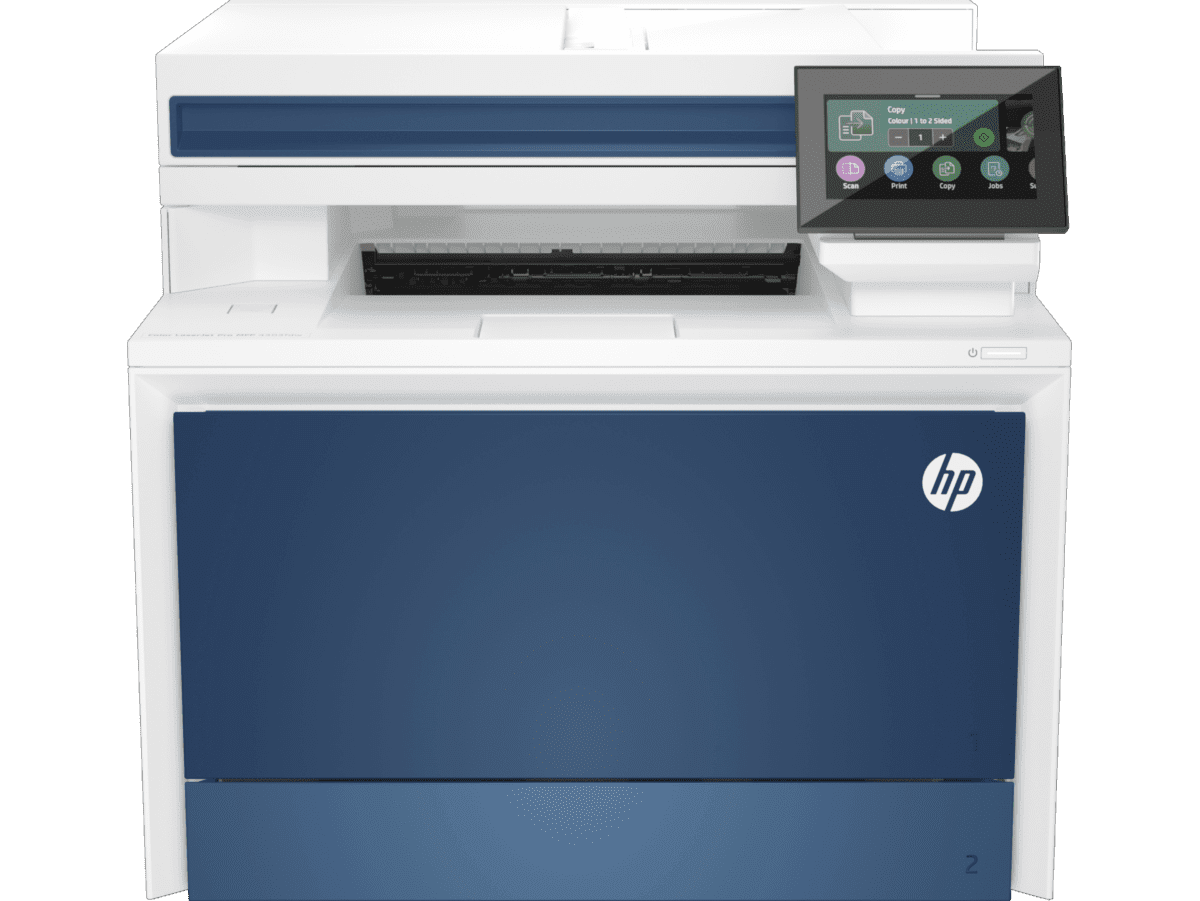
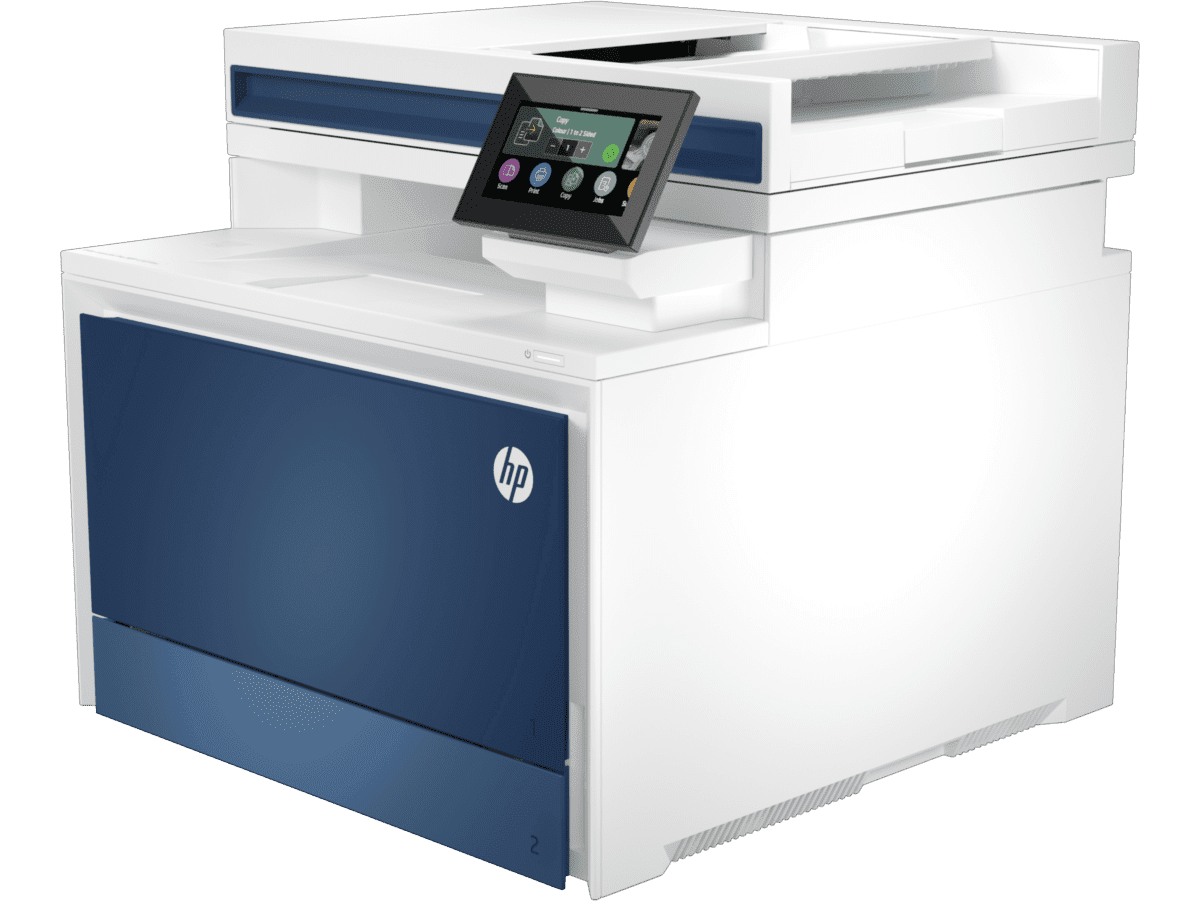
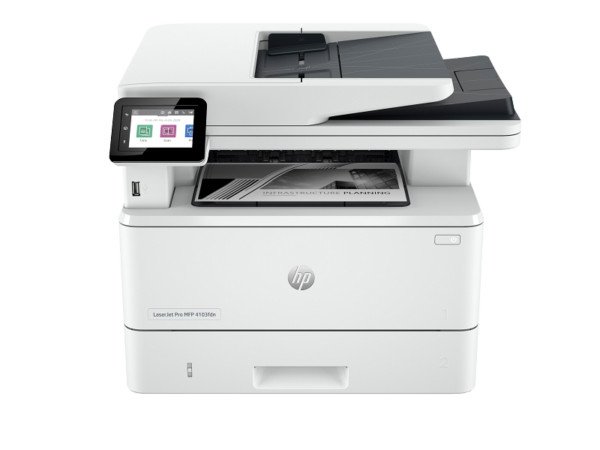
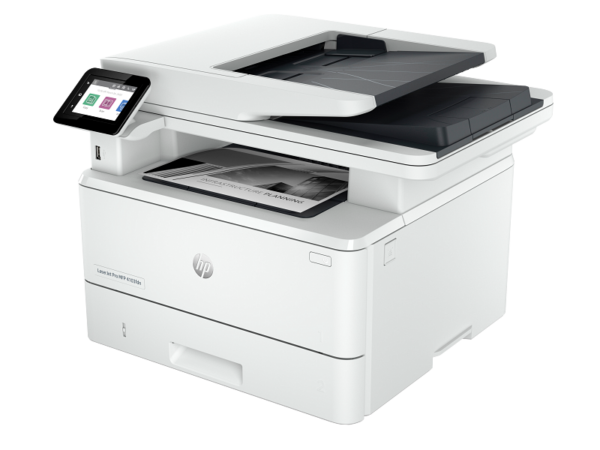
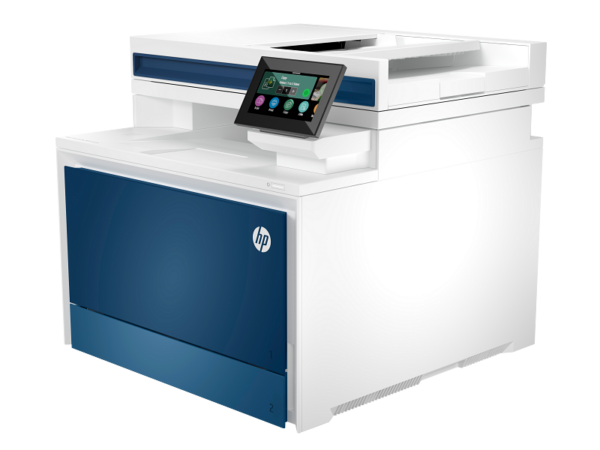
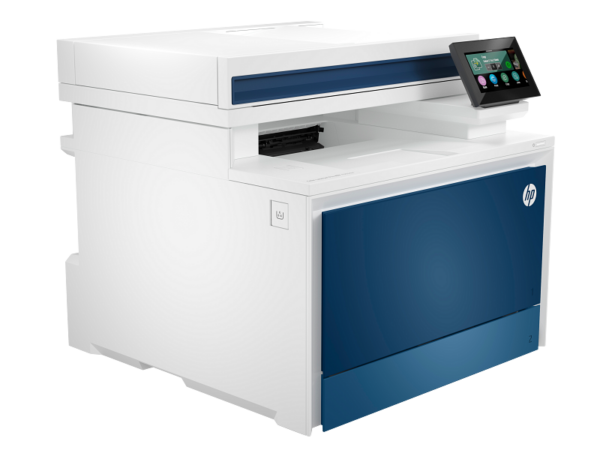
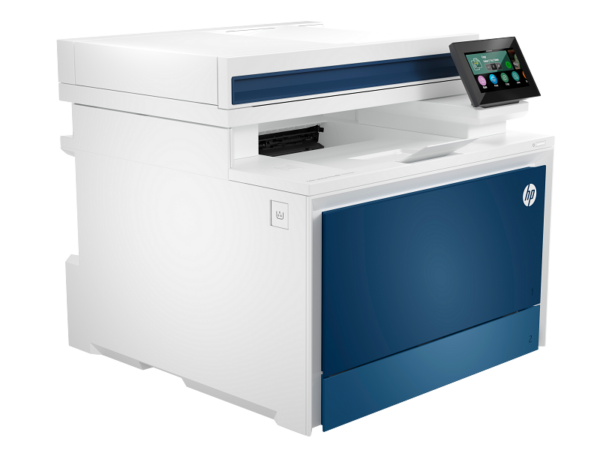
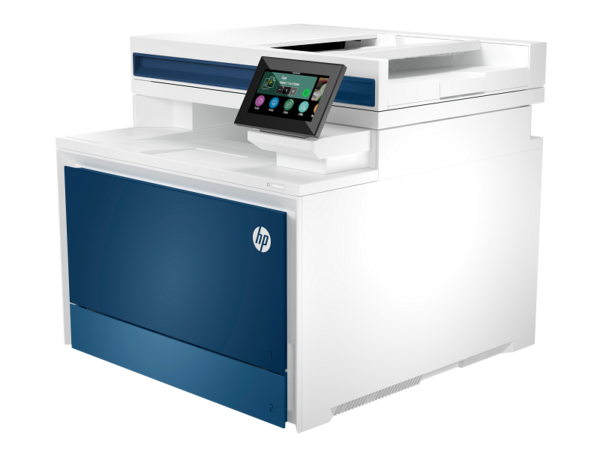
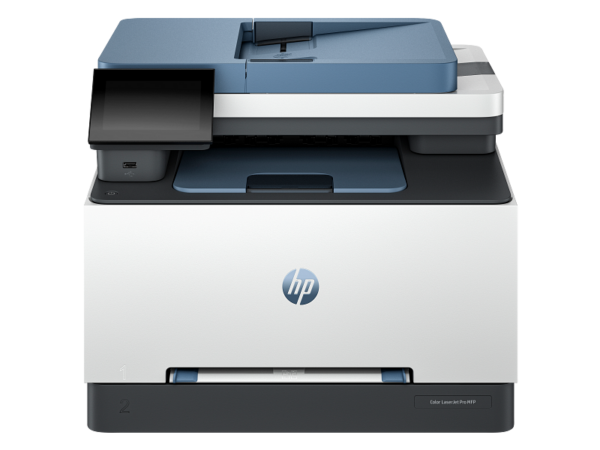
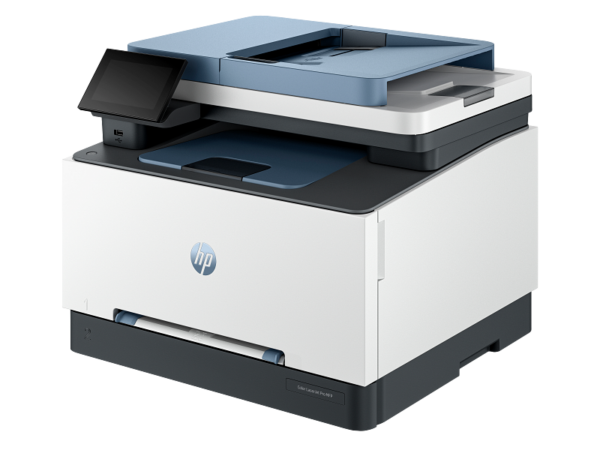
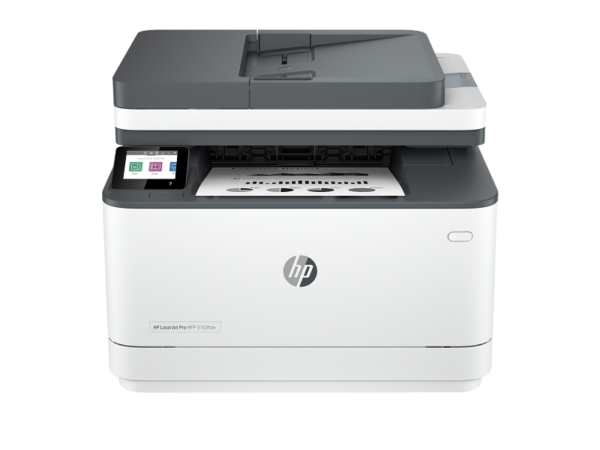
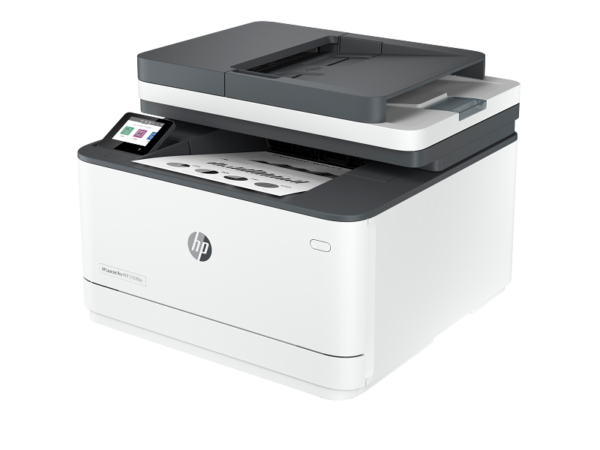
HP Color LaserJet Pro MFP 4303fdw Colour Laser Printer (5HH67A)
The HP Color LaserJet Pro MFP 4303fdw colour laser printer is a full-function A4 multifunction device built for workteams of up to ten users who need fast, high-quality colour output alongside copy, scan, and fax from a single compact unit. It delivers 33 pages per minute in both black and colour, connects via dual-band Wi-Fi, Gigabit Ethernet, and USB, and ships with HP Wolf Pro security preconfigured out of the box. Furthermore, a 50-sheet ADF with single-pass two-sided scanning means it handles multi-page document workflows without slowing the team down.
Technical Specifications
Functions & Technology
| Specification |
Detail |
| Model Number |
5HH67A |
| Functions |
Print, Copy, Scan, Fax |
| Print Technology |
Laser (HP TerraJet Toner) |
| Colour Calibration |
PANTONE® calibrated |
| Print Resolution |
Up to 600 × 600 dpi (black and colour); HP ImageREt 2400 |
| Control Panel |
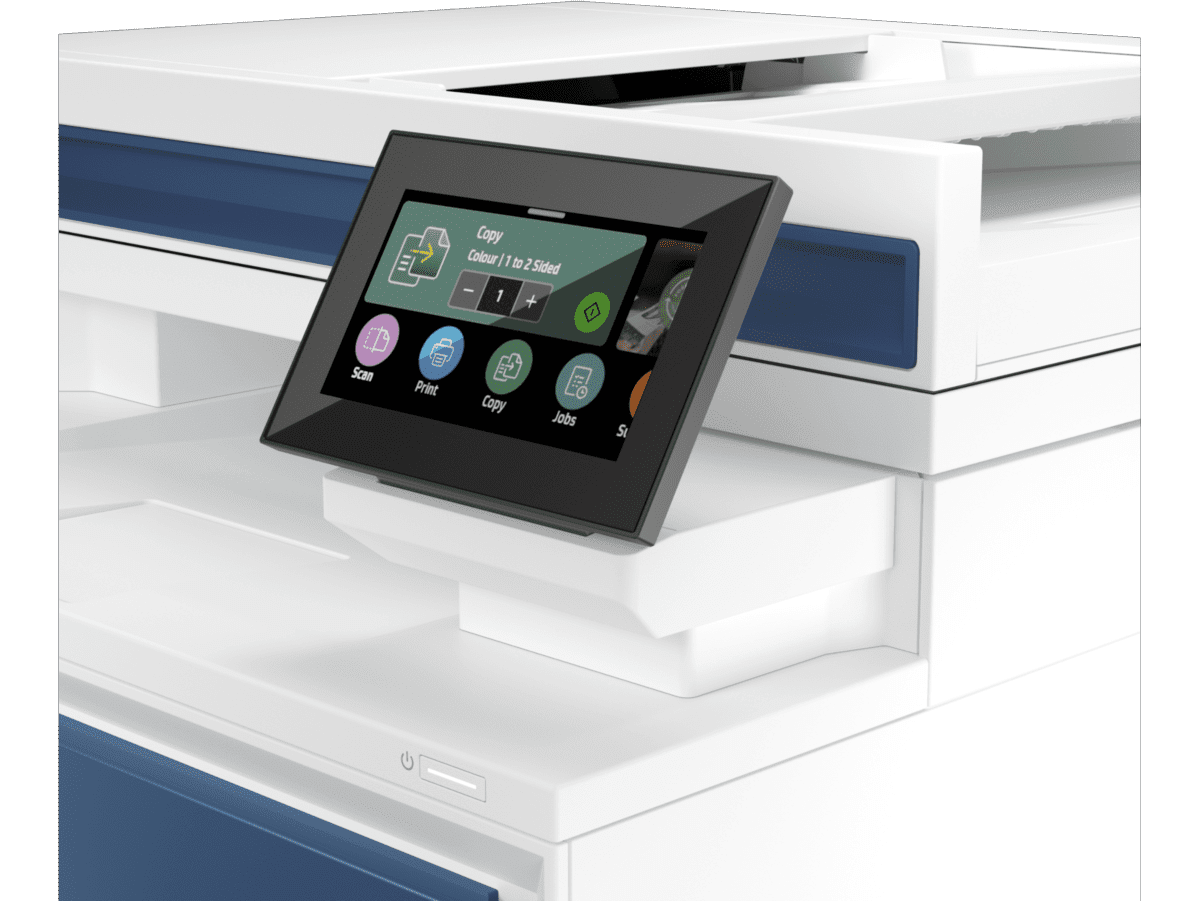
4.3-inch capacitive touchscreen |
| Processor Speed |
1,200 MHz |
| Memory |
512 MB NAND Flash + 512 MB DRAM |
| Print Languages |
HP PCL 6, HP PCL 5e, HP PostScript Level 3 emulation, PDF, URF, PWG Raster, Native Office, TIFF, JPEG |
| Fonts |
111 scalable TrueType fonts |
Print Performance
| Specification |
Detail |
| Print Speed — Black (A4, Normal) |
Up to 33 ppm |
| Print Speed — Colour (A4, Normal) |
Up to 33 ppm |
| Print Speed — Black (A4, Duplex) |
Up to 29 ipm |
| Print Speed — Colour (A4, Duplex) |
Up to 29 ipm |
| First Page Out — Black (A4, Ready) |
As fast as 9.5 seconds |
| First Page Out — Colour (A4, Ready) |
As fast as 10.5 seconds |
| First Page Out — Black (A4, Sleep) |
As fast as 10.2 seconds |
| Duplex Printing |
Automatic |
| Print Margins |
Top/Bottom/Left/Right: 4.23 mm |
| Maximum Print Area |
212 × 352 mm |
| Monthly Duty Cycle |
Up to 50,000 pages (A4) |
| Recommended Monthly Volume |
750 to 4,000 pages |
Smart Software Features
| Specification |
Detail |
| Features |
Automatic duplex, collation, watermarks, printable forms, quiet mode, HP Premium Print Mode, variable paper size/type support |
Copy
| Specification |
Detail |
| Copy Speed — Black (A4) |
Up to 33 cpm |
| Copy Speed — Colour (A4) |
Up to 33 cpm |
| Maximum Copies |
Up to 999 copies |
| Reduce/Enlarge |
25 to 400% |
| Copy Settings |
ID Copy, Number of copies, Resize (incl. 2-Up), Lighter/Darker, Enhancements, Original Size, Binding Margin, Collation, Tray Selection, Two-Sided, Quality (Draft/Standard/Best) |
Scan
| Specification |
Detail |
| Scanner Type |
Flatbed + ADF (CIS — Contact Image Sensor) |
| ADF Scan Speed — Mono (A4) |
Up to 29 ppm (simplex); Up to 44 ipm (duplex) |
| ADF Scan Speed — Colour (A4) |
Up to 26 ppm (simplex); Up to 35 ipm (duplex) |
| Duplex ADF Scanning |
Yes — single-pass two-sided |
| Optical Scan Resolution |
Up to 600 dpi |
| Bit Depth |
30-bit colour / 256 greyscale levels |
| TWAIN Version |
Version 2.3 |
| Scan File Formats |
PDF, JPG, TIFF |
| Scan Input Modes |
Front-panel buttons (scan, copy, email, file); HP Scan software; TWAIN; WIA |
| Scannable Area — Flatbed |
Up to 216 × 297 mm |
| Scannable Area — ADF |
102 × 152 mm to 216 × 356 mm |
| Recommended Monthly Scan Volume |
750 to 4,000 pages |
Fax
| Specification |
Detail |
| Fax |
Yes |
| Fax Speed |
33.6 kbps |
| Fax Memory |
Up to 500 pages |
| Fax Resolution — Standard |
200 × 100 dpi |
| Fax Resolution — Fine |
Up to 203 × 196 dpi |
| Fax Resolution — Superfine |
Up to 300 × 300 dpi |
| Quick Dialling |
Up to 100 numbers |
Connectivity
| Specification |
Detail |
| Ethernet |
1 × Gigabit 10/100/1000Base-Tx (auto-crossover); 802.1x authentication |
| USB (Device) |
1 × Hi-Speed USB 2.0 |
| USB (Host/Walk-Up) |
1 × Hi-Speed USB 2.0 |
| Wi-Fi |
802.11ac (Wi-Fi 5) dual-band (2.4 GHz + 5 GHz); self-healing |
| Wi-Fi Direct |
Yes |
| Bluetooth |
Bluetooth LE |
| Fax Port |
1 × RJ-11 |
| Mobile Printing |
HP Smart App; Apple AirPrint; Mopria Certified; Wi-Fi Direct |
| Network Protocols |
TCP/IP (IPv4/IPv6), LPD, IPP, Bonjour, SLP, SNMP v1/v2/v3, HTTPS |
Paper Handling
| Specification |
Detail |
| Standard Paper Trays |
2 (Tray 1: 50-sheet multipurpose + Tray 2: 250-sheet input) |
| ADF Capacity |
50 sheets (uncurled) |
| Optional Tray 3 |
550-sheet input tray (28N93A — sold separately) |
| Maximum Input Capacity |
Up to 850 sheets (with optional Tray 3) |
| Standard Output |
150-sheet output bin (up to 20 envelopes) |
| Media Weight |
60–163 g/m² (postcards up to 176 g/m²; HP colour laser glossy photo up to 200 g/m²) |
| Media Types |
Bond, brochure, coloured, glossy, letterhead, photo, plain, preprinted, prepunched, recycled, rough, postcards, labels, envelopes |
| Duplex Media Size |
148 × 148 mm to 216 × 356 mm |
Security
| Specification |
Detail |
| Security Platform |
HP Wolf Pro Security — preconfigured out of the box |
| Features |
Boot code signature validation, PIN/pull print authentication, routine firmware updates, secure setup |
| Network Security |
802.1x authentication, SNMPv3, SSL/TLS, certificate management |
Printer Management
| Specification |
Detail |
| Fleet Management |
HP Web JetAdmin |
| Additional Tools |
HP Security Manager, HP SNMP Proxy Agent, HP WS Pro Proxy Agent, Smart Printer Administrator Resource Kit |
Operating System Compatibility
| Platform |
Versions Supported |
| Windows |
Windows 7, Windows 10, Windows 11; Windows Client OS |
| macOS |
macOS 10.15 Catalina, macOS 11 Big Sur, macOS 12 Monterey |
| Mobile |
Android, iOS |
| Other |
Linux, Chrome OS, Citrix |
| Network OS |
SAP, Novell, UNIX, Citrix, Linux, Windows Server |
Physical
| Specification |
Detail |
| Dimensions — Minimum (W × D × H) |
421 × 435 × 384 mm |
| Dimensions — Maximum (W × D × H) |
421 × 686 × 761 mm (with optional 550-sheet Tray 3) |
| Weight |
~20.4 kg |
| Operating Temperature |
10 to 32.5°C |
| Operating Humidity |
30 to 70% RH (non-condensing) |
| Storage Temperature |
-20 to 40°C |
| Acoustics |
50 dB(A) pressure; 6.1 B(A) power |
Power
| Specification |
Detail |
| Input Voltage |
220–240 VAC (±10%), 50/60 Hz |
| Active Printing |
585 W |
| Ready |
18 W |
| Sleep / Auto-Off |
0.8 W |
| Off |
0.07 W |
| TEC (Energy Star 3.0) |
0.422 kWh/week |
| Power Supply |
Internal, built-in |
| Energy Features |
HP Auto-On/Auto-Off; Instant-on Technology |
Toner Cartridges
| Cartridge |
Part Number |
Yield |
| HP 230A Black |
W2300A |
~2,000 pages |
| HP 230X Black (High Yield) |
W2300X |
~7,500 pages |
| HP 230A Cyan |
W2301A |
~1,800 pages |
| HP 230X Cyan (High Yield) |
W2301X |
~5,500 pages |
| HP 230A Yellow |
W2302A |
~1,800 pages |
| HP 230X Yellow (High Yield) |
W2302X |
~5,500 pages |
| HP 230A Magenta |
W2303A |
~1,800 pages |
| HP 230X Magenta (High Yield) |
W2303X |
~5,500 pages |
Sustainability
| Specification |
Detail |
| Recycled Content |
15% post-consumer recycled plastic |
| Ecolabel |
EPEAT Silver (India); IT ECO Declaration; CECP |
Warranty
| Specification |
Detail |
| Standard Warranty |
One year, next-business-day onsite warranty |
| Extended Service |
HP 3-Year Next Business Day Onsite (U51Z1E) |
| Post-Warranty Service |
HP 1-Year Post Warranty Next Business Day Onsite (U51ZCPE) |
In the Box
| Item |
| HP Color LaserJet Pro MFP 4303fdw Printer |
| 4 preinstalled toner cartridges (Black: ~2,000 pages; Introductory Cyan/Magenta/Yellow: ~1,000 pages each) |
| USB Cable |
| Power Cord |
| Reference Guide and Setup Card |
| Warranty Card (where required) |
Use Cases
Busy Workteams of Up to 10 Users
The 4303fdw is designed specifically for shared office environments where multiple colleagues send print jobs throughout the day. At 33 ppm in both black and colour, queues clear quickly even during peak morning periods. Furthermore, automatic duplex printing and a 300-sheet standard input capacity mean the printer runs through multi-page jobs without constant paper reloading or manual intervention.
Document-Intensive Workflows Requiring Scan and Fax
Teams that regularly digitise contracts, supplier invoices, or compliance documents benefit directly from the single-pass duplex ADF. Scanning a 50-page double-sided document batch at 44 ipm completes in just over a minute. Additionally, fax support at 33.6 kbps with up to 500 pages of memory and 100 speed-dial numbers suits legal, financial, and healthcare environments where fax remains a required communication channel.
Secure Office Printing Environments
HP Wolf Pro security arrives active on first power-on, which removes the configuration burden from IT teams managing multiple devices. PIN/pull printing ensures confidential documents print only when the authorised user is physically present at the machine. For instance, HR teams printing payslips or legal teams outputting client agreements can enforce release-at-printer without additional software licences or middleware.
Flexible and Remote-Connected Office Networks
The dual-band 802.11ac Wi-Fi with self-healing connection management suits environments where the printer sits across the office from the nearest access point, or where 2.4 GHz congestion from other devices affects printer reliability. Ethernet provides a wired fallback for IT-managed networks, while walk-up USB allows guests or contractors to print directly from a USB drive without joining the network at all.
Considerations
Toner Cost and Starter Cartridge Yields
- Introductory Colour Toners Are Low-Yield: The printer ships with starter colour cartridges rated at approximately 1,000 pages each for cyan, magenta, and yellow. Teams with immediate high-volume colour requirements should budget for HP 230X high-yield colour cartridges (5,500 pages each) as a first replacement purchase.
- Colour Toner Runs Out Faster Than Black: At equivalent print volumes, colour toners deplete at roughly one-third the rate of the black cartridge. Businesses printing predominantly in colour should track individual colour channel consumption to avoid unexpected supply gaps.
Paper Handling and Physical Footprint
- 150-Sheet Output Bin May Overflow in High-Volume Shifts: The standard output tray holds 150 sheets. Busy teams printing large jobs in succession should monitor the output bin to prevent paper jams from overflow, particularly on jobs exceeding 100 pages.
- Optional Tray 3 Sold Separately: The 550-sheet Tray 3 (28N93A) significantly extends input capacity for high-volume environments but is not included in the box. Teams that load paper multiple times per day should factor this accessory cost into the total purchase budget.
- Weight of 20.4 kg Requires Two People to Position: The printer is substantially heavier than desktop inkjet alternatives. Installation and repositioning require two people and a stable, load-bearing surface.
Connectivity and Security Notes
- Duplex ADF Scanning Varies by SKU: The 5HH65A (4303dw) variant does not include duplex ADF scanning, however the 5HH67A (4303fdw) does. Buyers comparing these two model numbers should confirm the SKU before purchasing, as the fdw designation specifically denotes fax and duplex ADF capability.
- HP Wolf Pro Security Requires Firmware Maintenance: The preconfigured security posture is only as current as the installed firmware. HP recommends enabling automatic firmware updates via HP Web JetAdmin or the embedded web server to maintain ongoing protection against newly identified vulnerabilities.
- macOS Support Tops Out at Monterey (12): The official datasheet lists macOS compatibility through macOS 12 Monterey. Users running macOS 13 Ventura or macOS 14 Sonoma should verify driver availability via hp.com/support before purchasing.


 No products in the cart.
Reviews
There are no reviews yet.