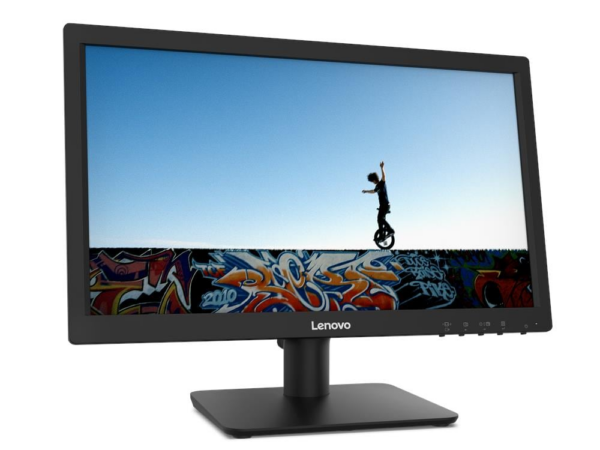
Dual HDMI and VGA Connectivity: The D19-10 carries both HDMI 1.4 and VGA ports on the rear, so it connects to current laptops and desktops as well as older systems that lack HDMI output. Furthermore, a VGA cable ships in the box for EMEA region units, removing the need to source one separately.
TÜV Rheinland® Low Blue Light Certification: Hardware-level blue light reduction filters harmful wavelengths without relying on a software overlay. Consequently, users who work at the screen for extended periods experience less eye strain compared to uncertified displays.
Compact 18.5-Inch Footprint: At 448.4mm wide and just 2.36 kg with the stand, the D19-10 fits comfortably on compact desks, reception counters, and secondary workstation positions where a larger panel would not. Additionally, the lightweight build makes repositioning straightforward.
VESA 100mm Mount Support: The monitor accepts standard VESA 100mm wall and arm mounts, so users can remove the stand entirely and free up desk space. Therefore, it suits environments where desk real estate is limited or where wall-mounting is preferred.
Kensington Security Slot: The standard Kensington® Security Slot™ allows physical locking in shared or public office environments — a practical inclusion at this price point.
99% sRGB Colour Accuracy: The panel covers 99% of the sRGB colour space, so colours in documents, images, and web content appear true and consistent throughout the working day.
TÜV-Certified Eye Care with Natural Low Blue Light: Hardware-level blue light reduction — not a software filter — means less eye strain during long sessions. Additionally, the Eyesafe® Display 2.0 and TÜV Rheinland® Eye Comfort certifications back up that claim independently.
100Hz Refresh Rate with 1ms MPRT Response: At 100Hz, motion in video calls, streaming, and light gaming appears noticeably smoother than on standard 60Hz panels. Moreover, the 1ms MPRT response time (at 100Hz) keeps fast-moving content sharp.
Integrated 3W×2 Stereo Speakers: Built-in speakers eliminate desk clutter and reduce cable management effort. However, users who need higher audio output for music or media production should consider separate speakers.
VESA 100mm Mount Compatibility: The monitor supports standard VESA 100mm wall or arm mounting, giving users flexibility to reclaim desk space or position the screen ergonomically.
4K UHD IPS Display (3840 × 2160): Over 8 million pixels on a 31.5-inch panel produce text and images with exceptional sharpness — noticeably clearer than 1080p at this screen size, especially useful for reading dense documents or editing fine detail.
USB-C with 75W Power Delivery: A single cable connects your laptop, charges it simultaneously, and transmits video — compatible with most USB-C laptops including MacBook, Dell XPS, and ThinkPad series, eliminating the need for a separate charger.
Integrated Dual 3W Speakers: Built-in speakers mean one fewer accessory to buy or connect. They handle video calls, music, and casual media playback without needing a soundbar for everyday use.
HDR10 with 90% DCI-P3 Colour Coverage: HDR10 support brings out shadow detail and highlights in supported content. The 90% DCI-P3 gamut is wide enough for colour-sensitive creative work, sitting comfortably above sRGB-only alternatives.
AMD FreeSync with Anti-Glare Coating: FreeSync reduces screen tearing during gaming and video playback. The anti-glare matte surface cuts reflections under overhead lighting, reducing eye strain during extended sessions.
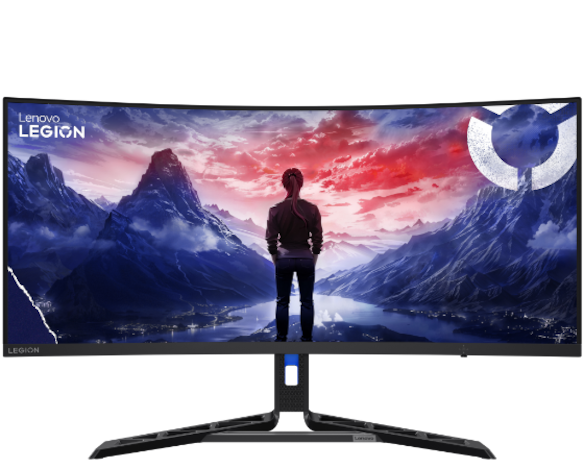
180Hz Refresh Rate: The display refreshes 180 times per second, producing noticeably smoother motion in fast-paced games compared to standard 60Hz or 144Hz monitors. Competitive players gain a tangible edge in titles where frame timing matters.
3440×1440 WQHD Ultrawide Resolution: Fills the peripheral vision with game world detail that standard 16:9 monitors simply cut off. The wider viewport also benefits productivity tasks, letting users run two full-size windows side by side.
1500R VA Curved Panel: The curve draws the edges of the screen closer to the viewer's natural focal distance, reducing eye movement fatigue across long gaming sessions. VA technology also delivers deeper blacks than IPS panels at comparable price points.
AMD FreeSync Premium Pro: Synchronises the display's refresh rate with the GPU's output, eliminating screen tearing and minimising stutter. Compatible with AMD Radeon GPUs and also works with most NVIDIA cards via G-Sync Compatible mode.
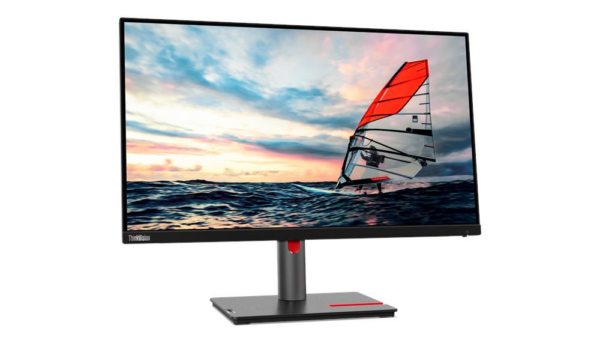
Ergonomic Tilt, Swivel & Height Adjustment: The stand accommodates a wide range of seating positions and desk heights. Users can dial in their exact viewing angle rather than adjusting their chair or adding monitor risers.
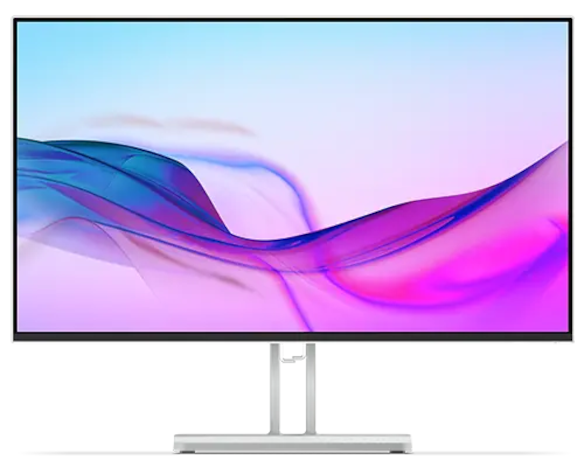
100Hz IPS Panel: Smoother motion than a standard 60Hz display, with wide 178°/178° viewing angles. Colours stay consistent whether you're working from the side or sharing your screen with a colleague.
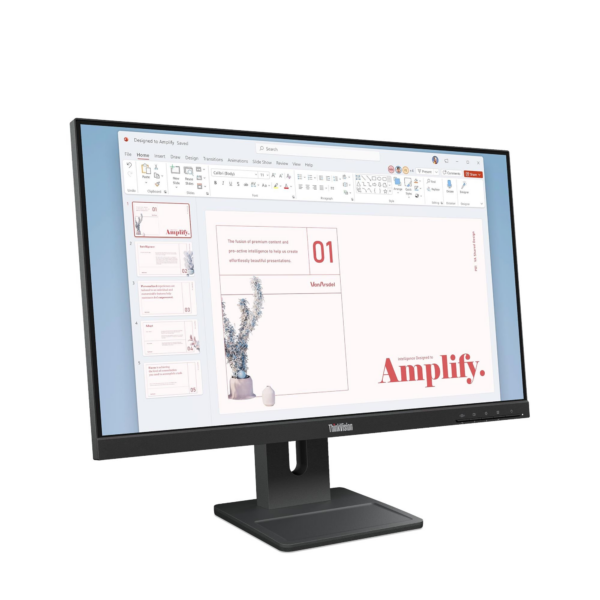
Full Ergonomic Stand: Height, tilt, swivel, and pivot adjustments let you position the screen exactly where your posture needs it. Rotating to portrait mode works for coding, reading long documents, or stacking two monitors in a tight space.
Natural Low Blue Light (Hardware Solution): Blue light filtering is built into the panel hardware, not applied via software filter. Colour accuracy is preserved, and your eyes experience less strain during extended use — a meaningful difference for all-day screen time.
Flicker-Free Backlight: TÜV Rheinland Flicker Free certification means the WLED backlight does not use pulse-width modulation (PWM) to regulate brightness. This eliminates a common cause of eye fatigue and headaches in lower-cost monitors.
VESA Mount & ThinkCentre Tiny Support: The 100 x 100 mm VESA pattern makes wall mounting or arm mounting straightforward. It also supports ThinkCentre M-series Tiny PCs docked directly to the back of the stand — useful for clean, cable-managed desk setups.
DisplayPort 1.4 Daisy Chain Output: Connect a second monitor directly from this display using the DP out port. No additional graphics card output required — one cable from your PC can drive two screens, which simplifies cable routing on desks with multiple monitors.
4-Port USB 3.2 Gen 1 Hub (5Gbps): Four USB-A downstream ports plus one USB-B upstream turn this monitor into a desk hub. Keyboards, mice, drives, and dongles connect here rather than routing cables to a PC tower tucked under the desk.
HDMI 2.1 Input: The HDMI 2.1 port supports 1920×1080 at up to 120Hz — higher than the advertised 100Hz refresh rate through DisplayPort. This matters for anyone switching input sources between a laptop and a desktop, or connecting a console alongside a workstation PC.
Eyesafe 2.0 + TÜV Low Blue Light (Hardware Solution): Blue light reduction is handled at the panel hardware level rather than via a software colour filter. Eyesafe 2.0 certification adds an independent standard beyond Lenovo's own claim. Colour accuracy is preserved while eye fatigue during extended use is reduced.
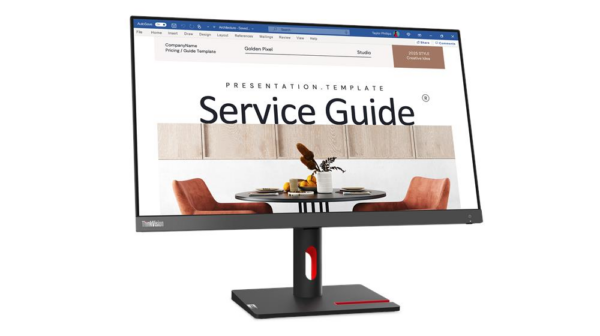
Near-Edgeless Design with Full Ergonomic Stand: The 2mm top and bottom bezel keeps multi-monitor gaps tight. The stand covers tilt (-5° to +23.5°), swivel (±45°), pivot (±90°), and 155mm height lift — covering the full range of ergonomic adjustments most users will ever need.
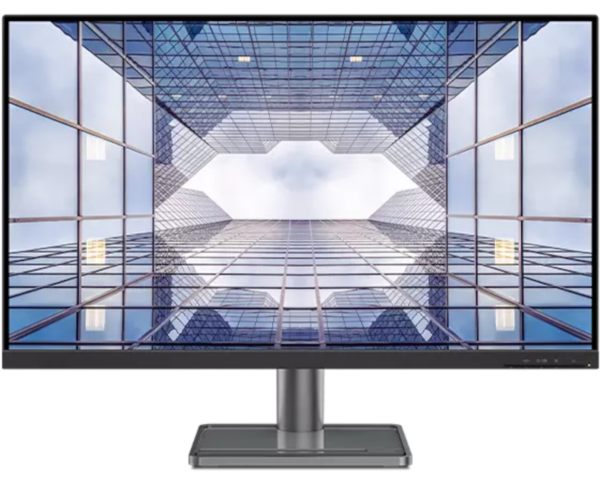
TÜV Rheinland® Flicker Free Certification: The S24-4e eliminates screen flicker at the hardware level — not through software compensation. Consequently, users who are sensitive to flicker during long screen sessions benefit from a genuinely stable image, rather than one that pulses imperceptibly at lower brightness levels.
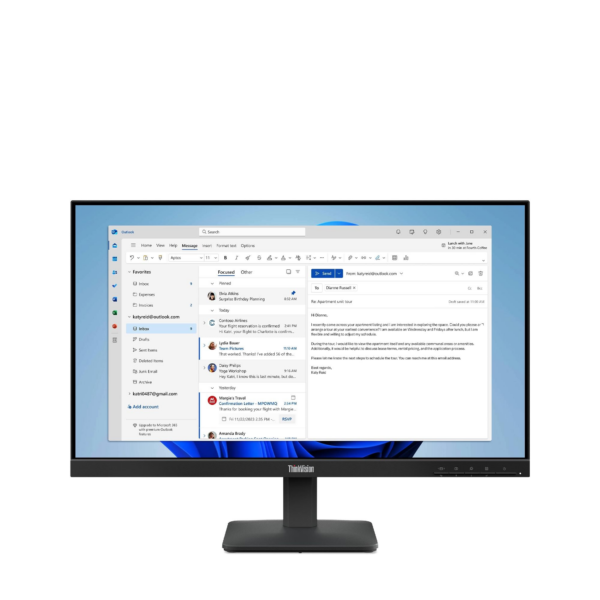
3-Side NearEdgeless Design: With 2.0mm bezels on three sides, the panel offers a near-borderless viewing experience. Therefore, it integrates cleanly into multi-monitor configurations and contributes to a tidy, distraction-free workspace.
99% sRGB Colour Coverage with 3,000,000:1 Dynamic Contrast: The IPS panel covers 99% of the sRGB gamut, so documents, images, and web content render with accurate, consistent colour from wide viewing angles. Furthermore, the dynamic contrast ratio of 3,000,000:1 deepens shadow detail in multimedia content beyond what standard contrast figures suggest.
100Hz Refresh Rate with 4ms GtG Response: At 100Hz, scrolling through long documents and switching between applications feels noticeably more fluid than on standard 60Hz panels. In addition, the 4ms GtG response time in Extreme Mode keeps motion clear during video playback and on-screen navigation.
Kensington Nano Security Slot: The built-in Kensington® Nano Security Slot™ allows physical locking in shared office environments — a practical security feature that many similarly priced monitors do not include.
3-Side NearEdgeless Design: The 2.0mm side and top bezels create a near-seamless viewing area. Consequently, multi-monitor setups look clean and cohesive, with minimal visual interruption between screens.
99% sRGB Colour Gamut: The IPS panel covers 99% of the sRGB colour space, so documents, spreadsheets, and images render with consistent, accurate colour from edge to edge — even at wide viewing angles.
TÜV-Certified Hardware Blue Light Reduction: Natural Low Blue Light filters harmful blue light at the hardware level, rather than applying a software overlay. Furthermore, TÜV Rheinland® Eye Comfort and Eyesafe® 2.0 certifications independently verify the eye care credentials.
100Hz Refresh Rate: At 100Hz, scrolling through long documents and switching between applications appears noticeably smoother than on standard 60Hz office monitors. In addition, video calls and streaming content benefit from reduced motion blur.
Kensington Security Slot: The built-in Kensington® Security Slot™ allows physical locking of the monitor in shared office spaces or public environments — a practical feature that many entry-level monitors omit.
Microsoft Teams Certified: Out-of-the-box compatibility with Microsoft Teams means the display is validated for business communication workflows. Relevant for IT-managed deployments where peripheral certification matters for support and procurement.
100Hz Refresh Rate on a Business IPS Panel: Most office monitors at this price point ship at 60Hz. The ThinkVision S27i-30's 100Hz panel makes scrolling, document navigation, and light video work noticeably smoother — without requiring a dedicated GPU upgrade.
Triple Eye-Comfort Certification: Three independent certifications — Eyesafe 2.0, TÜV Low Blue Light (hardware-level, not software filter), and TÜV Rheinland Eye Comfort — address blue light, flicker, and general visual fatigue. This is hardware-based blue light reduction, which does not shift the colour cast the way software night-mode filters do.
99% sRGB Colour Coverage: Accurate sRGB reproduction makes the S27i-30 suitable for web design, document review, and general content work where colour consistency with the web and print standards is needed. It exceeds many office monitors that ship at 72–85% sRGB.
ThinkCentre Tiny/Nano Rear Mounting Support: The stand is designed to accept ThinkCentre M-series Tiny and Nano desktop units, combining monitor and PC into a single footprint. This is a practical space-saving option for reception desks, kiosks, or space-constrained workstations.
34" 1500R Curved VA Panel: The gentle curve matches natural eye movement across the wide display. Reduces neck rotation compared to flat ultrawide alternatives, easing fatigue during long sessions.
3440×1440 QHD Resolution: Delivers 109 PPI pixel density — sharp enough for fine text, detailed spreadsheets, and UI design work. Noticeably clearer than standard 1080p ultrawide monitors at this size.
USB-C Single-Cable Connectivity: One USB-C cable carries video, data, and up to 75W of power delivery simultaneously. Connects compatible laptops with a single cable, eliminating desk clutter.
Built-in KVM Switch: Control two computers — for instance, a laptop and a desktop — using one keyboard and mouse connected to the monitor. Switch between systems without re-plugging peripherals.
Ergonomic Adjustable Stand: Supports height adjustment (up to 150mm), tilt (−5° to +35°), and swivel (±30°). Users can dial in a comfortable position rather than adapting posture to a fixed screen.