
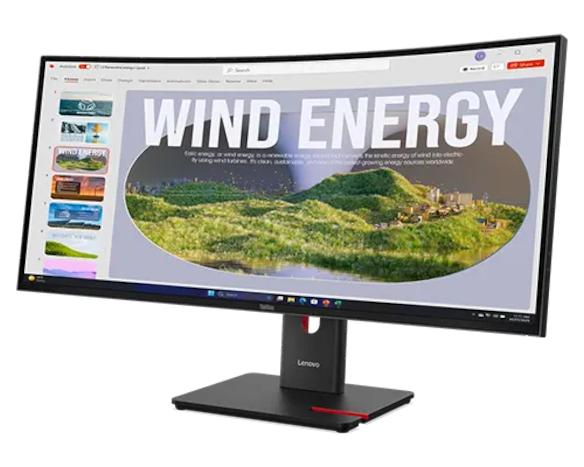
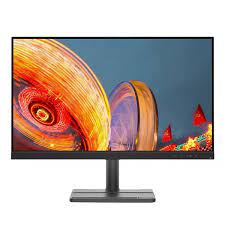
Lenovo ThinkVision S27i-30 27-inch FHD Monitor — Raven Black / Storm Grey (63DFKAT4UK)
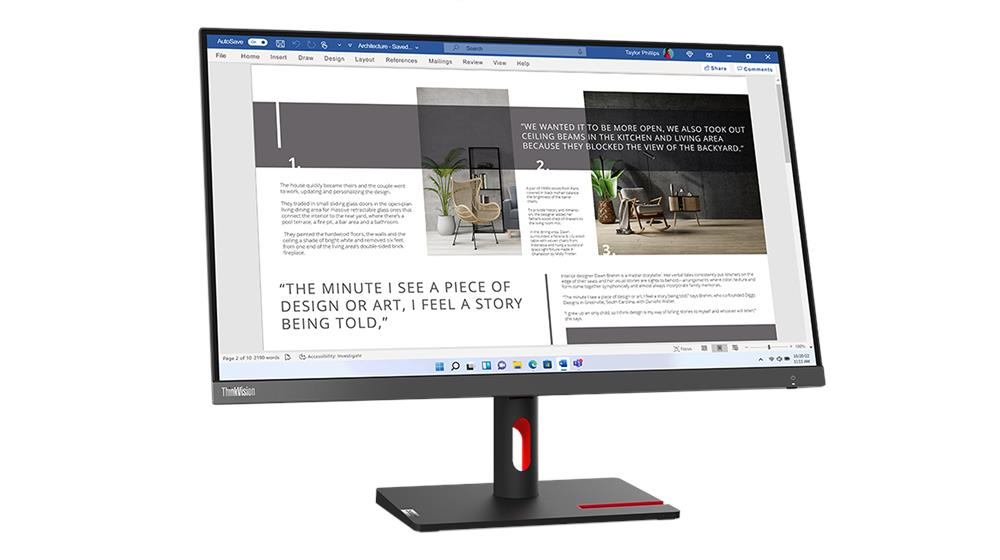
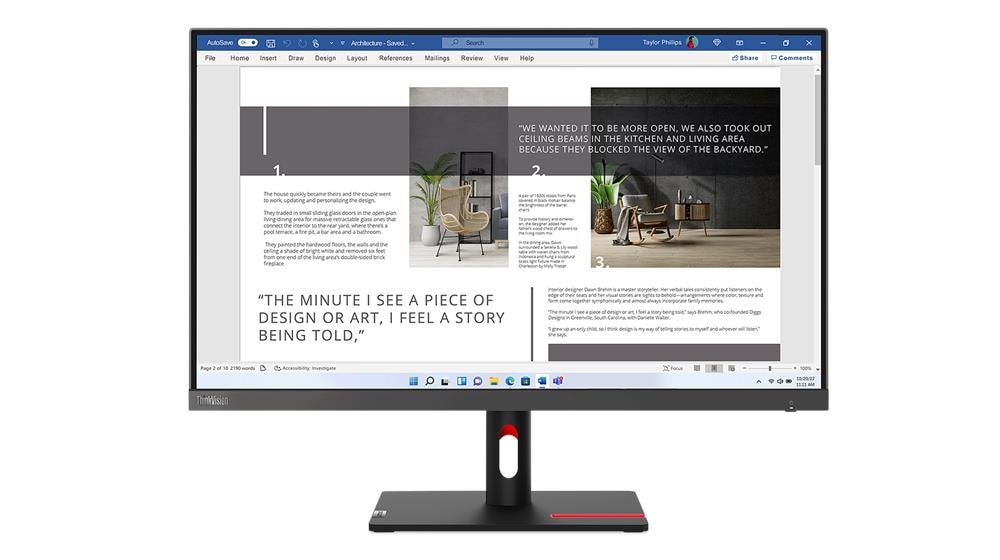
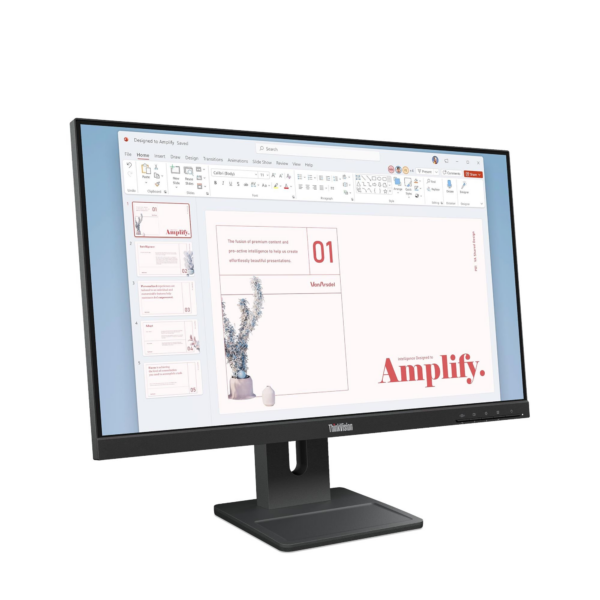
The Lenovo ThinkVision S27i-30 gives business users, IT departments, and home offices a 27-inch Full HD IPS display that prioritises daily comfort, software certification, and accurate colour over headline specifications. While most FHD office monitors at this size stop at 60Hz and basic sRGB coverage, the S27i-30 runs at 100Hz, covers 99% sRGB, and holds three independent hardware eye-comfort certifications. Additionally, Microsoft has directly certified it for Teams compatibility — a detail that simplifies procurement in managed IT environments. The result is a well-rounded, thoroughly vetted all-day display that avoids unnecessary complexity.
Technical Specifications
Display
| Specification | Detail |
|---|---|
| Screen Size | 27 inches (viewable) |
| View Area | 597.9 × 336.3 mm |
| Resolution | 1920 × 1080 (Full HD) |
| Panel Type | IPS (In-Plane Switching) |
| Backlight | WLED |
| Aspect Ratio | 16:9 |
| Pixel Pitch | 0.311 × 0.311 mm |
| Pixel Density | 82 dpi |
| Colour Depth | 16.7 million colours |
| Colour Gamut | 99% sRGB |
| Brightness | 300 cd/m² |
| Contrast Ratio | 1300:1 |
| Viewing Angles | 178° horizontal / 178° vertical |
| Surface Treatment | Anti-glare |
| Curvature | Flat |
Performance
| Specification | Detail |
|---|---|
| Refresh Rate | 100 Hz |
| Response Time | 4 ms (Extreme mode) / 6 ms (Typical) |
| Adaptive Sync | None |
Connectivity
| Specification | Detail |
|---|---|
| HDMI | 2× HDMI 1.4 (supports 1920×1080 @ 100Hz) |
| VGA | 1× VGA |
| Audio Output | 1× 3.5mm headphone jack |
| Speakers | None |
| Camera / Microphone | None |
Design & Physical
| Specification | Detail |
|---|---|
| Colour Options | Raven Black / Storm Grey |
| Side Bezel Width | 2.3 mm |
| Head Depth at Slimmest Point | 6.9 mm (0.27 in) |
| Stand Adjustment | Tilt only |
| VESA Mount | 100 × 100 mm compatible |
| ThinkCentre M Series Support | Tiny and Nano |
| Dimensions with Stand (W×D×H) | 612.3 × 184.9 × 475.0 mm (24.11 × 7.28 × 18.70 in) |
| Dimensions Head Only (W×D×H) | 612.3 × 43.5 × 368.0 mm (24.11 × 1.71 × 14.49 in) |
| Weight with Stand | 4.5 kg (9.9 lbs) |
| Weight Head Only | 3.6 kg (7.9 lbs) |
Power
| Specification | Detail |
|---|---|
| Typical Consumption | 19.5W |
| Maximum Consumption | 36W |
| Power Adapter | Integrated |
Certifications
| Specification | Detail |
|---|---|
| Ergonomic | Eyesafe® Display 2.0, TÜV Low Blue Light (hardware), TÜV Rheinland® Eye Comfort |
| Environmental | ENERGY STAR®, TCO 9.0, TCO Edge 2.0, EPEAT™ Gold, RoHS, EU Energy Efficiency Level E |
| Software Compatibility | Microsoft Teams Certified |
| Special Features | Natural Low Blue Light (hardware-based) |
Software
| Specification | Detail |
|---|---|
| OS Support | Windows 10, Windows 11 |
In the Box
| Item | Detail |
|---|---|
| Monitor | With tilt stand |
| HDMI cable | 1× 1.8m |
| Power cable | 1× 1.8m |
| Documentation | Quick setup guide |
Model Information
| Field | Detail |
|---|---|
| Model Number | 63DFKAT4UK |
| Machine Type | 63DF |
| Region | EMEA |
| EAN | 0196802905176 |
| Announce Date | 2023-05-31 |
Use Cases
Corporate and Managed IT Deployments
Large IT departments rarely have time to individually vet every peripheral on a hardware list. In this context, the S27i-30’s certification stack removes much of that burden. Microsoft Teams validation, EPEAT Gold, TCO 9.0, TCO Edge 2.0, and ENERGY STAR together address software compatibility, environmental standards, and corporate sustainability targets in a single purchase. As a result, procurement teams spend less time on compliance checks and more time on deployment.
General Office and Document Work
For the tasks that fill most working days — email, spreadsheets, browser applications, and document review — 1080p at 27 inches performs reliably. However, users who move from a 1440p or 4K display will notice that text appears less sharp, since 82 dpi puts individual pixels within visible range at a standard desk distance. That said, the majority of business users find this a non-issue once they settle into daily work on the S27i-30.
ThinkCentre All-in-One Setup
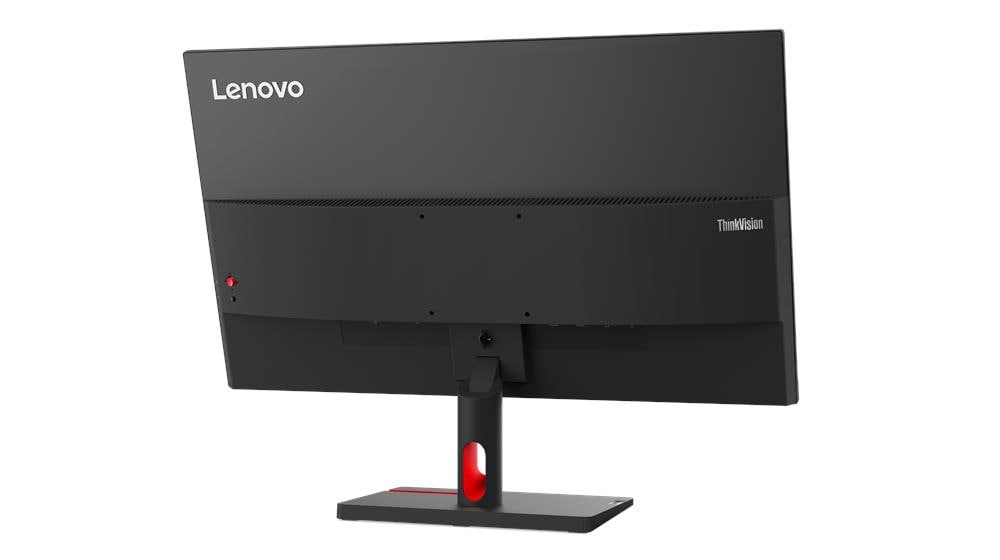
The rear stand mount accepts a ThinkCentre M-series Tiny or Nano desktop directly, which removes a separate PC unit from the desk surface. Instead of managing two separate devices, the combined setup occupies only the monitor’s own footprint. This particularly suits reception areas, hot-desking floors, and kiosk environments where desk space is limited and cable management matters.
Extended Daily Sessions
Hardware-level eye protection offers a practical advantage for users who log six or more screen hours each day. Specifically, the S27i-30 reduces blue light at the panel itself rather than applying a software colour shift. This means the display maintains accurate colour rendering throughout the day — an outcome that software night-mode filters cannot match without visibly altering the on-screen image.
Dual-Monitor Pairing
The 2.3mm side bezel and 6.9mm slim head profile allow the S27i-30 to sit close against a primary monitor with very little visible gap between screens. Moreover, the display weighs only 4.5 kg with the stand, which makes repositioning straightforward during desk reconfiguration. For users who need height adjustment beyond tilt, the 100×100mm VESA mount accepts most standard monitor arms with no additional hardware required.
Internal Link
Compare the full Lenovo ThinkVision monitor range for larger screens, higher resolutions, and models with USB-C and DisplayPort connectivity.
External Link
For drivers, firmware, and warranty registration, visit the official Lenovo ThinkVision S27i-30 support page
Reviews
There are no reviews yet.