
Dell E2020H 19.5″ Monitor — Compact HD Display for Everyday Office and Home Use
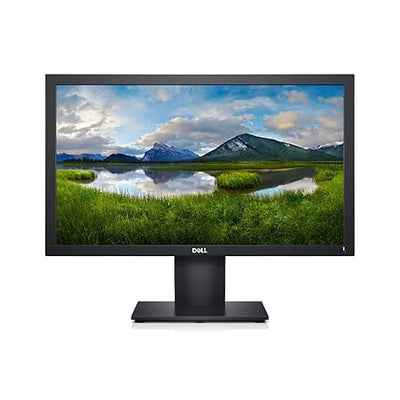
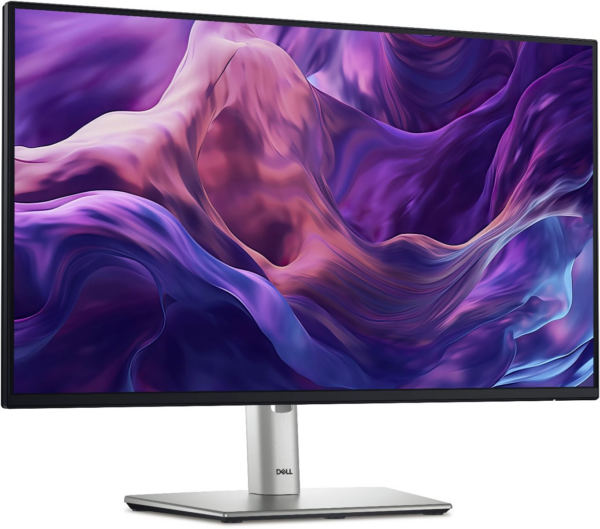
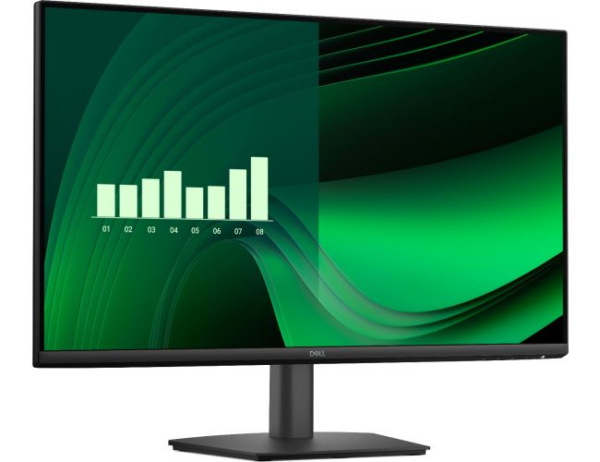
The Dell E2020H is a 19.5-inch LED-backlit monitor designed for everyday productivity tasks in offices, home workspaces, and educational environments. It delivers 1600 × 900 resolution alongside ComfortView technology that reduces up to 60% of harmful blue light emissions, making it a practical choice for users who spend long hours in front of a screen. Small business owners, students, and anyone replacing an aging office monitor will find the E2020H a straightforward, no-fuss upgrade. Connection
Technical Specifications
Display
| Specification | Detail |
|---|---|
| Screen Size | 19.5 inches (diagonal viewable) |
| Panel Type | TN (Twisted Nematic) |
| Resolution | 1600 × 900 at 60Hz |
| Aspect Ratio | 16:9 |
| Pixel Pitch | 0.27 × 0.27 mm |
| Pixel Density | 94 PPI |
| Brightness | 250 cd/m² (typical) |
| Contrast Ratio | 1000:1 (static) |
| Response Time | 5ms (grey-to-grey) |
| Refresh Rate | 60Hz |
| Viewing Angles | 170° horizontal / 160° vertical |
| Colour Support | 16.7 million colours |
| Colour Gamut | 72% sRGB (CIE1931) / 83% (CIE1976) |
| Backlight | LED |
| Anti-Glare Coating | Yes |
Connectivity
| Port | Detail |
|---|---|
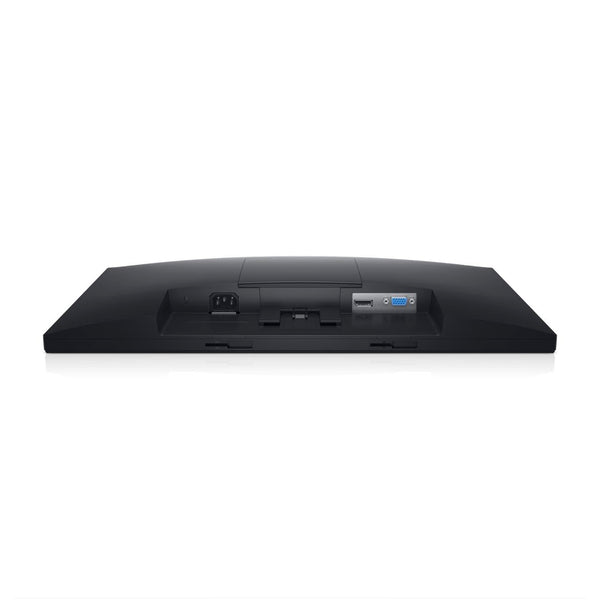
| DisplayPort | 1 × DisplayPort 1.2 (cable included) |
| VGA | 1 × VGA (D-Sub 15-pin) |
| Audio | No built-in speakers |
| Optional Soundbar | Compatible with Dell Stereo Soundbar AC511M |
Physical
| Specification | Detail |
|---|---|
| Dimensions (with stand) | 368.4 × 245.8 × 170.3 mm |
| Weight (with stand) | 2.2 kg (approx.) |
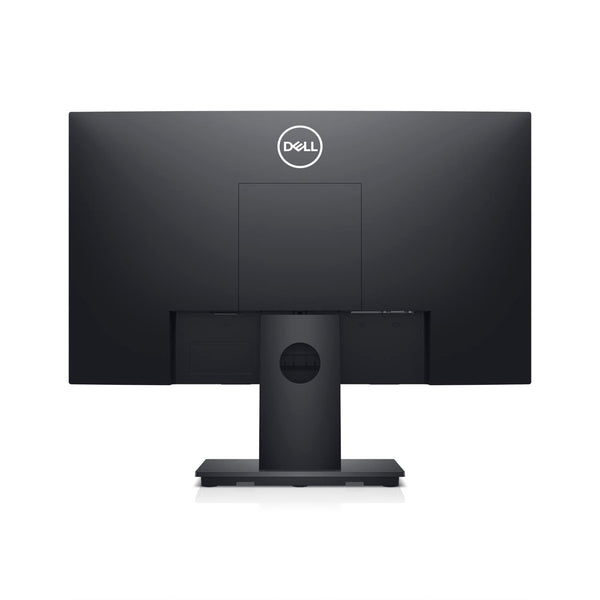
| VESA Mount | 100 × 100 mm |
| Tilt Adjustment | −5° to +21° |
| Power Consumption | 11W (typical), 14W (max), 0.3W (standby) |
| Power Supply | Built-in (100–240V AC, 50/60Hz) |
Software & Management
| Feature | Detail |
|---|---|
| Dell Display Manager | Yes |
| Remote Asset Management | Yes, via Dell Command Monitor |
| Flicker-Free Screen | Yes |
Certifications
- Energy Star compliant
- RoHS compliant
- TCO Certified
Use Cases & Applications
Office & Administrative Workstations The E2020H suits data entry, email, spreadsheet work, and document editing on a daily basis. Its compact 19.5-inch footprint fits comfortably on crowded office desks where space matters.
Replacement Monitor for Legacy Systems The VGA port lets the Dell E2020H connect directly to older desktop towers without needing an adapter, making it a straightforward drop-in replacement for ageing CRT or early LCD monitors in corporate environments.
Dual-Monitor Setups on a Budget At its price point, the E2020H works well as a secondary display alongside a larger primary monitor — handling reference documents, chat applications, or dashboards while your main screen handles primary tasks.
Educational & Lab Environments Schools and training centres can deploy this monitor across multiple workstations cost-effectively. Dell Command Monitor support allows IT teams to manage display assets remotely across a network.
Frequently Asked Questions
Does the Dell E2020H support Full HD (1080p)? No. The E2020H runs at 1600 × 900 (HD+), not 1920 × 1080. For Full HD output, consider the Dell E2220H or SE2225H instead.
Does it include a DisplayPort cable? Yes. Dell includes a DisplayPort cable in the box. You will need to source a VGA cable separately if you use that connection.
Can you add speakers to it? The monitor has no built-in speakers, but it accepts the optional Dell Stereo Soundbar AC511M, which attaches directly to the monitor frame.
Does it work with a Mac? Yes. It connects to any Mac with a DisplayPort output. Mac users with only USB-C ports will need to buy a USB-C to DisplayPort adapter separately.
Can you wall-mount it? Yes. You can remove the stand, and the monitor accepts any VESA 100 × 100 mm compatible wall mount or monitor arm.
Internal & External Resources
For a side-by-side comparison, read our guide on the Dell E2020H monitor for office and home use to see how it compares with other monitors in the E Series range.
For the official manual, drivers, and warranty details, visit the Dell E2020H product support page.


Reviews
There are no reviews yet.