
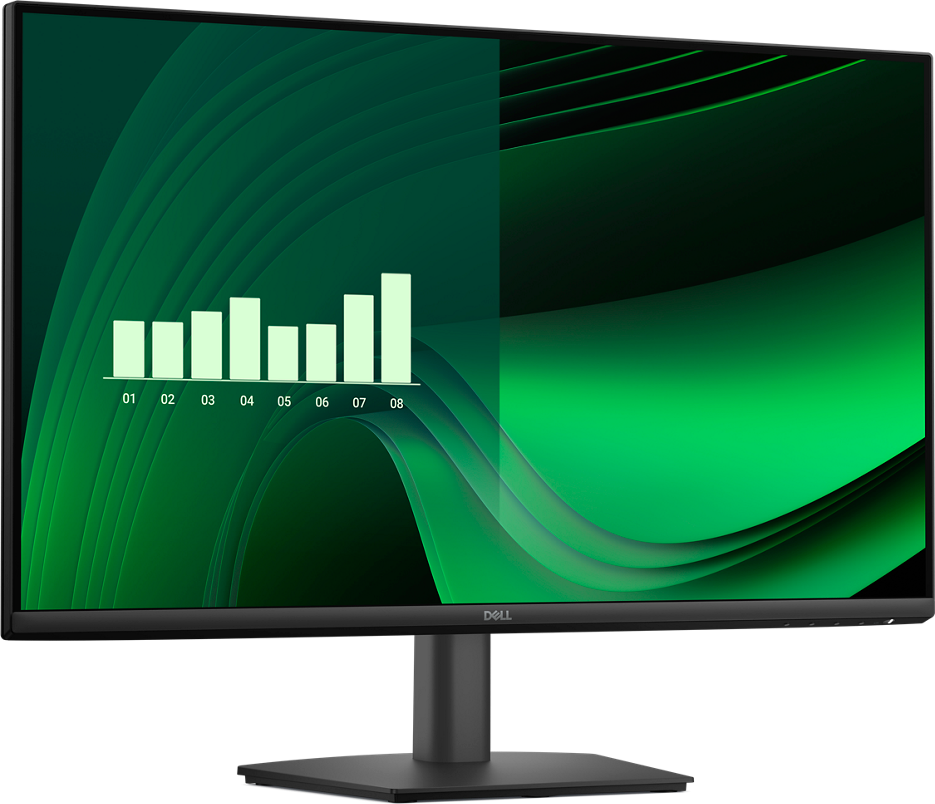

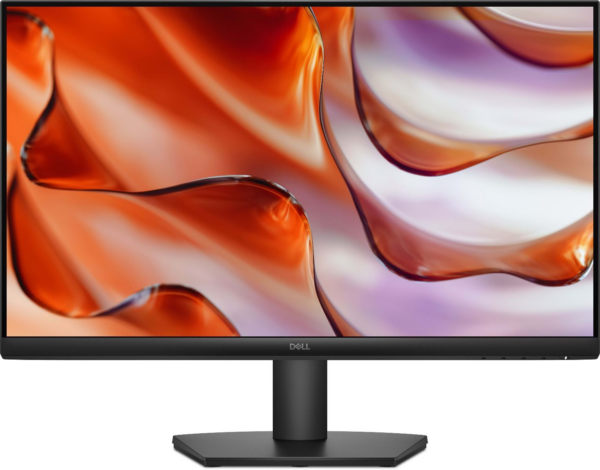
Dell E2725H 27″ Full HD Monitor — A Business-Grade Display Built Around DisplayPort Connectivity and Daily Reliability
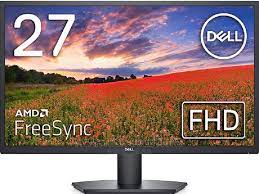
The Dell E2725H is a 27-inch Full HD commercial-class monitor designed specifically for business workstations, enterprise desktops, and professional office environments where DisplayPort connectivity is the standard. Where its sibling the E2725HM prioritizes HDMI flexibility, the E2725H is built for organizations and professionals whose systems — workstations, business towers, and commercial laptops with docking stations — output natively via DisplayPort. It delivers consistent, dependable screen performance across long working hours without unnecessary complexity.
Technical Specifications
Display
- Panel Type: VA (Vertical Alignment)
- Screen Size: 27 inches (diagonal, viewable)
- Resolution: 1920 × 1080 (Full HD / 1080p)
- Aspect Ratio: 16:9
- Pixel Pitch: 0.311 mm
- Pixel Density: ~82 PPI
Performance
- Refresh Rate: 60Hz
- Response Time: 8ms (GtG)
- Brightness: 300 cd/m²
- Static Contrast Ratio: 3000:1
- Color Gamut: 72% NTSC / approx. 99% sRGB
- Color Depth: 16.7 million colors (8-bit)
Ergonomics & Physical
- Tilt Adjustment: −5° to +21°
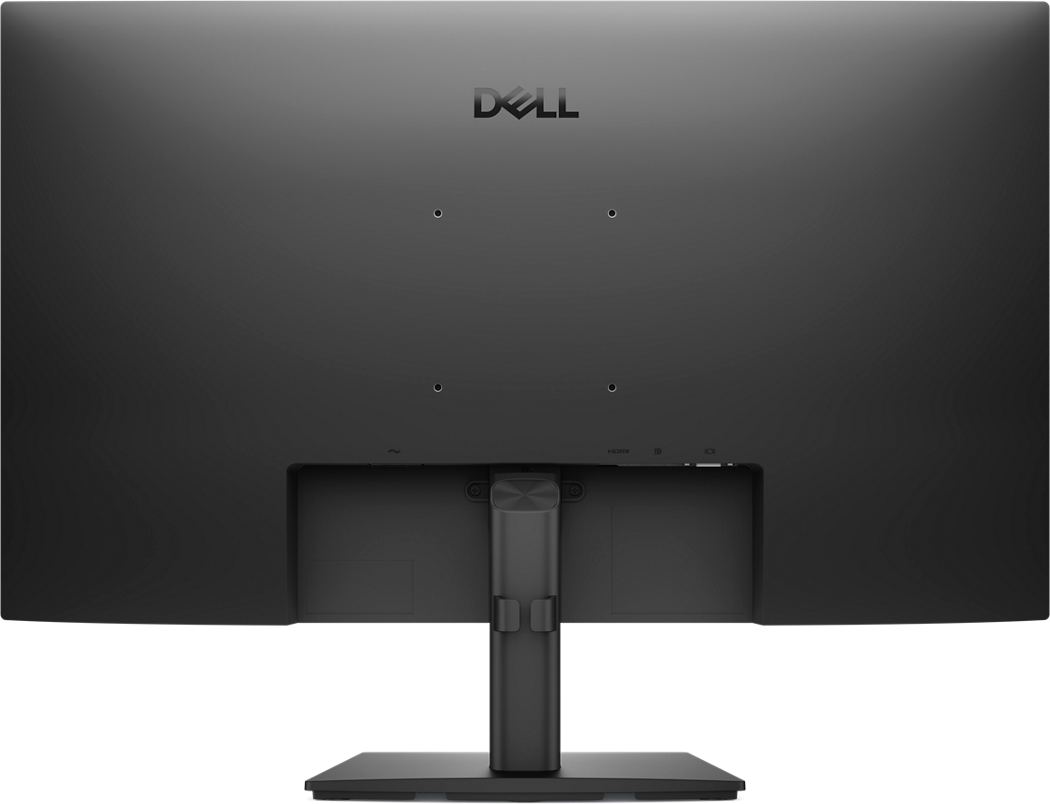
- VESA Mount: Yes, 100 × 100 mm
- Dimensions with Stand (W × H × D): approx. 614 × 458 × 186 mm
- Weight with Stand: approx. 4.5 kg
- Bezel: Three-sided thin bezel design
Connectivity
- 1× DisplayPort 1.2
- 1× VGA (D-Sub) port — retained for compatibility with legacy systems and older docking stations
- Audio Line-Out: Yes (3.5mm headphone jack)
- DisplayPort Multi-Stream Transport (MST): Supported — enables daisy-chaining a second monitor from a single DisplayPort output
Power
- Typical Power Consumption: 22W
- Standby Power: < 0.5W
- Power Supply: Internal — no external adapter required
Compliance & Certifications
- TCO Certified
- Energy Star compliant
- RoHS compliant
Use Cases & Applications
Enterprise and Corporate Workstations: The E2725H is a natural fit for business desktop environments where DisplayPort is the default output on tower PCs and commercial-grade laptops. IT departments standardizing on DP infrastructure will find it slots in without adapter workarounds.
Docking Station Setups: Most business-class docking stations — including those from Dell, Lenovo, and HP — route video output via DisplayPort. The E2725H connects directly to these without signal conversion, maintaining full 1080p resolution at 60Hz reliably.
Daisy-Chained Multi-Monitor Configurations: DisplayPort MST support means you can connect a second E2725H monitor downstream from the first using a single DP cable from your PC — useful in setups where running multiple cables from the host machine isn’t practical.
Reception Desks and Shared Workstations: The straightforward input layout, thin three-sided bezel, and clean black finish make this monitor a tidy, professional-looking addition to customer-facing desk environments that run standard business software.
Secondary Reference Displays: In dual-monitor configurations, the E2725H works well as a dedicated reference screen for email, documentation, or communication tools while the primary display handles the main application — particularly in professional service, legal, or finance workflows.
Honest Considerations
The E2725H carries no HDMI port — a deliberate design choice for its commercial positioning, but a practical limitation if your setup relies on HDMI output. Users connecting via a laptop without DisplayPort will need an active adapter, which adds a small cost and an occasional compatibility variable. As with the broader E2725 family, the 60Hz refresh rate and 82 PPI pixel density are well-suited to productivity workloads but fall short for users who have moved to higher-resolution or higher-refresh displays. The VA panel’s off-axis viewing shift is also worth noting in collaborative environments — color accuracy and contrast hold well when viewed straight-on, but degrade at wider angles compared to IPS alternatives in the same class.

Reviews
There are no reviews yet.