
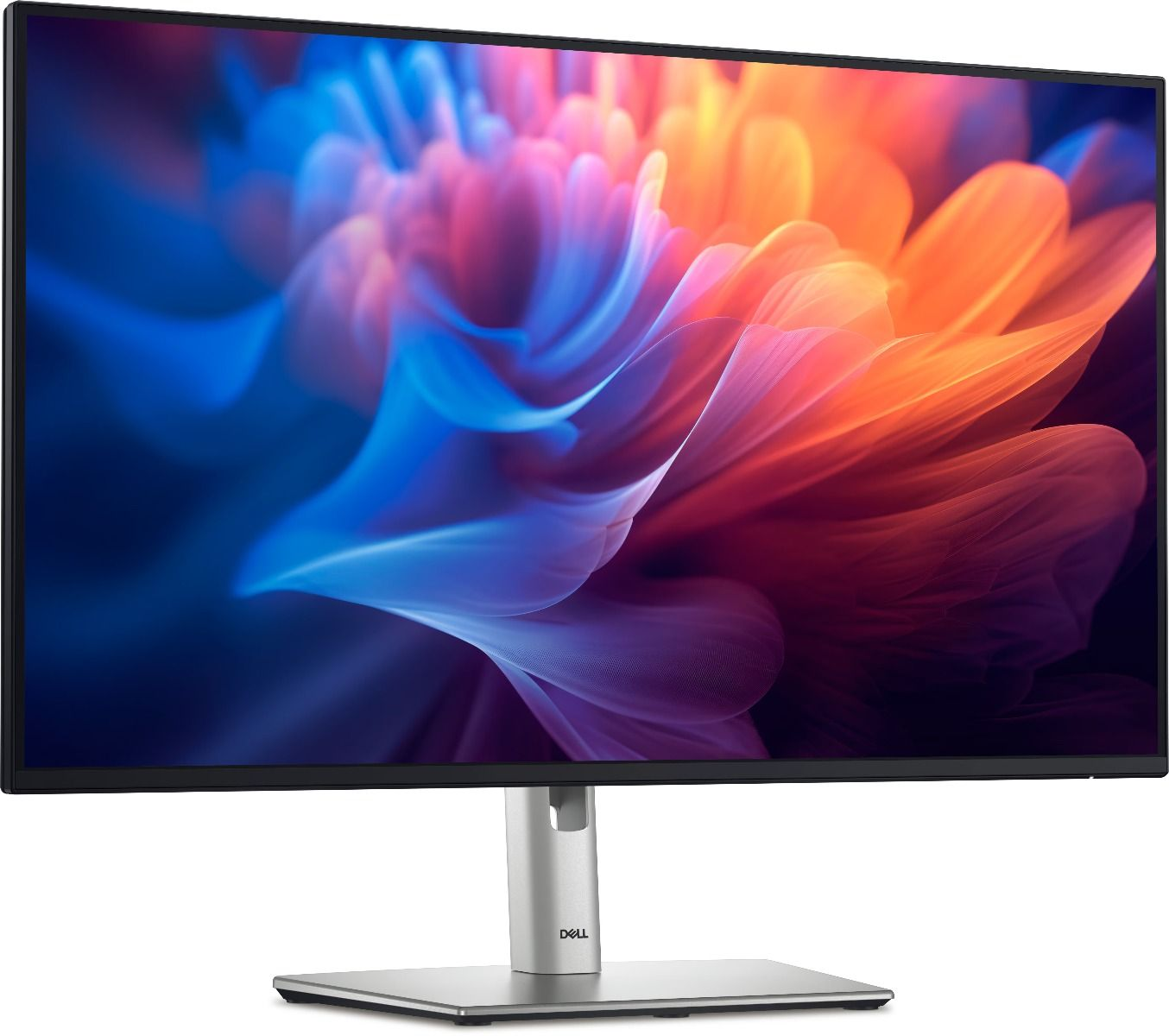

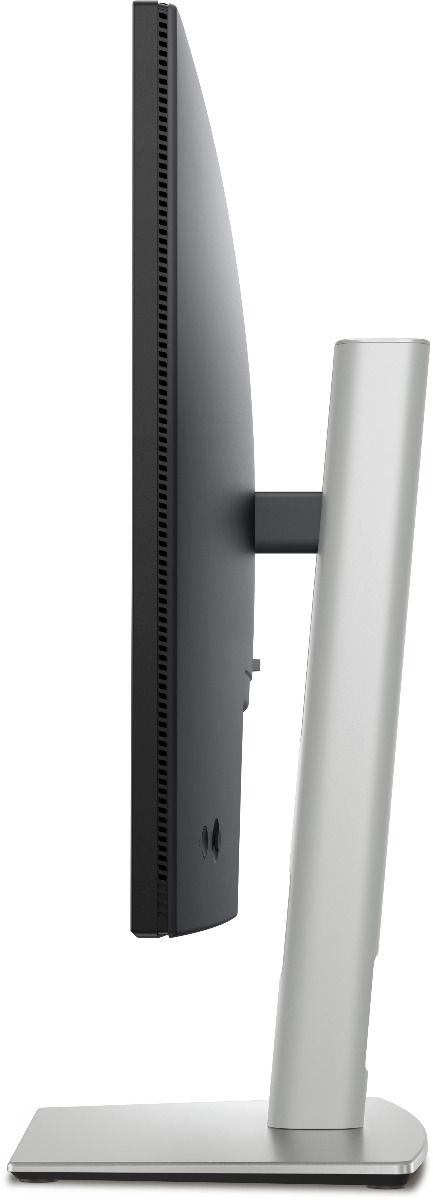
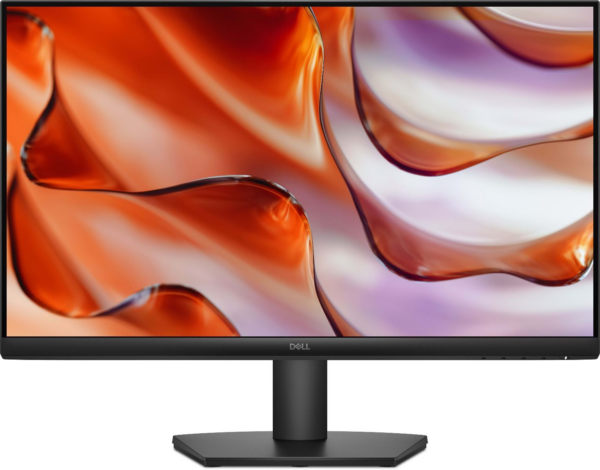
Dell P2725H 27″ Full HD Monitor — Full Ergonomic Range and IPS Comfort in a 27-Inch Professional Display
The Dell P2725H is a 27-inch Full HD IPS monitor from Dell’s Professional series, built for business users who want generous screen real estate combined with a fully adjustable stand — height, tilt, swivel, and pivot — without stepping into premium pricing territory. It targets professionals in corporate offices, home workstations, and hybrid setups where posture adaptability and consistent color accuracy across a full workday are priorities. For users upgrading from a fixed-stand display or a smaller screen, the P2725H delivers meaningful ergonomic and visual improvements within a practical budget.
Technical Specifications
Display
- Panel Type: IPS (In-Plane Switching)
- Screen Size: 27 inches (diagonal, viewable)
- Resolution: 1920 × 1080 (Full HD / 1080p)
- Aspect Ratio: 16:9
- Pixel Pitch: 0.3114 mm
- Pixel Density: ~82 PPI
- Viewing Angles: 178° horizontal / 178° vertical
Performance
- Refresh Rate: 100Hz
- Response Time: 5ms (GtG); 8ms (normal)
- Brightness: 300 cd/m²
- Static Contrast Ratio: 1000:1
- Color Gamut: 99% sRGB
- Color Depth: 16.7 million colors (8-bit)
- Color Accuracy: Delta E < 2 (factory calibrated)
Ergonomics & Physical
- Height Adjustment: 150mm range
- Tilt: −5° to +21°
- Swivel: −30° to +30°
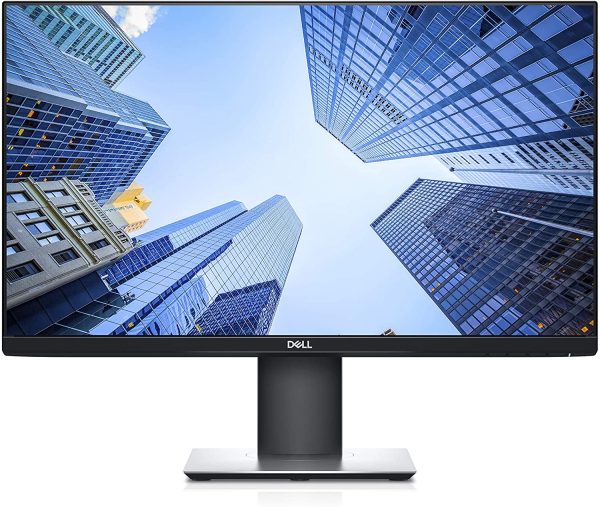
- Pivot: 90° (portrait mode capable)
- VESA Mount: Yes, 100 × 100 mm
- Dimensions with Stand (W × H × D): approx. 614 × 376–526 × 185 mm
- Weight with Stand: approx. 6.27 kg
- Bezel: Three-sided ultrathin bezel
Connectivity
- 1× DisplayPort 1.4
- 1× HDMI 1.4
- 1× VGA (D-Sub) — retained for legacy system compatibility
- 1× USB-B upstream (for USB hub activation)
- 2× USB-A downstream (5Gbps)
- Audio Line-Out: Yes (3.5mm)
Power
- Typical Power Consumption: 18W
- Maximum Power Consumption: 55W
- Standby Power: < 0.5W
- Power Supply: Internal — no external adapter required
Compliance & Certifications
- TCO Certified 9.0
- Energy Star 8.0 compliant
- RoHS compliant
- EPEAT Gold registered
- TÜV Rheinland Eye Comfort certified (ComfortView Plus)
Use Cases & Applications
Corporate and Enterprise Workstations: The P2725H fits naturally into business desktop environments running DisplayPort or HDMI outputs from towers and docking stations. The full ergonomic stand means IT teams can deploy it across varied desk configurations — sit-stand desks, fixed-height surfaces, and different user heights — without additional hardware.
Dual-Monitor Productivity Setups: The thin three-sided bezel and VESA compatibility make the P2725H a strong candidate for side-by-side dual-monitor configurations. Two units paired together create a near-seamless extended desktop, ideal for financial analysts, developers, and operations professionals managing multiple applications simultaneously.
Portrait-Mode Document and Code Review: The 90° pivot capability turns the P2725H into a tall vertical display — practical for developers reading lengthy code files, legal professionals reviewing multi-page documents, or writers working in distraction-free full-page layouts without constant scrolling.
Ergonomics-Driven Office Upgrades: Organizations transitioning to ergonomic workstation standards will find the P2725H straightforward to deploy. The 150mm height range accommodates seated users from roughly 5’0″ to 6’4″ within recommended screen-to-eye distance guidelines, without requiring monitor arms on every desk.
Hybrid Workers with Fixed Home Desks: For professionals who have a dedicated home office setup alongside an office workstation, the P2725H offers the adjustability to share a desk between different tasks — coding in landscape, document review in portrait, video calls with the screen tilted to reduce ceiling light glare.
Honest Considerations
The P2725H does not include USB-C connectivity — users hoping for single-cable laptop docking should look at the P2425HE or P2725HE variants, which add USB-C with Power Delivery. At 27 inches and 1080p, the ~82 PPI pixel density is identical to the entry-level E2725 series; the P2725H’s meaningful upgrades over that tier are the IPS panel, the full ergonomic stand, the 100Hz refresh rate, and the ComfortView Plus certification — not resolution. Users doing precision color work, photography editing, or detailed design should consider a 1440p or 4K alternative at this screen size, where pixel density improves noticeably. The 300 cd/m² brightness handles most indoor office conditions comfortably, though very bright rooms with direct window exposure may push the display’s limits.

Reviews
There are no reviews yet.