
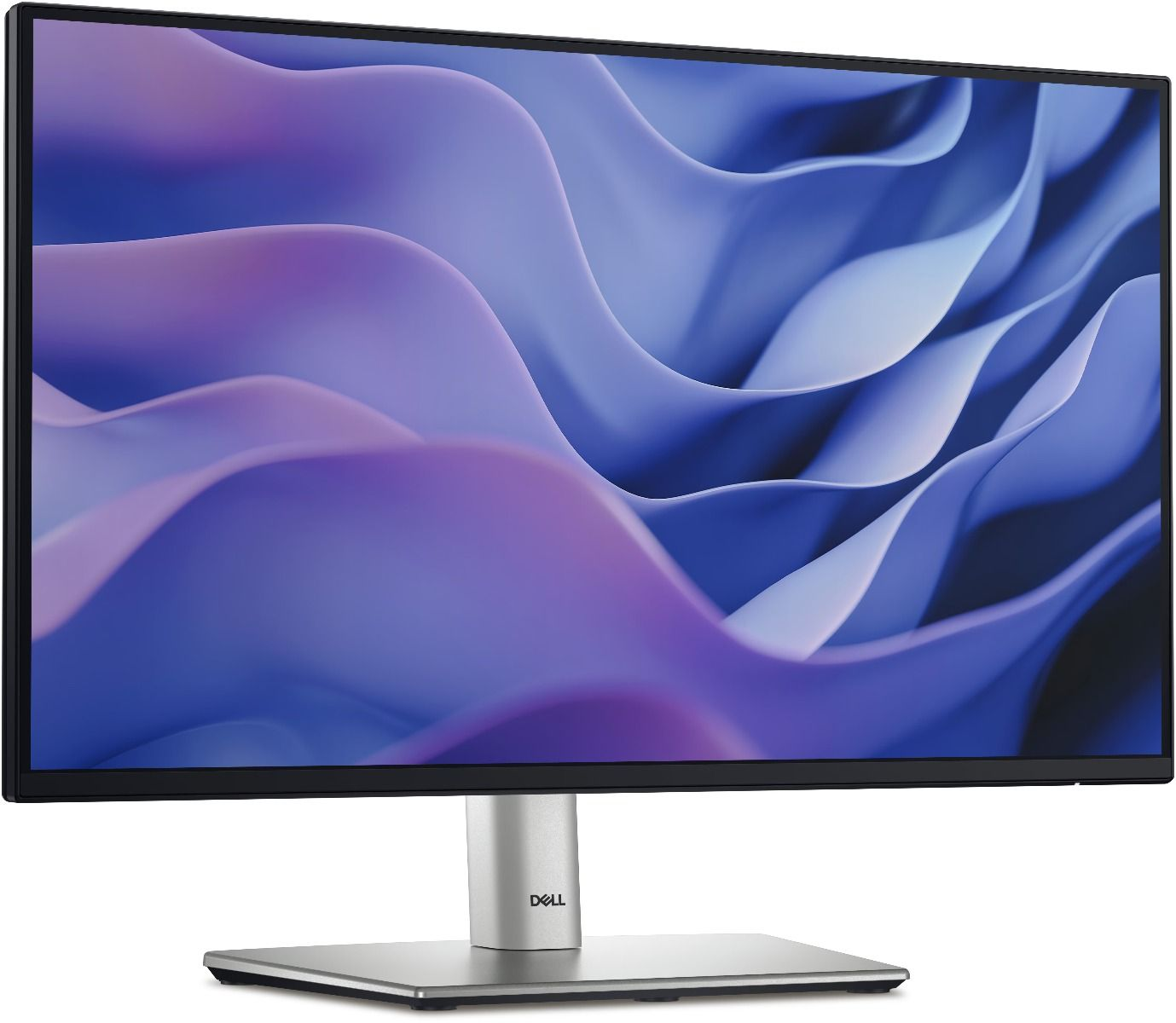
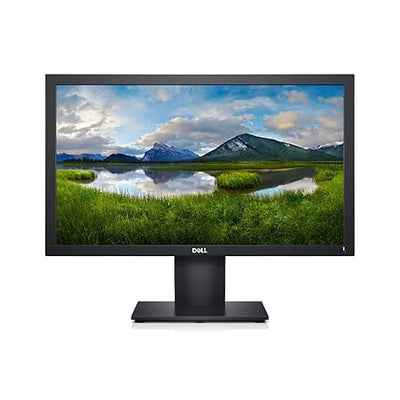

Dell SE2225H 21.4″ Full HD Monitor — Reliable Everyday Display for Home and Office
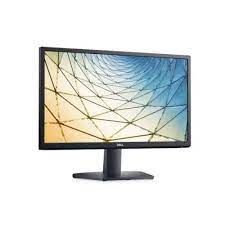
The Dell SE2225H is a 21.4-inch Full HD monitor built for everyday computing at home, in the office, or in educational settings. It delivers a crisp 1920 × 1080 resolution on a VA panel, giving you accurate colours and comfortable viewing without overspending. Students, remote workers, and small business owners who need a dependable primary or secondary display will find it fits naturally into most setups.
Technical Specifications
Display
| Specification | Detail |
|---|---|
| Screen Size | 21.4 inches (diagonal) |
| Panel Type | VA (Vertical Alignment) |
| Resolution | 1920 × 1080 (Full HD / 1080p) |
| Aspect Ratio | 16:9 |
| Brightness | 200 cd/m² |
| Contrast Ratio | 3000:1 (static) |
| Response Time | 8ms (grey-to-grey) |
| Refresh Rate | 75Hz |
| Viewing Angles | 178° horizontal / 178° vertical |
| Colour Support | 16.7 million colours |
| Anti-Glare Coating | Yes |
Connectivity
| Port | Detail |
|---|---|
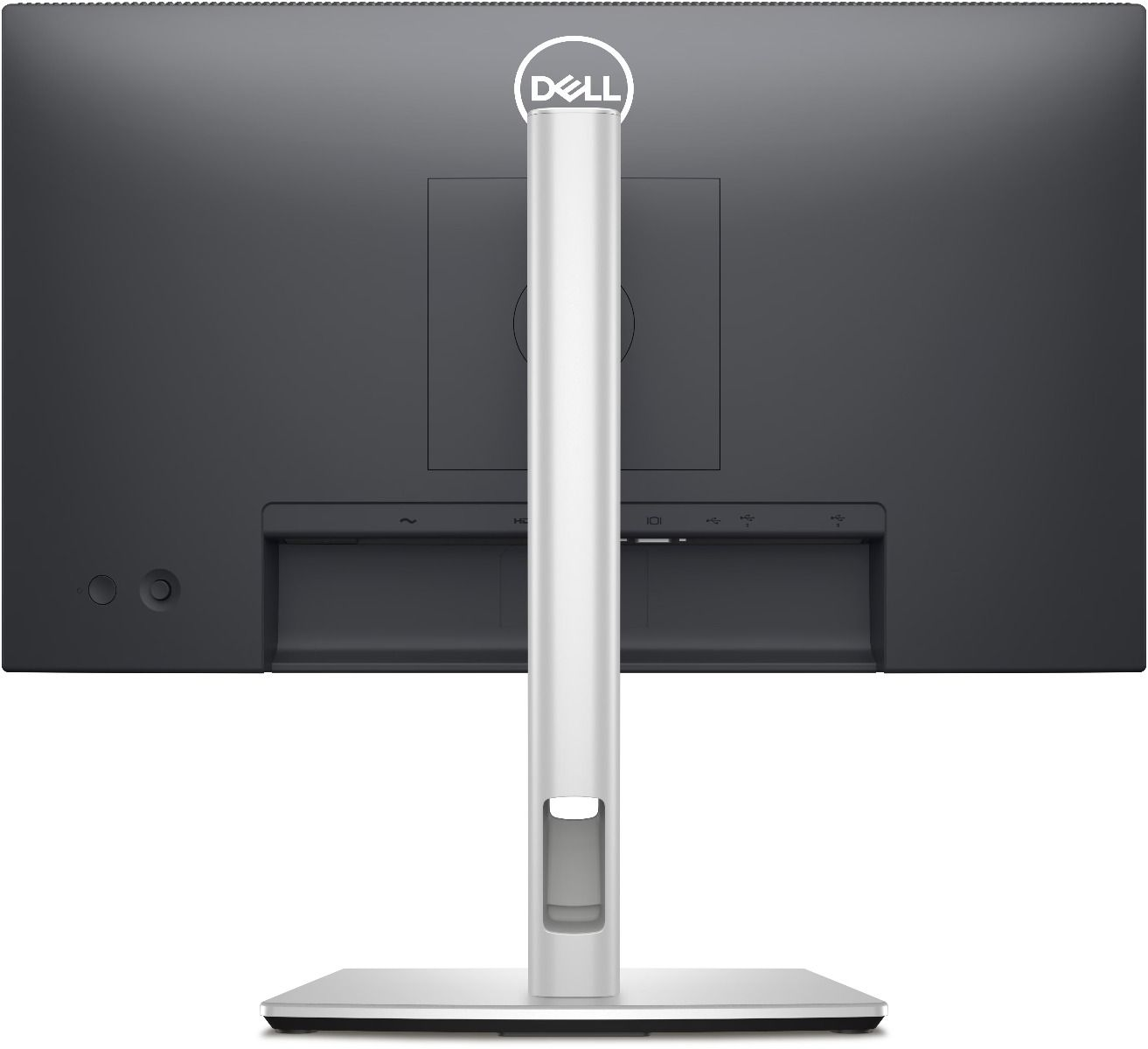
| HDMI | 1 × HDMI 1.4 |
| VGA | 1 × VGA (D-Sub 15-pin) |
| Audio | No built-in speakers |
Physical
| Specification | Detail |
|---|---|
| Dimensions (with stand) | 490.5 × 388.6 × 166.0 mm |
| Weight (with stand) | Approx. 3.38 kg |
| VESA Mount Compatibility | 100 × 100 mm |
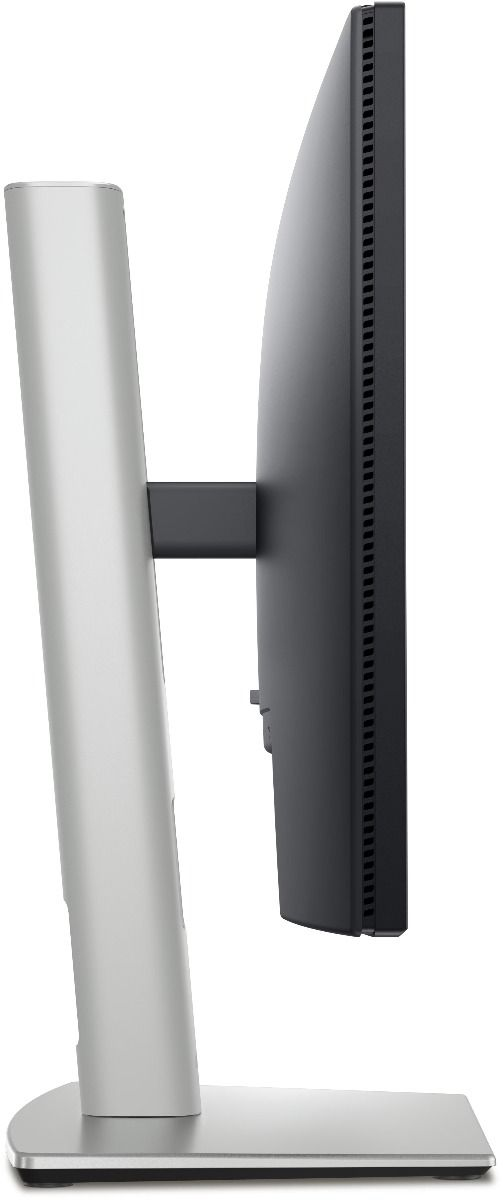
| Tilt Adjustment | −5° to +21° |
| Power Consumption | 17W (typical), <0.3W (standby) |
| Power Supply | Built-in (100–240V AC, 50/60Hz) |
Certifications & Compliance
- Energy Star certified
- TCO Certified
- RoHS compliant
- EPEAT Silver registered
Use Cases & Applications
Home Office & Remote Work The SE2225H handles video calls, document editing, and browser-based tasks comfortably as a primary monitor. At 21.4 inches, it fits most desks without overwhelming a smaller workspace.
Student Setups The monitor connects to most Windows and macOS laptops via HDMI, making it easy to add as a second screen for research, note-taking, and multitasking between applications.
Small Business & Reception Desks The VGA port makes the Dell SE2225H a practical drop-in replacement for older office monitors, connecting directly to legacy desktop towers without extra hardware.
Light Media Consumption The VA panel’s 3000:1 contrast ratio brings out more depth in darker scenes compared to budget TN alternatives. However, users doing colour-critical photo or video editing work should consider a higher-end IPS panel with full sRGB coverage instead.
Frequently Asked Questions
Does the Dell SE2225H have built-in speakers? No. The monitor does not include integrated speakers. Connect external speakers or headphones directly to your computer’s audio output.
Does it work with a Mac? Yes. It connects via HDMI to any Mac with an HDMI port. MacBook users with only USB-C ports will need to buy a USB-C to HDMI adapter separately.
Can you wall-mount it? Yes. You can detach the stand, and the monitor accepts standard VESA 100 × 100 mm arms and wall mounts without any additional brackets.
How does it compare to an IPS monitor? VA panels like the one in the SE2225H produce better contrast and deeper blacks than IPS displays but can show slight motion blur during fast-paced gaming. For everyday office and study tasks, the difference rarely matters.
Internal & External Resources
For a broader comparison, explore our guide on the Dell SE2225H monitor for home office setups to see how it stacks up against similar displays in the same price range.
For full technical documentation, visit the official Dell SE2225H product support page where you can download the user manual, drivers, and warranty details.
Reviews
There are no reviews yet.