

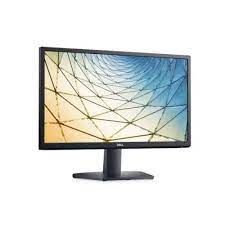
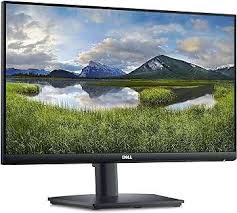
Dell SE2225HM Monitor — 21.5″ FHD VA Display for Compact, Everyday Workspaces
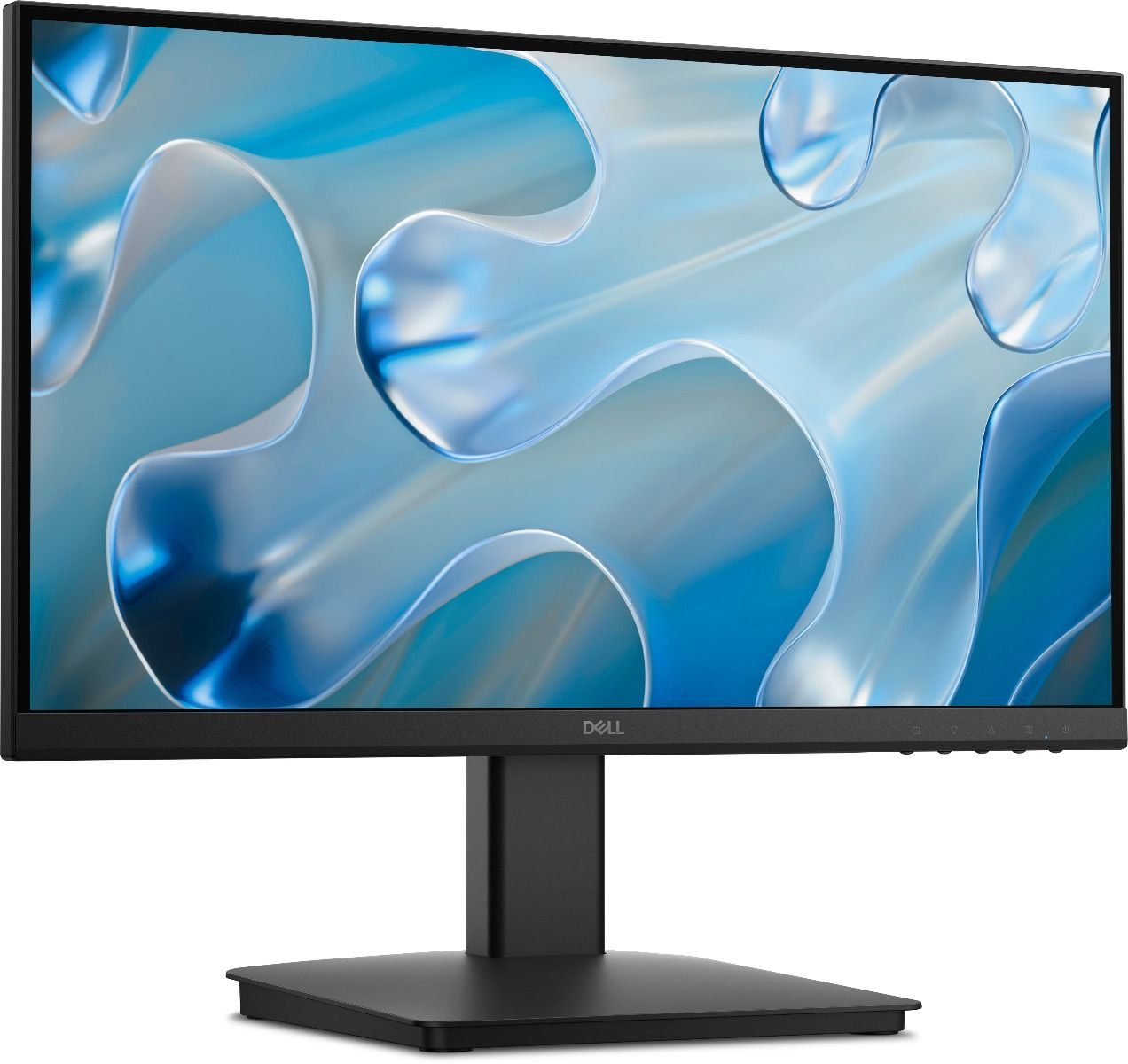
The Dell SE2225HM Monitor packs a 21.5-inch Full HD VA panel into one of the most space-efficient display footprints in Dell’s SE-series lineup. It targets home office workers, students, and small desk environments where screen size needs to stay manageable without sacrificing image quality. A 100Hz refresh rate, 3000:1 contrast ratio, and TÜV Rheinland 3-Star eye comfort certification give it a meaningful edge over entry-level alternatives at a comparable price.
Technical Specifications
Display
| Spec | Detail |
|---|---|
| Screen Size | 21.5 inches (21.4″ viewable) |
| Panel Type | VA (Vertical Alignment) |
| Resolution | 1920 × 1080 (Full HD / 1080p) |
| Aspect Ratio | 16:9 |
| Refresh Rate | 100Hz |
| Response Time | 5ms GTG (Fast mode); 8ms GTG (standard) |
| Brightness | 250 cd/m² |
| Static Contrast Ratio | 3000:1 |
| Viewing Angles | 178° horizontal / 178° vertical |
| Colour Gamut | 72% NTSC (CIE 1931) |
| Colour Depth | 16.7 million colours (8-bit) |
| Pixel Pitch | 0.2493mm × 0.2410mm |
| Surface Treatment | Anti-glare |
| Backlight | Edge LED (W-LED) |
Ergonomics & Stand
| Spec | Detail |
|---|---|
| Tilt Adjustment | -5° to +21° |
| Height Adjustment | No |
| Swivel / Pivot | No |
| VESA Mount | 100 × 100mm |
Connectivity
| Port | Detail |
|---|---|
| HDMI | 1× HDMI 1.4 (HDCP 1.4) — supports up to 1920×1080 @ 100Hz |
| VGA | 1× VGA connector |
| DisplayPort | Not included |
| USB Hub | Not included |
| Audio | No built-in speakers; no audio line-out |
| Cables Included | 1× HDMI cable (1.8m), 1× Power cable |
Physical
| Spec | Detail |
|---|---|
| Dimensions (without stand) | 504.26 × 49.21 × 295.38mm (W×D×H) |
| Colour | Black |
| Power Consumption | 11.6W (typical); 0.3W (standby/off) |
| Maximum Power Consumption | 19W |
| Certifications | Energy Star, TÜV Rheinland Eye Comfort 3-Star (Low Blue Light + Flicker Free) |
| Environmental | Mercury-free, arsenic-free glass |
Use Cases & Applications
Home Office & Student Desks The SE2225HM suits compact workspaces well. At 21.5 inches and with a small physical footprint — 504mm wide — it fits desks where a 24-inch panel would crowd the setup. Students handling documents, video calls, and general browsing get a sharp 1080p image at a sensible size. The 100Hz refresh rate reduces flicker during long study or work sessions noticeably more than 60Hz alternatives.
Tight Dual-Monitor Configurations Two SE2225HM displays side by side span roughly 1,010mm — fitting comfortably on most 1,200mm desks. The narrow bezel design keeps the visual gap between screens tight, and the VESA mount support means both units can sit on a single dual-arm bracket for a clean, cable-managed setup.
Living Room and Secondary Display Use HDMI connectivity makes the SE2225HM compatible with laptops, media players, and game consoles out of the box. The 3000:1 contrast ratio handles varied room lighting better than IPS panels at this price, and the anti-glare coating cuts reflections from ambient light sources effectively.
Small Business and Reception Environments Compact, affordable, and simple to set up — the Dell SE2225HM Monitor suits reception desks, point-of-sale stations, and shared workstations where screen real estate needs stay modest and reliability matters more than premium features.
How Does the Dell SE2225HM Compare?
The SE2225HM occupies the smallest screen size in Dell’s current SE-series. Against the 23.8-inch SE2425HM, it trades screen area for a significantly smaller physical footprint — useful in genuinely space-constrained setups. Both share a 100Hz VA panel and HDMI + VGA connectivity, so the choice largely comes down to available desk space and viewing distance. Users sitting 50cm or closer benefit from the 21.5-inch size, as pixel density is higher at 102 PPI versus 93 PPI on the 23.8-inch model — text appears slightly sharper. Neither model includes DisplayPort, height adjustment, or a USB hub. Users who need any of those should step up to Dell’s E-series or P-series range.
Internal Resources
For a side-by-side comparison of Dell’s compact monitor options, see our guide on Dell SE2225HM monitor review and buying guide.
Further Reading
For full specifications and purchasing options, visit the Dell SE2225HM official product page.

Reviews
There are no reviews yet.