
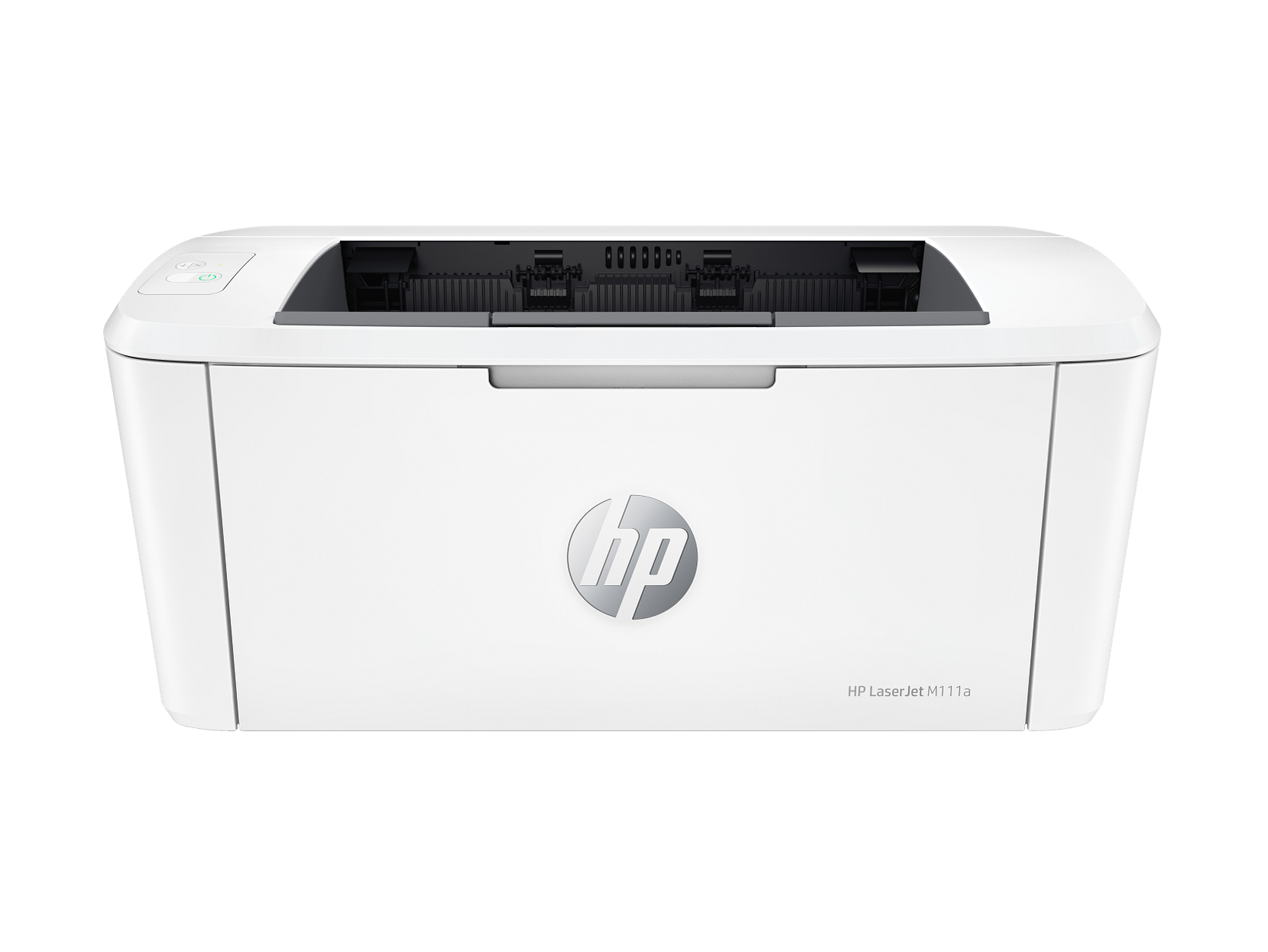
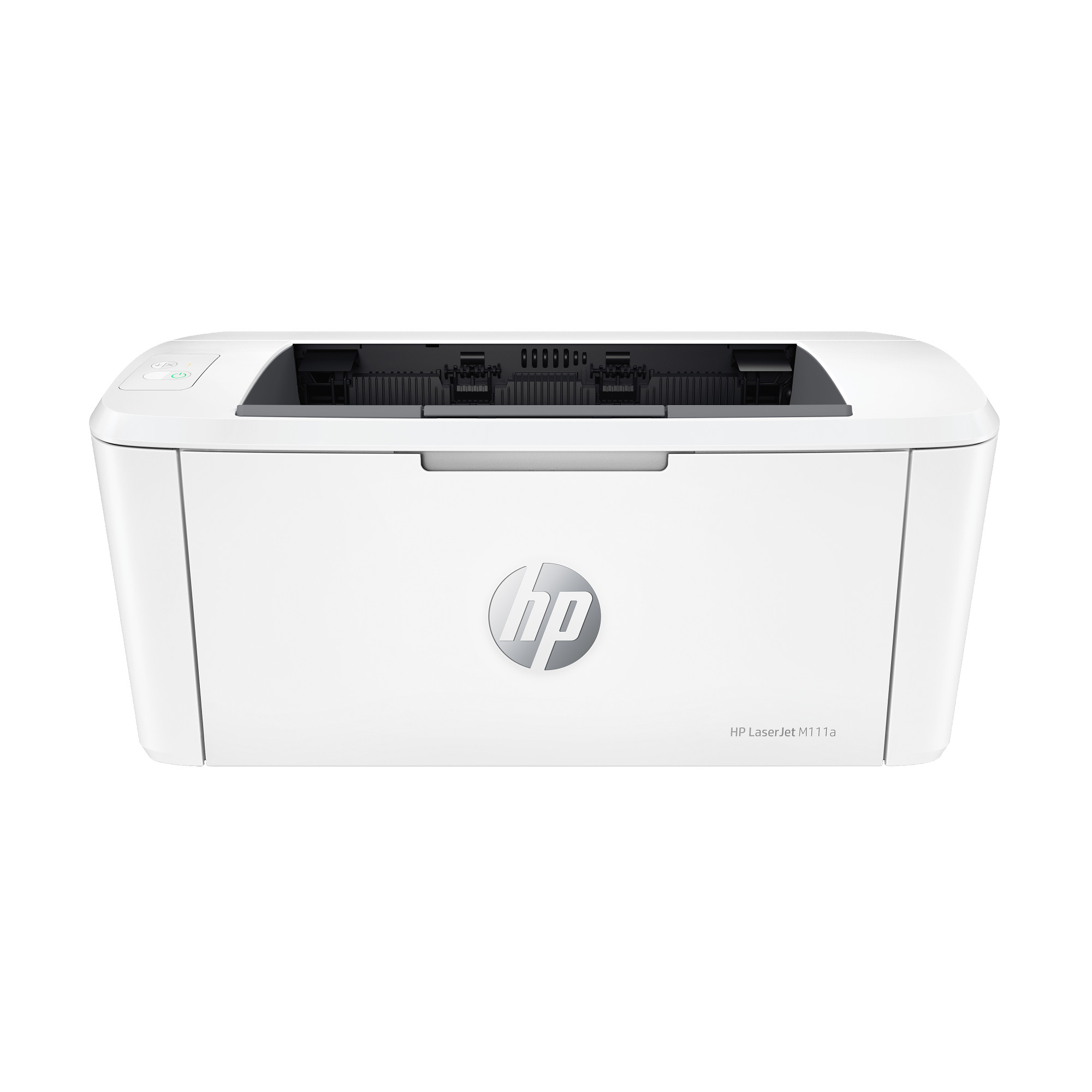
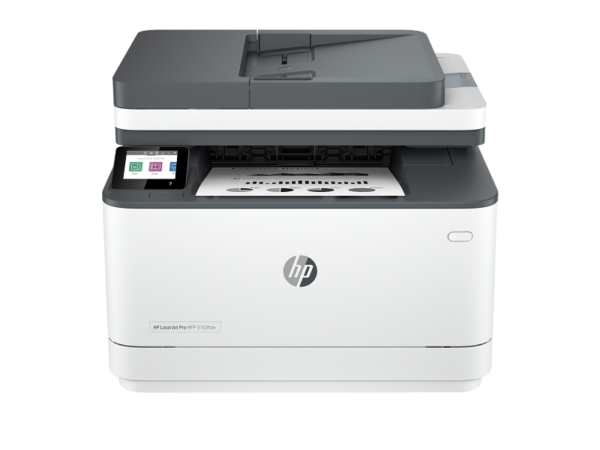
HP LaserJet M111a — Compact Mono Laser Printer | USB | Model 7MD67A
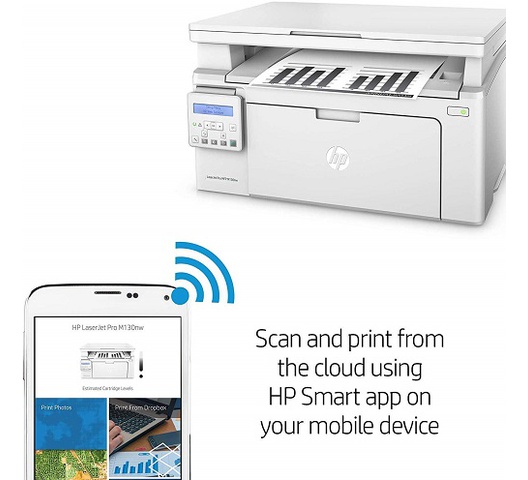
The HP LaserJet M111a (7MD67A) is a personal mono laser printer built for home offices, small workspaces, and individuals who need fast, reliable black-and-white output from an exceptionally small footprint. It prints at up to 20 pages per minute on A4, connects via USB 2.0, and weighs just 3.79 kg — making it one of the lightest and most space-efficient personal laser printers in its class. Furthermore, the HP Smart App supports mobile printing and scanning from a smartphone, so the M111a delivers more flexibility than its simple two-button control panel might suggest.
Technical Specifications
Mono Laser Print Performance
| Specification | Detail |
|---|---|
| Print Technology | Laser (mono) |
| Print Speed — Mono (A4, normal) | Up to 20 ppm |
| First Page Out — Ready | As fast as 8.5 seconds |
| First Page Out — Sleep | As fast as 9.1 seconds |
| Print Resolution | Up to 600 × 600 dpi |
| Resolution Technology | HP FastRes 600 |
| Print Languages | PCLm, PCLmS, URF, PWG |
| Print Area | 216 × 355.6 mm (2 mm margins on all sides) |
| Duplex Printing | No |
| Monthly Duty Cycle | Up to 8,000 pages (A4) |
| Recommended Monthly Volume | 100 to 1,000 pages |
Connectivity
| Specification | Detail |
|---|---|
| USB | 1 × Hi-Speed USB 2.0 |
| Wireless | None |
| Mobile Printing | HP Smart App, Apple AirPrint, Wi-Fi Direct, Mopria Certified (via mobile device connection) |
| Hard Disk | None |
Control Panel and Memory
| Specification | Detail |
|---|---|
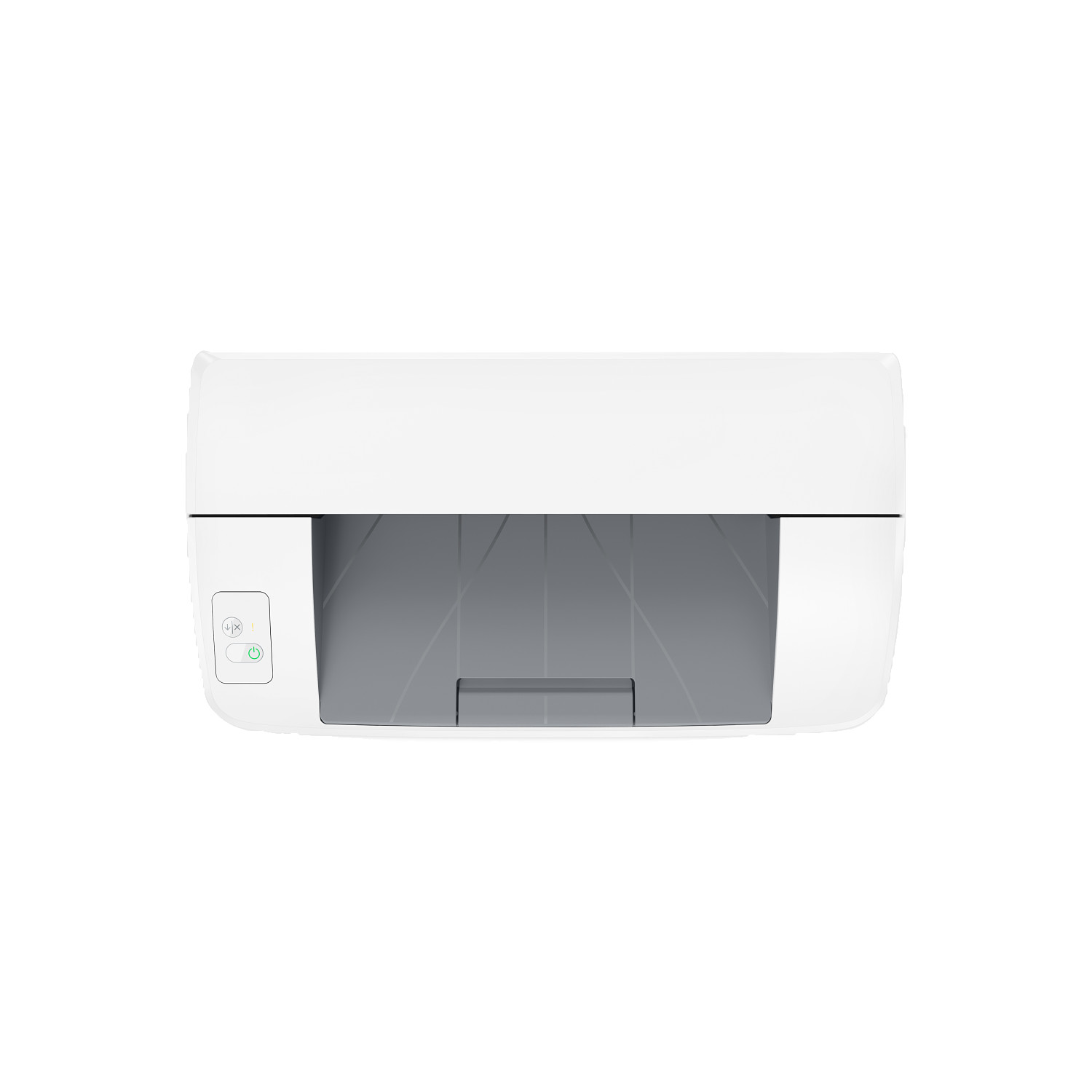
| Control Panel | 2 LEDs (Attention, Ready); 2 buttons (Cancel, Power) |
| Processor | 500 MHz |
| Memory | 16 MB SDRAM + 16 MB Flash ROM + 32 KB NVRAM |
Media Handling
| Specification | Detail |
|---|---|
| Input Tray | 150 sheets (standard and maximum) |
| Envelope Capacity (Input) | Up to 10 envelopes |
| Output Bin | 100 sheets |
| Envelope Capacity (Output) | Up to 10 envelopes |
| Media Weight | 65–120 g/m² |
| Supported Media Types | Plain paper, envelopes, postcards, labels |
| Supported Media Sizes | A4, A5, A6, envelopes (C5, DL); custom 105 × 148 mm to 216 × 355.6 mm |
Physical and Environmental
| Specification | Detail |
|---|---|
| Dimensions — Minimum (W × D × H) | 346.3 × 189.3 × 158.9 mm |
| Dimensions — Maximum (W × D × H) | 346.3 × 360 × 280 mm |
| Printer Weight | ~3.79 kg |
| Operating Temperature | 15°C to 32.5°C |
| Operating Humidity | 30% to 70% RH |
| Storage Temperature | −20°C to 60°C |
| Acoustic Pressure | 48 dB(A) during operation |
| Power Input | 220–240V AC, 50–60 Hz |
| Energy Certification | ENERGY STAR qualified, EPEAT Silver, Blue Angel |
Compatible Operating Systems
Windows 11, Windows 10, Windows 7 (32-bit and 64-bit); macOS Catalina (10.15), macOS Big Sur (11.0), macOS Monterey (12.0); Linux; Windows Server 2008 R2 through Windows Server 2016 (64-bit).
Toner Cartridge
| Cartridge | SKU | Yield |
|---|---|---|
| HP 150A Black LaserJet Toner | W1500A | ~975 pages |
In the Box
HP LaserJet M111a printer; HP Black LaserJet Toner Cartridge (starter yield: ~500 pages); power cord; setup poster; reference guide; warranty guide. USB cable not included — purchase separately.
Who Is the HP M111a Compact Laser Printer For?
Personal and Home Office Mono Printing
The M111a is best suited to a single user printing everyday documents — correspondence, invoices, reports, and reference materials — at volumes of 100 to 1,000 pages per month. The 150-sheet input tray handles a full ream of A4 at standard 80 gsm weight, so daily print jobs run without constant paper reloading.
Space-Constrained Desks and Shared Workspaces
At under 350 mm wide and weighing under 4 kg, the M111a fits on a desk shelf, a narrow side table, or a shared hot-desk without taking up a disproportionate amount of space. Additionally, its light weight makes it straightforward to move between rooms or pack up temporarily when not in use.
Mobile-First Printing via HP Smart App
Users who primarily work from a smartphone or tablet can additionally use the HP Smart App to send print jobs directly to the M111a, access cloud storage, and take photos to use as copies. This makes the device functional as a personal printer even without a permanently connected computer.
Low-Volume Business Use at a Personal Desk
Freelancers, consultants, and remote workers who need a dedicated personal laser printer — rather than sharing a departmental device — will find the M111a covers standard document printing reliably within its recommended duty cycle. However, teams or shared environments with higher volumes should consider a higher-capacity model.
HP LaserJet M111a — Considerations Before Buying
USB Only — No Built-In Wireless or Ethernet
The M111a has a single USB 2.0 port and no wireless or wired network interface. Consequently, the printer connects to one computer at a time via cable. Mobile printing via the HP Smart App, AirPrint, and Mopria is supported, however this requires the mobile device and printer to communicate via Wi-Fi Direct — it does not connect to a router or network. Teams needing a shared, networked printer should look at a model with built-in Ethernet or Wi-Fi instead.
No Duplex Printing
Automatic or manual two-sided printing is not supported on this model. Every double-sided document therefore requires the user to manually flip and reload pages. For users with occasional duplex needs this is manageable, however it becomes a meaningful inconvenience at higher volumes.
Starter Toner Yield Is Half the Standard Cartridge
The in-box toner cartridge has a starter yield of approximately 500 pages — roughly half the rated yield of the standard HP 150A replacement cartridge (~975 pages). Buyers should factor the cost of a full replacement cartridge into their initial budget, as the starter toner will deplete relatively quickly for regular users.
Media Weight Range Is Narrower Than Many Laser Printers
The M111a supports media between 65 and 120 g/m² only. This excludes heavier cardstock, thick envelopes, and many specialty media types that other laser printers in adjacent price ranges accommodate. For standard office paper and standard envelopes this is not a concern, but buyers who regularly print on heavier stock should verify compatibility before purchasing.
Dynamic Security Restricts Non-HP Toner
HP has enabled Dynamic Security on the M111a. As a result, cartridges using non-HP chips or circuitry may not function, and firmware updates can block cartridges that previously worked. Buyers relying on third-party compatible toner to manage running costs should note this clearly before committing to this model.
Reviews
There are no reviews yet.