
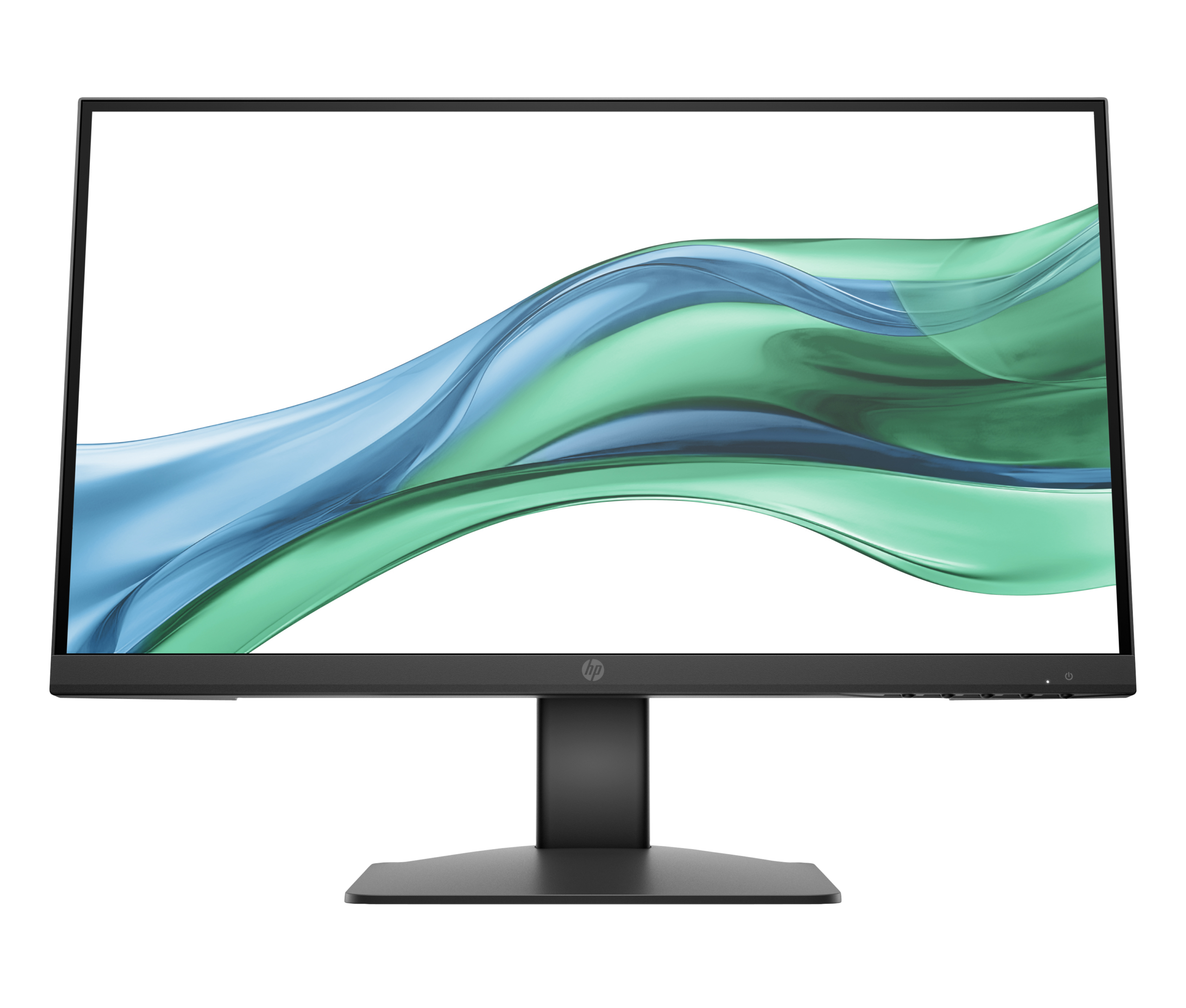
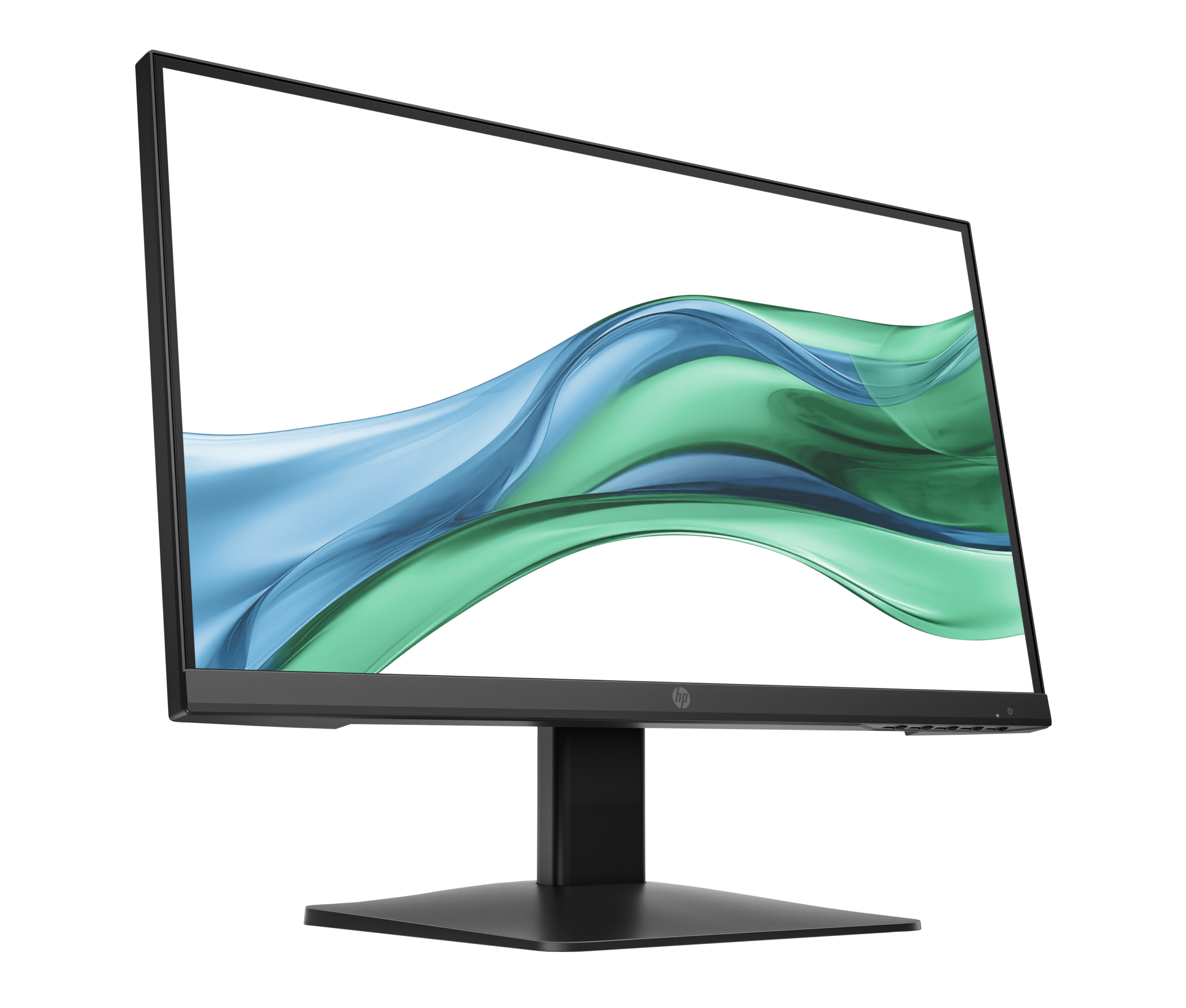

HP Series 3 Pro 21.45″ FHD Monitor – 322pe (AK2F1AS)
The HP Series 3 Pro 322pe is a 21.45-inch Full HD IPS display designed for everyday office and professional use. It targets business users, students, and home office workers who need a reliable, easy-to-connect flat-panel monitor without unnecessary complexity. Additionally, its eco-conscious build — including 85% post-consumer recycled plastic — makes it a responsible choice for organisations pursuing sustainability goals.
Technical Specifications
Display
| Specification | Detail |
|---|---|
| Screen Size | 54.48 cm (21.45″) diagonal |
| Display Type | IPS; LCD, Edge-lit |
| Native Resolution | FHD (1920 × 1080) |
| Maximum Resolution | 1920 × 1080 @ 100 Hz |
| Aspect Ratio | 16:9 |
| Pixel Pitch | 0.25 × 0.24 mm |
| Brightness | 250 nits |
| Contrast Ratio | 1000:1 |
| Response Time | 5ms GtG (with overdrive) |
| Colour Support | Up to 16.7 million colours |
| Viewing Angles | 178° horizontal / 178° vertical |
| Display Area | 47.87 × 26.03 cm |
| Refresh Rate Range | 48–100 Hz (vertical); 52.4–110 kHz (horizontal) |
| Flicker-Free | Yes |
| Low Blue Light | Yes (software mode) |
| Bezel Type | 3-sided borderless (micro-edge) |
Supported Resolutions
640 × 480 @ 60/75 Hz · 800 × 600 @ 60/75 Hz · 1024 × 768 @ 60/75 Hz · 1280 × 720 @ 60 Hz · 1280 × 800 @ 60 Hz · 1280 × 1024 @ 60/75 Hz · 1440 × 900 @ 60 Hz · 1600 × 900 @ 60 Hz · 1680 × 1050 @ 60 Hz · 1920 × 1080 @ 60/100 Hz · 720 × 400 @ 70 Hz (VGA and HDMI)
Connectivity
| Port | Detail |
|---|---|
| HDMI | 1 × HDMI 1.4 |
| VGA | 1 × VGA |
| Audio | No built-in speakers; no audio jack listed |
Ergonomics & Physical
| Specification | Detail |
|---|---|
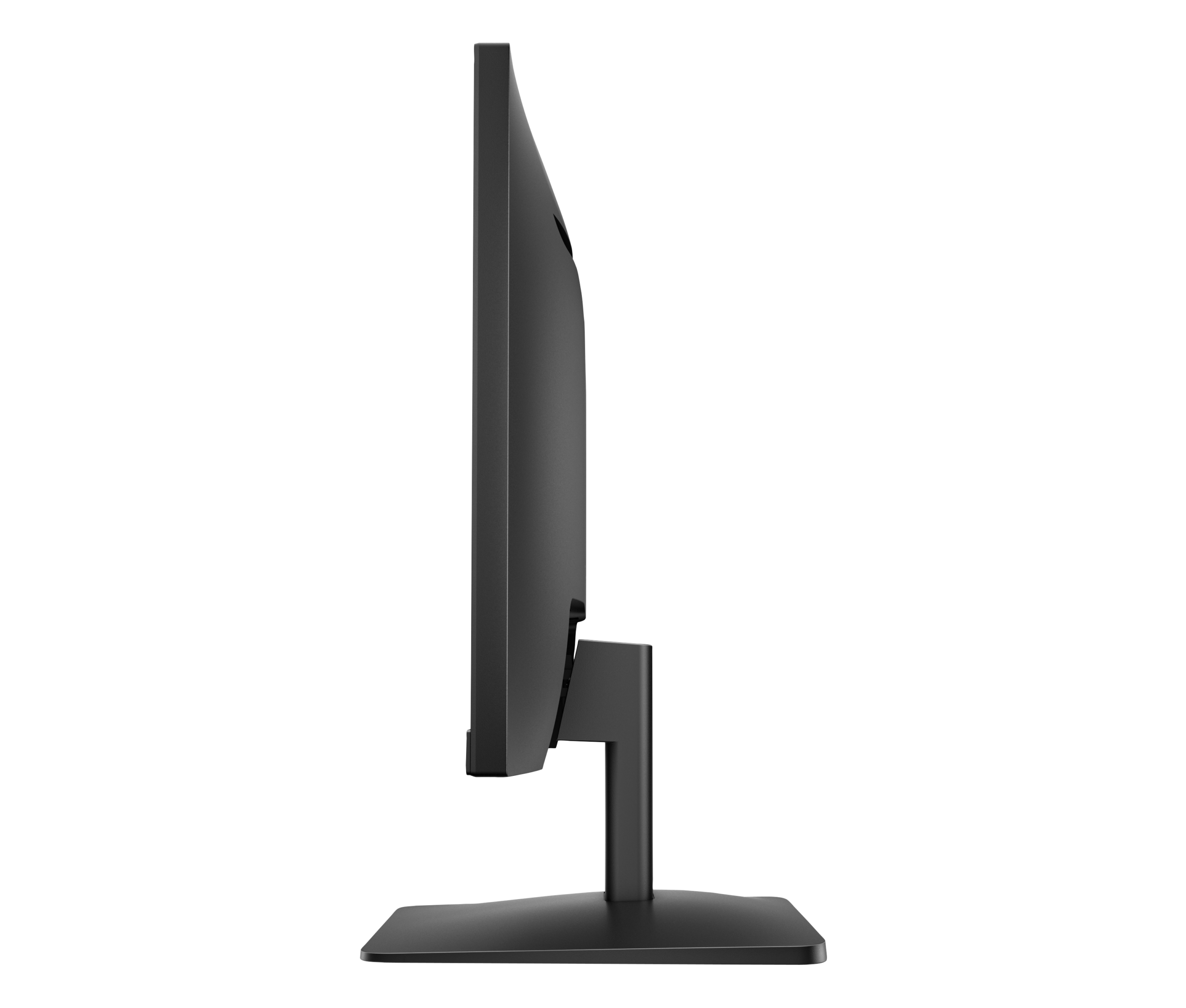
| Tilt Adjustment | −5° to +23° |
| Stand | Tilt-adjustable slim stand (detachable) |
| VESA Mount | 100 × 100 mm |
| Security | Security lock-ready |
| Dimensions (with stand) | 49.28 × 20.99 × 37.44 cm (W × D × H) |
| Dimensions (without stand) | 49.28 × 4.30 × 28.65 cm (W × D × H) |
| Weight (with stand) | 2.6 kg |
| Weight (without stand) | 2.2 kg |
| Colour | Black |
Power
| Specification | Detail |
|---|---|
| Input Voltage | 90–264 VAC, 50/60 Hz |
| Typical Power Consumption | 14.5 W |
| Maximum Power Consumption | 17.6 W |
| Standby Power | 0.5 W |
| Operating Temperature | 0°C to 40°C |
Management & OSD
| Feature | Detail |
|---|---|
| On-Screen Display Controls | Brightness+, Colour, Image, Input, Power, Menu, Management, Information, Exit, Contrast, Language |
| Management Software | HP Display Manager, HP Display Centre, CMSL |
Environmental & Certifications
| Certification | Status |
|---|---|
| ENERGY STAR® | Certified |
| EPEAT® | Silver registered |
| TCO Certified | Yes |
| Recycled Plastic Content | 85% post-consumer recycled plastic (PCR) |
| Packaging | 100% sustainably sourced paper-based packaging |
In the Box
- AC power cord (1.83 m)
- HDMI 1.4 cable (1.8 m)
- Quick Setup Poster
- User Guide (multilingual — Arabic, English, French, German, Portuguese, Spanish, and more)
Warranty
3 years (parts, labour, and on-site service where applicable — verify local terms)
Use Cases
Everyday Office Productivity
The HP 322pe suits standard office tasks — document editing, spreadsheet work, video conferencing, and email — where FHD resolution provides sufficient detail for most business content. The 100 Hz refresh rate, however, adds a fluidity advantage over the 60 Hz panels common at this price tier, particularly noticeable during on-screen scrolling.
Dual-Monitor Desk Setups
The 3-sided micro-edge bezel reduces the visual gap between two panels placed side by side. For users who need extended desktop space across two screens — for instance, comparing documents or monitoring dashboards — the 322pe pairs cleanly with a sibling unit. The detachable VESA-compatible stand also means you can mount both panels on a dual arm for further flexibility.
Education and Home Study Environments
Students working long hours benefit from the flicker-free backlight and software-based low blue light mode. Furthermore, the lightweight 2.6 kg build and tilt adjustment make it straightforward to reposition without tools. The VGA port additionally ensures compatibility with older laptops or school-issued desktops that lack HDMI outputs.
Organisations with Sustainability Requirements
The 322pe carries ENERGY STAR® and EPEAT® Silver certification and is TCO certified, making it compatible with corporate or institutional procurement policies that specify environmental standards. At just 14.5 W typical power draw, it costs less to run than many comparable displays.
Considerations
What This Monitor Does Not Include
The HP Series 3 Pro 322pe provides a focused feature set, and some buyers will find notable absences. There are no built-in speakers and no audio output jack, so you will need separate speakers or a headset connected to your PC rather than the monitor. Additionally, the stand offers tilt adjustment only — height adjustment and pivot rotation are not available on the 322pe’s stand, though the 100 × 100 mm VESA mount allows you to use a third-party arm if ergonomic flexibility is a priority.
Connectivity Limitations
The 322pe includes one HDMI 1.4 port and one VGA port. There is no DisplayPort, USB-C, or USB hub. For most single-PC office deployments, this is sufficient. However, if you switch frequently between a desktop and a laptop, you will need to manually swap cables. Buyers wanting USB-C connectivity or a richer port layout should consider the HP Series 5 Pro 527pq 34″ USB-C QHD Curved Monitor instead.
Display Performance Context
At 250 nits brightness, the 322pe is well suited to indoor office environments with controlled lighting. It is not designed for use in brightly lit rooms or near large windows facing direct sunlight. The 1000:1 contrast ratio is standard for IPS panels in this category — it produces clean, accurate images for office content, though it does not match the richer contrast of VA-panel alternatives. Colour gamut coverage is rated at 72% NTSC, which is appropriate for everyday productivity but falls short of colour-critical design or photo-editing work.
Frequently Asked Questions
Does the HP 322pe work with older computers that have VGA outputs?
Yes. The 322pe includes a VGA port alongside the HDMI 1.4 port. This makes it compatible with older desktops and laptops that lack HDMI outputs, which is a practical advantage for organisations transitioning from legacy hardware.
Can I mount the HP 322pe on a monitor arm?
Yes. The stand is detachable, and the rear of the monitor includes a standard 100 × 100 mm VESA mounting pattern. This makes it compatible with most third-party monitor arms and wall mounts.
Is the low blue light mode always on?
No. On the 322pe, the low blue light feature is software-controlled via the OSD menu. You toggle it on or off as needed. This differs from hardware-based always-on low blue light filters found on some other HP models, such as those featuring HP Eye Ease technology.
Does the 322pe support 100 Hz from both HDMI and VGA?
The 100 Hz maximum refresh rate requires HDMI 1.4. VGA connections are limited to lower refresh rates due to the analogue signal’s bandwidth constraints. For smooth 100 Hz performance, connect via HDMI.
What management software works with the HP 322pe?
The monitor is compatible with HP Display Manager, HP Display Centre (downloadable from the Microsoft Store or support.hp.com for Windows and macOS), and HP CMSL for IT administrators managing fleets of devices.
Is the HP 322pe compatible with Mac?
Yes, provided your Mac has an HDMI output or you use an appropriate adapter. HP Display Centre software supports macOS, giving you access to monitor management features from a Mac host. Standard display functionality works without any additional drivers.
Reviews
There are no reviews yet.